Affiliate links on Android Authority may earn us a commission. Learn more.
Is the Galaxy S26 Ultra's Privacy Display better than a privacy screen protector? We tested both

- The Galaxy S26 Ultra’s Privacy Display is a hardware-level feature that controls light dispersion at the pixel level to hide screen content.
- While physical privacy screen protectors offer better side-angle “blackout,” they suffer from permanent screen dimming and come with a rougher matte texture.
- Samsung’s solution allows users to toggle privacy for specific apps or screen areas, making it a superior experience despite a slight privacy trade-off.
One of the biggest selling points of the Galaxy S26 Ultra is the new Privacy Display feature. This is a hardware-level feature that controls how light is dispersed by the display’s pixels. But just how well does Privacy Display work, and can it give privacy screen protectors a run for their money? My colleague C. Scott Brown applied an expensive and branded privacy screen protector to a Galaxy S25 Ultra and compared it to the Privacy Display feature on the Galaxy S26 Ultra. Here’s our experience:
As Scott notes, the privacy screen protector actually did a better job of preventing people from seeing what was on the screen. However, the Galaxy S26 Ultra is much nicer to actually use, as privacy screen protectors have a matte texture that doesn’t let your finger glide across as smoothly as bare glass.
Don’t want to miss the best from Android Authority?
- Set us as a favorite source in Google Discover to never miss our latest exclusive reports, expert analysis, and much more.
- You can also set us as a preferred source in Google Search by clicking the button below.


Moreover, privacy screen protectors tend to darken your screen overall. This reduction in display brightness directly affects your display experience, especially when watching movies or clicking photos. Since these privacy screen protectors are one-time-application only, you can’t “turn off” the feature when you don’t need it and re-enable it when you do. It’s a semi-permanent installation, so you need to live with the trade-offs until you decide to ditch the screen protector altogether.
On the other hand, since the Galaxy S26 Ultra’s Privacy Display can be controlled by software, you can easily toggle it off when you don’t need it. Further, you can apply it to specific apps and even specific parts of your display, giving you far greater flexibility and control over the entire experience.
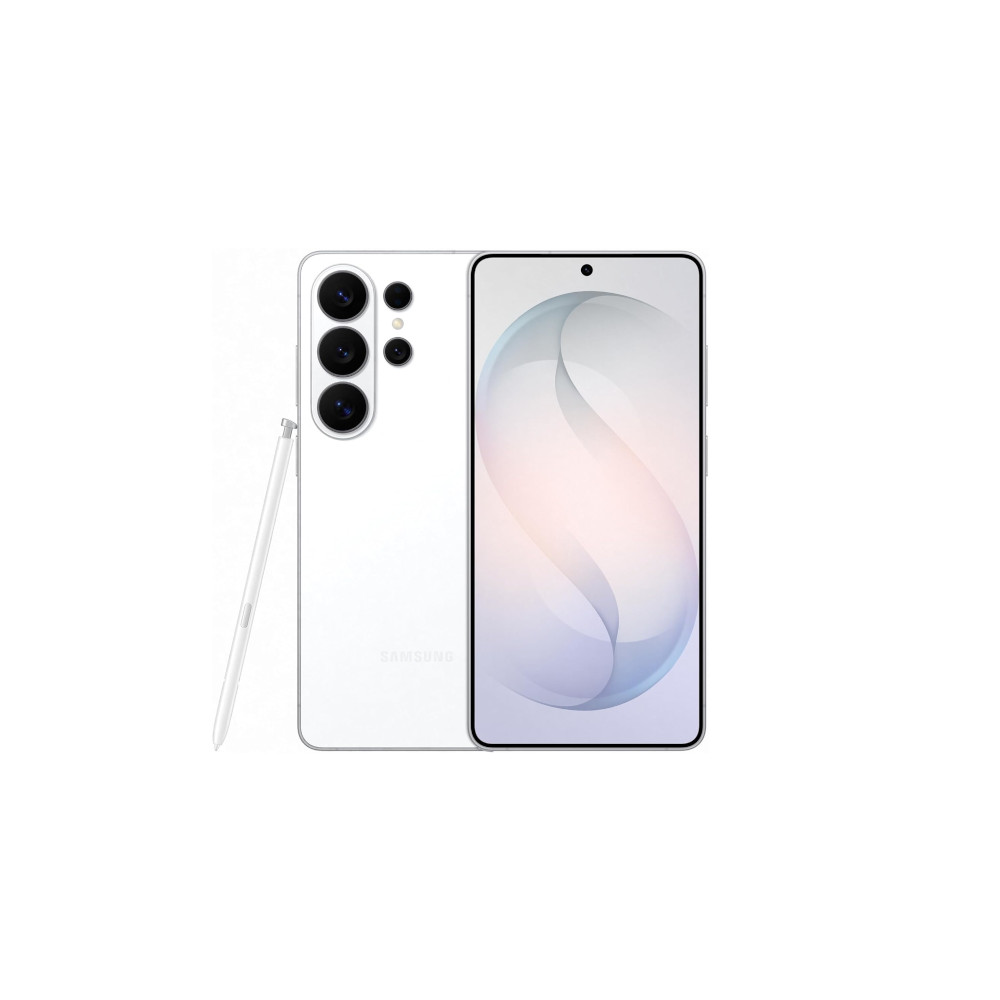
So even though the Galaxy S26 Ultra’s Privacy Display is a little inferior at protecting your privacy compared to dedicated privacy screen protectors, it still emerges as a much more enjoyable and useful experience. It should get the job done for most people, but those who need the maximum level of privacy at all times may still find a privacy screen protector useful.
Sadly, since this is a hardware-level feature, it will not be coming to other existing Samsung phones, not even to the base Galaxy S26 and Galaxy S26 Plus. Other Android brands are said to be testing similar hardware-level privacy features for their flagships, but even those won’t arrive until later this year. For now, this remains one of the most exciting new smartphone features we’ve seen in a long time, and the Galaxy S26 Ultra can enjoy this exclusivity.
Thank you for being part of our community. Read our Comment Policy before posting.