TL;DR
- Google is adding a new “Ask Photos” feature to the Pixel 10 series for easier photo editing.
- You can simply type prompts like “remove reflections” or “fix the lighting” to edit your pictures using AI.
- The tool can handle multiple edits at once and lets you compare changes to the original photo.
Photo editing on the Pixel 10 series is getting a whole lot easier thanks to AI. Google is introducing a new feature in Google Photos called “Ask Photos,” which lets you edit pictures simply by typing in prompts about what you want to change.
For example, you can type something like “remove the reflections on the window” or “fix the lighting in this picture,” and the feature will automatically make the edits for you. You can even ask for multiple changes in one prompt, such as “remove the glare, brighten the photo, and add clouds to the sky.”
Don’t want to miss the best from Android Authority?
Ask Photos will appear as a new “Help me edit” box inside the photo editor. You can type your prompt or pick from the AI-suggested edits here. Once the changes are made, you can compare them with the original photo and regenerate new edits if you are not happy with the AI-made changes.
Besides Ask Photos, Google is also debuting other cool photography features on the new flagships, including Auto Best Take, Camera Coach, and more.
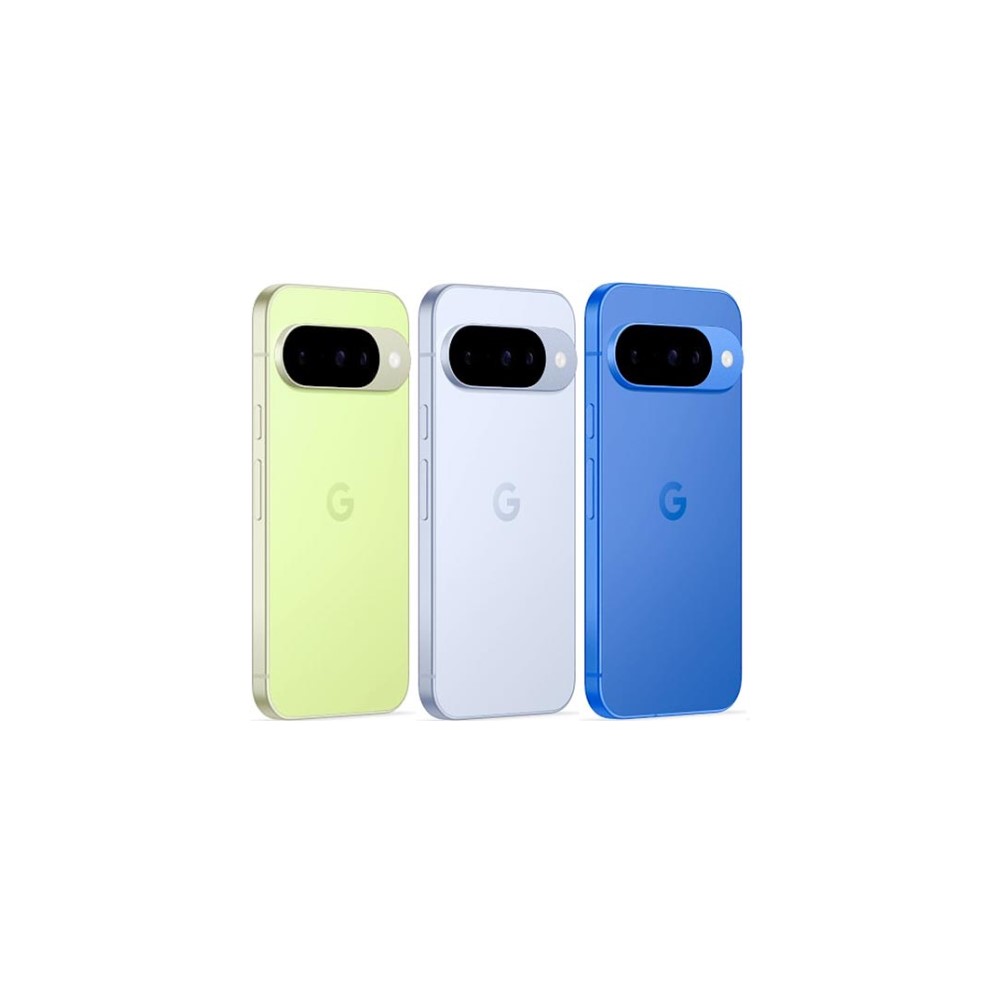
Google Pixel 10Google Pixel 10New optical zoom camera • Long-term updates • Loaded with Google AI features
Baseline excellence.
The Google Pixel 10 is the 6.3-inch base model of the in-house Android phones from Google. With plenty of high-speed storage options, a good amount of RAM, and the all-new Tensor G5 processor, it should blow through your mobile computing tasks with ease. A triple camera system includes standalone ultrawide and telephoto lenses, and a 50MP main sensor.
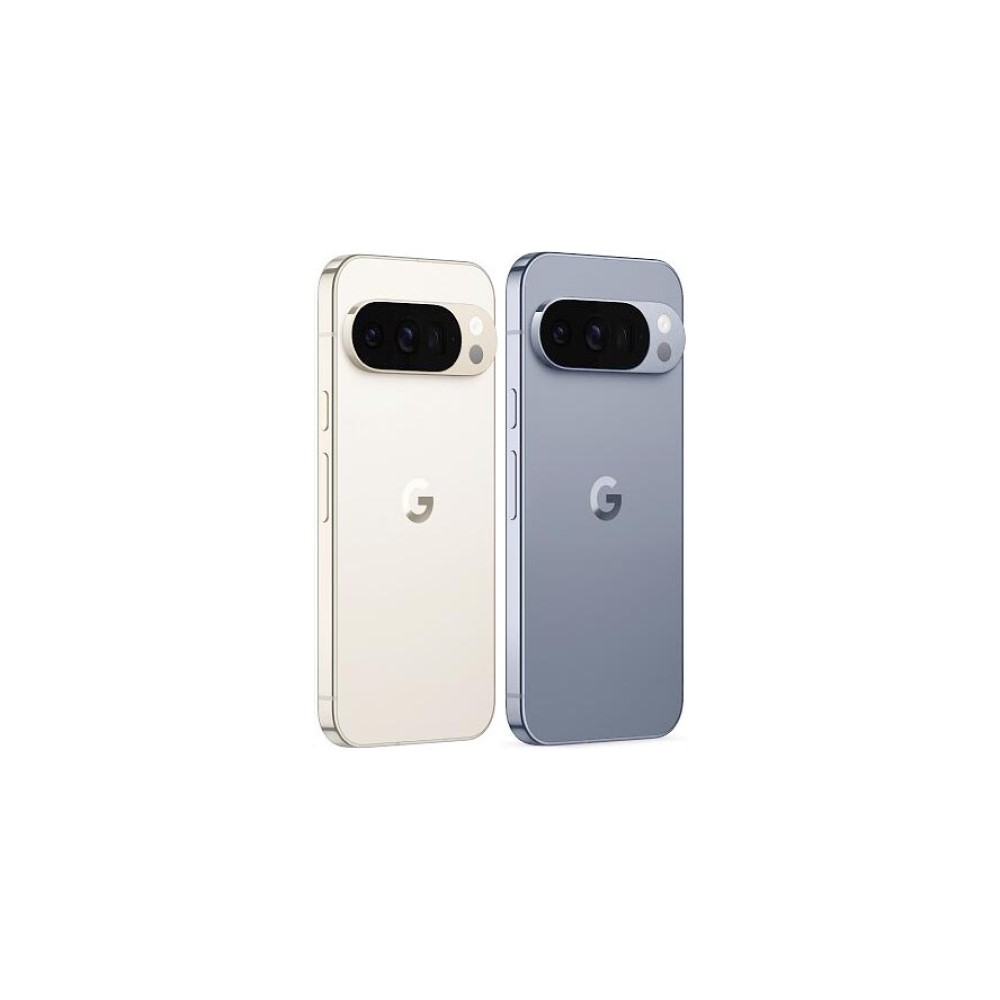
Google Pixel 10 ProGoogle Pixel 10 ProTop-tier specs with small display • Excellent cameras • Powerful AI tools • Top-notch software
More power in the smaller form-factor
The Google Pixel 10 Pro has everything you could want in a flagship Android phone crammed into a truly compact body with a 6.3-inch display. Google's new Tensor G5 chip is more powerful, the 100x Pro Res Zoom is truly impressive, and there are loads of helpful AI features. Not to mention, you still get seven years of Android updates.
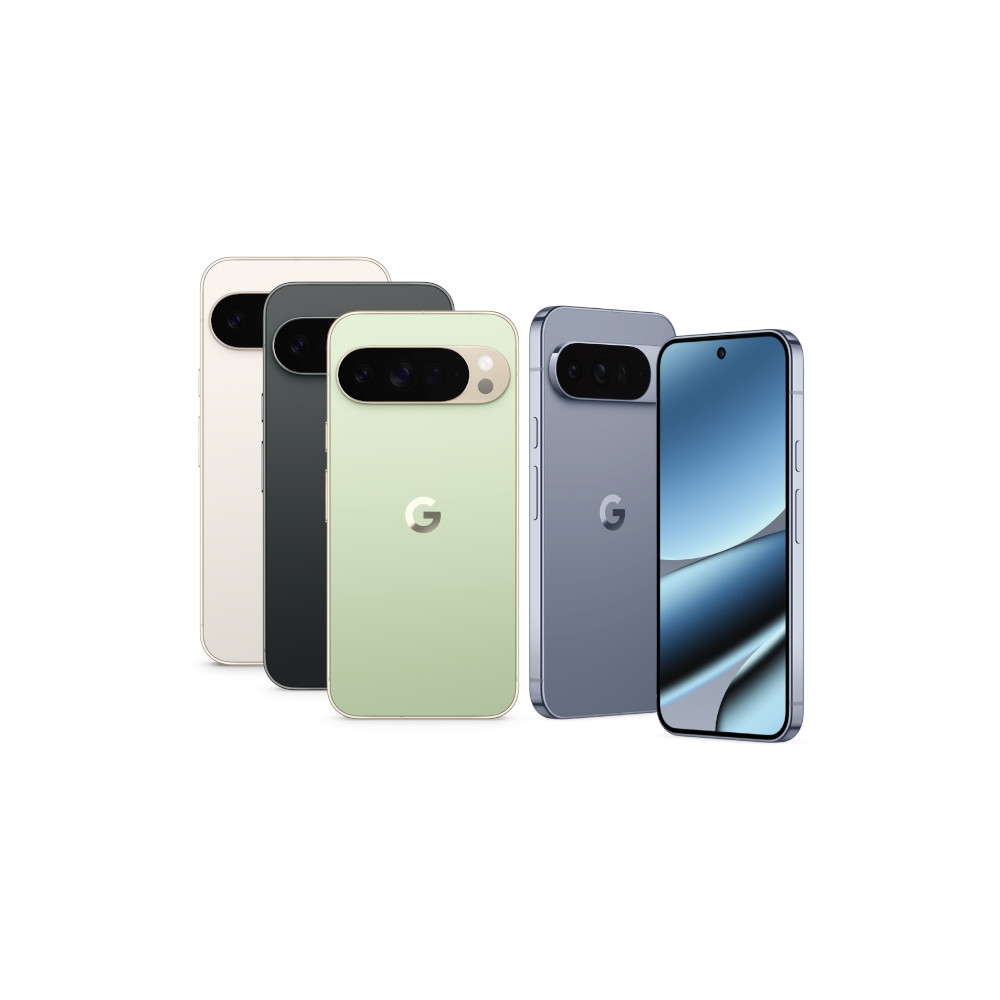
Google Pixel 10 Pro XLGoogle Pixel 10 Pro XLExcellent build quality • Improved camera flexibility • Smooth-as-ever software
Ultimate power from the Pixel 10 line
The most powerful option from the Pixel 10 line is the Google Pixel 10 Pro XL. With a 6.8-inch display, Tensor G5 shipset, 16GB of RAM, UFS 4.0 storage options, a powerful triple camera setup, and a battery in excess of 5,000mAh, you should be able to power through any task in your day.
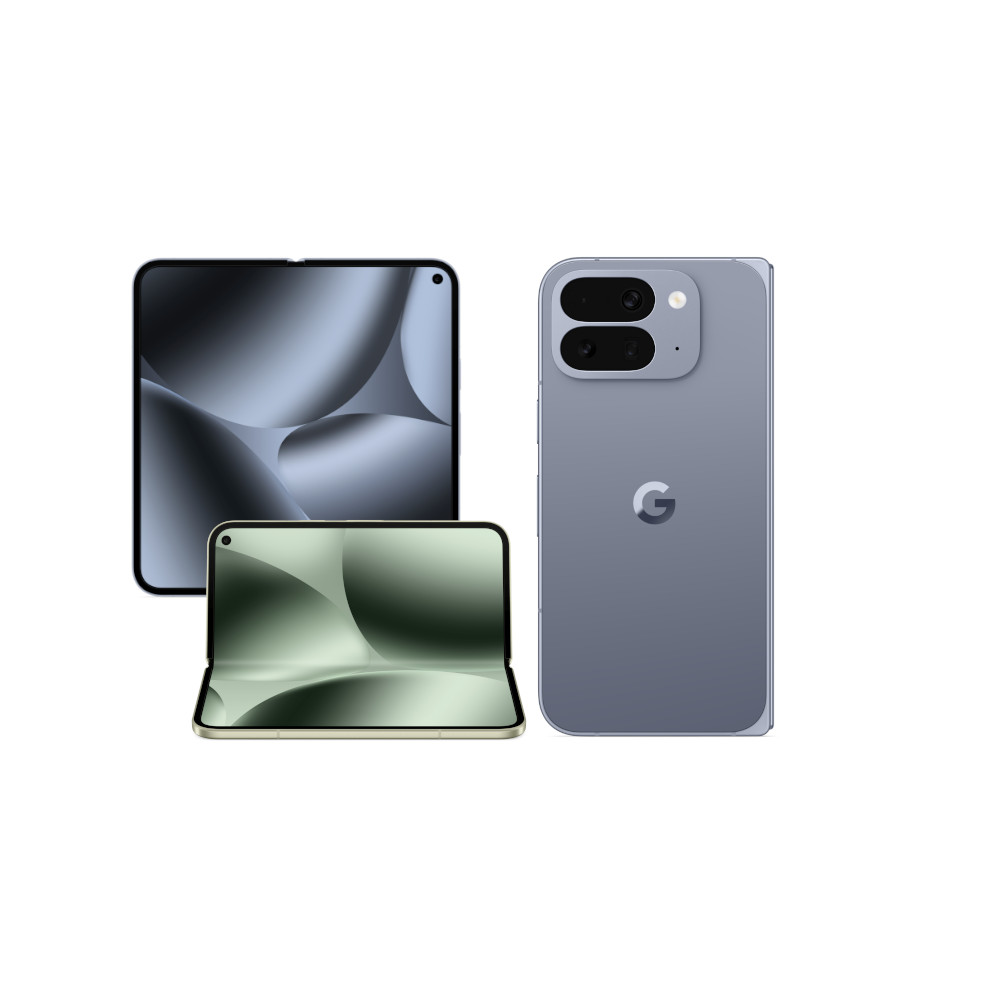
Google Pixel 10 Pro FoldGoogle Pixel 10 Pro FoldMagnetic charging • IP68 rating • 6.4-inch outer and 8-inch inner displays
Thinner, more powerful, and a bigger display
The Google Pixel 10 Pro Fold combines a 6.4-inch front display with a folding 8-inch inner panel for two capable viewing experiences. With the Tensor G5 shipset, 16GB of RAM, and lots of UFS 4.0 storage options, it matches the Pixel 10 Pro XL in terms of specifications and performance. The folding phone also offers a triple camera setup, plenty of powerful AI features, wireless charging, and an IP68 rating.
Thank you for being part of our community. Read our Comment Policy before posting.