Affiliate links on Android Authority may earn us a commission. Learn more.
5 reasons I'll always pick the Galaxy S26 Ultra over the iPhone 18 Pro Max
Sep 17, 2026 — 6:00 AM ET


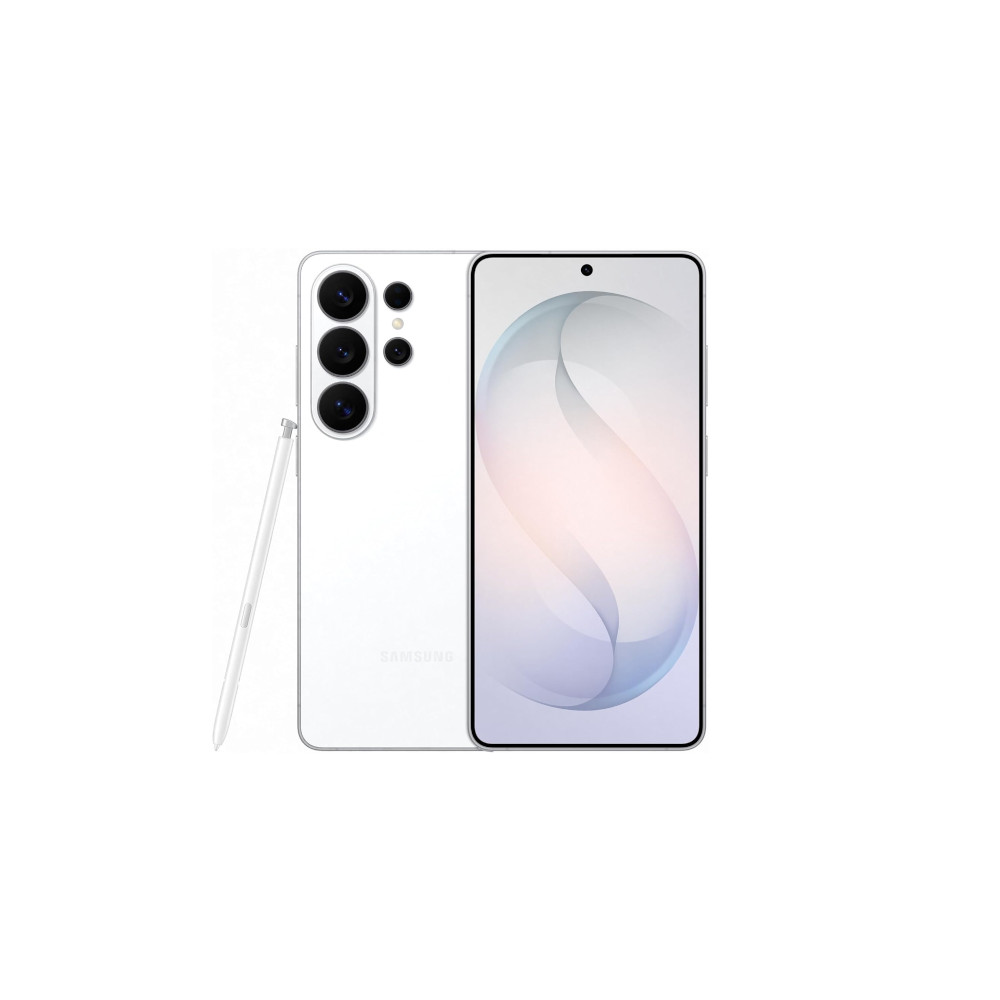
The Samsung Galaxy S26 Ultra and Apple iPhone 18 Pro Max are about as evenly matched as flagship phones come. Both pack phenomenal cameras, blistering performance, excellent displays, and enough battery life to comfortably get through a busy day. On paper, there’s arguably less separating these two giants than ever.
But specifications aren’t everything, and there are still several features that would make me pick Samsung’s Ultra over Apple’s latest Pro Max. Some are big headline features, while others are clever little touches that make a difference in everyday use.
From the S Pen and desktop-style DeX experience to Samsung’s frankly ridiculous level of customization, these are the top five reasons I’d still reach for the Galaxy S26 Ultra.
Which phone would you buy over the iPhone 18 Pro?
Good Lock remains unrivaled

Android’s strength has always been its flexibility, and Samsung’s Good Lock is probably the best example of that. Even as Apple has gradually opened up iOS to more customization, Samsung still gives you far more control over how your phone looks and behaves.
Want to completely rethink your lock screen? Tweak the navigation gestures? Change how notifications appear or how the multitasking interface works? Good Lock lets you dig much deeper into One UI than Apple’s built-in options allow. It’s less about applying a new theme and more about changing how the phone actually works.
Good Lock is Samsung's killer customization feature.
There are plenty of modules to play around with, but a few stand out. LockStar gives you much more control over the lock screen. One Hand Operation+ adds powerful gesture controls, while Sound Assistant and Camera Assistant let you fine-tune parts of the audio and camera experience that Samsung’s standard settings don’t expose.
Good Lock is ultimately less about making your phone look different and more about making it work the way you want it to. Apple’s customization gap has narrowed, but Samsung still gives you far more tools to tinker with One UI and change how your phone behaves. That’s the kind of freedom I’d find hard to give up.
Privacy Display isn’t a gimmick

While we could dive into the camera and processors, these two flagships are incredibly evenly matched here. Instead, Samsung’s new Privacy Display ranks high on my list for choosing the Galaxy S26 Ultra, not because it’s a game-changer, but because it solves a very specific everyday annoyance — no one likes being watched.
When Privacy Display is enabled, the Galaxy S26 Ultra’s display has significantly reduced viewing angles. Imagine you’re on your daily commute. The person sitting next to you can’t simply glance over and read your emails, WhatsApp messages, or banking app.
Privacy Display solves an everyday problem, simply.
Yes, the privacy-conscious have long been able to buy a privacy-focused screen protector. But what’s really clever about Samsung baking this technology directly into the display is that it only works when you want it to. For example, you could have Privacy Display kick in for a banking app, password entry, or sensitive notifications while leaving the rest of the display unaffected — handy if you want to show someone that new video you found. Likewise, with notification pop-ups protected, just part of the screen can be made harder to see.
Privacy Display is not perfect, and the screen looks a little dimmer/flatter when it’s active, but for anyone who regularly uses their phone on public transport or in crowded places, it’s the sort of clever feature you appreciate every single day.
Still a fan of the S Pen

The Galaxy S26 Ultra is still the phone built for people who want to do more, and some of that unique functionality comes down to the S Pen. While not everyone’s must-have tool, I have a soft spot for scribbling down notes and sketching up the odd doodle on my Ultra’s large display.
Screen Off Memo is a particularly handy tool for jotting something down quickly; you don’t even have to wake up your phone to scribble out that important phone number or date to deal with later. Likewise, sometimes a finger just isn’t precise enough. The S Pen offers finer accuracy for editing photos, signing documents, and annotating documents or screenshots. You might not need the S Pen every day, but it is an indispensable tool to have tucked away for when you require a little more finesse.
Unfortunately, since the Galaxy S25 Ultra, newer S Pen setups no longer support Bluetooth, meaning features like Air Actions are no longer available. This may feel like a backward step for series fans, though I never found as much use in remotely triggering the camera or controlling media from the accessory as I did in writing with it. Despite the recent downgrade, the S Pen is a handy power-user feature the iPhone 18 Pro Max still can’t match — the Apple Pencil remains a strictly iPad and iPhone Duo affair.
A PC in your pocket

Speaking of power users, Samsung Dex remains the best-in-class experience for turning your smartphone into a pocket PC. Simply hook your phone up to a compatible display via a USB-C-to-HDMI cable or wirelessly, and you’re up and running with a very powerful desktop-style environment.
Dex lets you use a larger screen to work on documents, spreadsheets, and presentations while keeping access to the exact same document storage space you already have on your phone. The setup supports desktop UX essentials, including multi-window, copy/paste, and multi-desktop support. We’ve even had success turning an Ultra flagship into a lightweight gaming PC setup, thanks to a combination of Dex and GamNative.
Apple’s closest equivalents are Continuity and Handoff, allowing your iPhone and Mac to work more closely together. This is a suite of handy tools for syncing notifications, sharing the clipboard, transferring documents, and even iPhone Mirroring to interact with your phone from your Mac. However, when the goal is to leave the laptop at home, Samsung has the advantage.
Fast charging without the fuss

When batteries run low, I like my phone to power back up as quickly as possible, and both Samsung’s Ultra and Apple’s new Pro Max boast 60W capabilities. They’re similarly quick, too: Apple claims a 50% charge in 15 minutes, while our testing clocked Samsung’s flagship at 50% in 14 minutes, so both can have you back on your feet in no time.
Both boast 60W capabilities, but Samsung has broader third-party support (for now).
However, read Apple’s small print, and it tested this fast speed using a 60W USB PD 3.2 charger with Adjustable Voltage Supply (AVS) support. That’s rarer than the USB PD PPS standard used by the Galaxy S26 Ultra, which uses an increasingly common 20V, 3A requirement to hit 60W. Samsung’s flagship also charges at 45W with a 15V, 3A adapter, or at 27W with a 9V, 3A adapter, so there are plenty of options. Apple’s fallback is 35W, using a last-gen AVS/PD plug, which it claims takes 30 minutes to hit 50%.
So while both phones can charge at 60W, the Galaxy S26 Ultra is much less fussy about the charger or power bank you plug into it. If you already have a charger or two lying around, there’s a good chance Samsung’s phone will make the most of it. With the iPhone 18 Pro Max, you may need to buy yet more accessories to get the best charging speeds.
Snapdragon 8 Elite Gen 5 for Galaxy
Power AI features
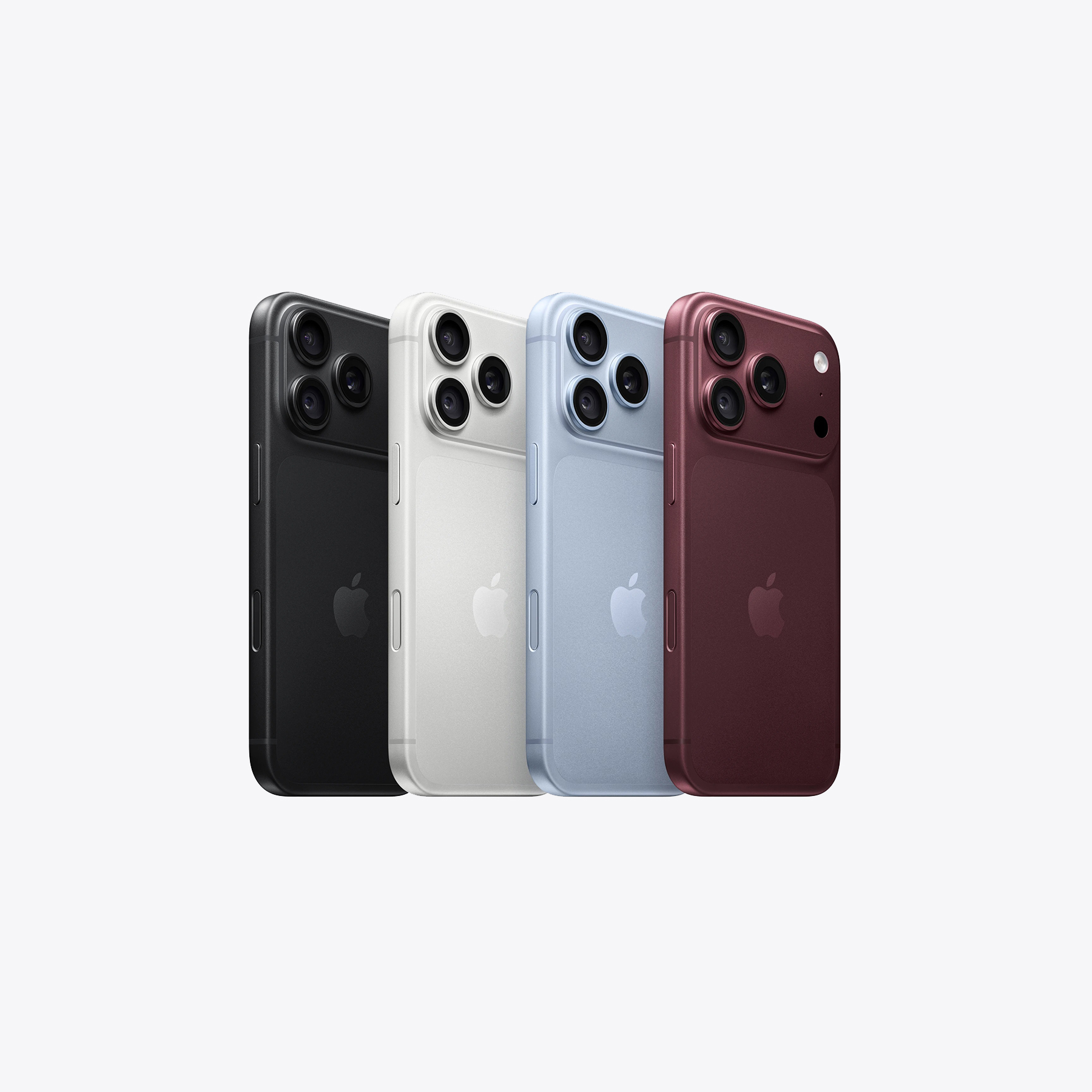
None of these features makes the Galaxy S26 Ultra categorically better than the iPhone 18 Pro Max. In many respects, the two are remarkably evenly matched, and Apple’s latest Pro phones have closed the gap in several areas where Samsung once had an obvious advantage.
But that’s not really why I’d pick the Ultra. It’s extra freedom: having a pen tucked into the phone, turning it into a desktop PC, tweaking One UI with Good Lock, hiding my screen from prying eyes, and fast-charging it with a wider range of chargers and power banks. None are essential, but together they make the S26 Ultra feel more versatile — and for me, that’s what makes it the more compelling flagship.
Conversation
Read what readers said or add your take.