Affiliate links on Android Authority may earn us a commission. Learn more.
Don’t buy the Galaxy S26 yet — try it on your current phone first
- You can now experience the Galaxy S26 interface directly on your current phone without visiting a store or hardware commitment using the Try Galaxy app.
- The web-based demo now simulates One UI 8.5, giving iPhone and non-Galaxy Android users a realistic preview of Samsung’s latest software.
- Hardware performance isn’t replicated, yet the experience effectively shows whether Samsung’s software approach fits your workflow.
Switching phone ecosystems has never been easy. If you wanted to know what life was like on the other side, you had to either borrow a friend’s device or commit hundreds of dollars to a hardware gamble. Samsung wants to change that. Now, instead of going to a store, you can try the Galaxy S26 experience right on your current phone.
Samsung’s Try Galaxy isn’t a new concept, but it has received a massive overhaul to coincide with the launch of the Galaxy S26 series. For the uninitiated, this is a web-based app that simulates Samsung’s One UI 8.5 environment. It’s designed to give non-Galaxy owners — specifically those on iPhone or other Android brands — a consequence-free environment to poke around Samsung’s latest software innovations.
Don’t want to miss the best from Android Authority?
- Set us as a favorite source in Google Discover to never miss our latest exclusive reports, expert analysis, and much more.
- You can also set us as a preferred source in Google Search by clicking the button below.


You don’t have to download anything to get started. Just go to TryGalaxy.com in your phone’s browser, open the three-dot menu, and add it to your home screen. From there, your display transforms into a simulated Galaxy S26 interface, with tutorials and interactive demos of the newest features.
Samsung says the updated web app focuses heavily on the new features bundled with the S26 lineup. One of the standout additions is Privacy Display, a clever hardware-software synergy (simulated here) that narrows viewing angles to prevent visual hacking in public spaces.
You can also explore the updated Photo Assist tool. Now, you can describe the edits you want in plain English, and the AI will do the rest. There’s a deep dive into the latest Nightography improvements, showcasing how the S26 handles low-light video and stills more naturally than previous generations.
Besides the new AI features, Samsung is showing off its helpful tools. Now Nudge is a new assistant that gives you smart suggestions during the day. The app also walks you through Smart Switch, which helps you move your photos, contacts, and messages from your old phone.
Keep in mind that this is just a simulation, so the app doesn’t use your phone’s hardware. However, it is an incredibly effective way to see if the Galaxy way of doing things clicks with you.
If the virtual tour wins you over, there are already some aggressive incentives to make the switch official, including trade-in deals from your favorite carriers.
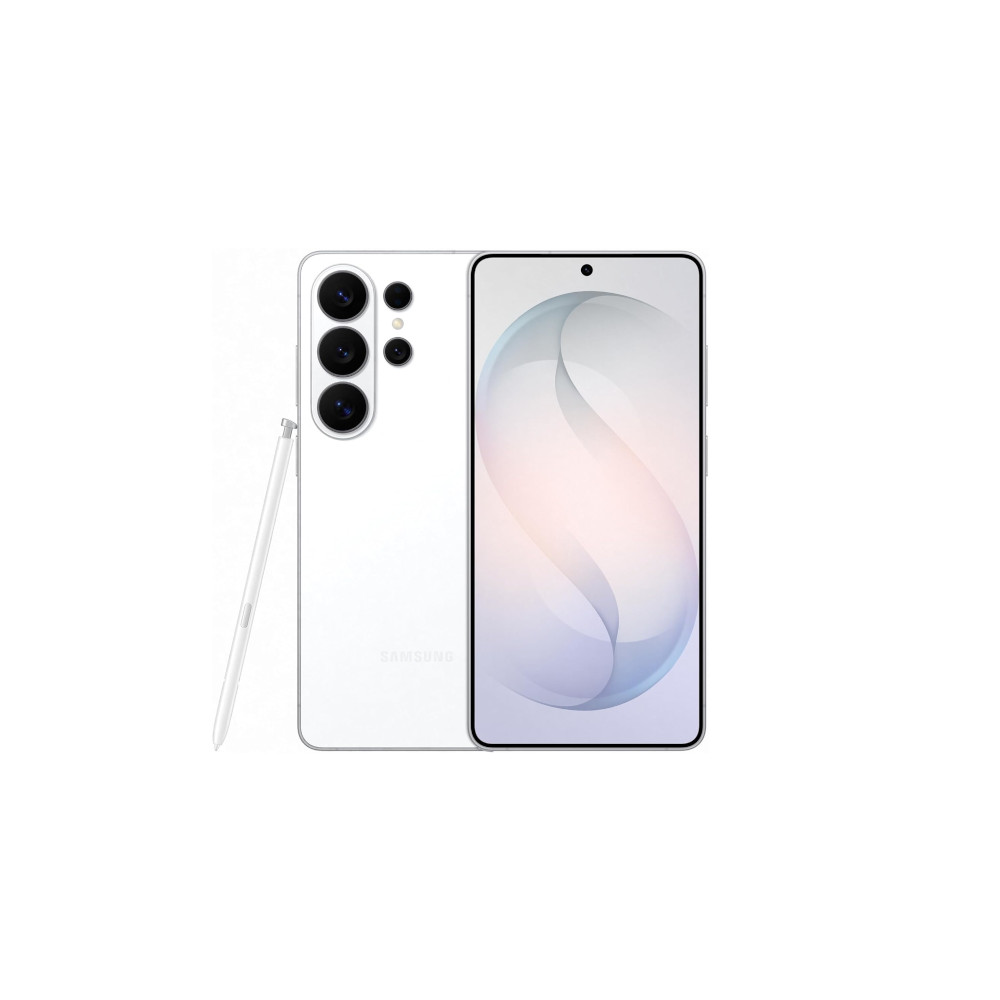
Snapdragon 8 Elite Gen 5 for Galaxy
Power AI features
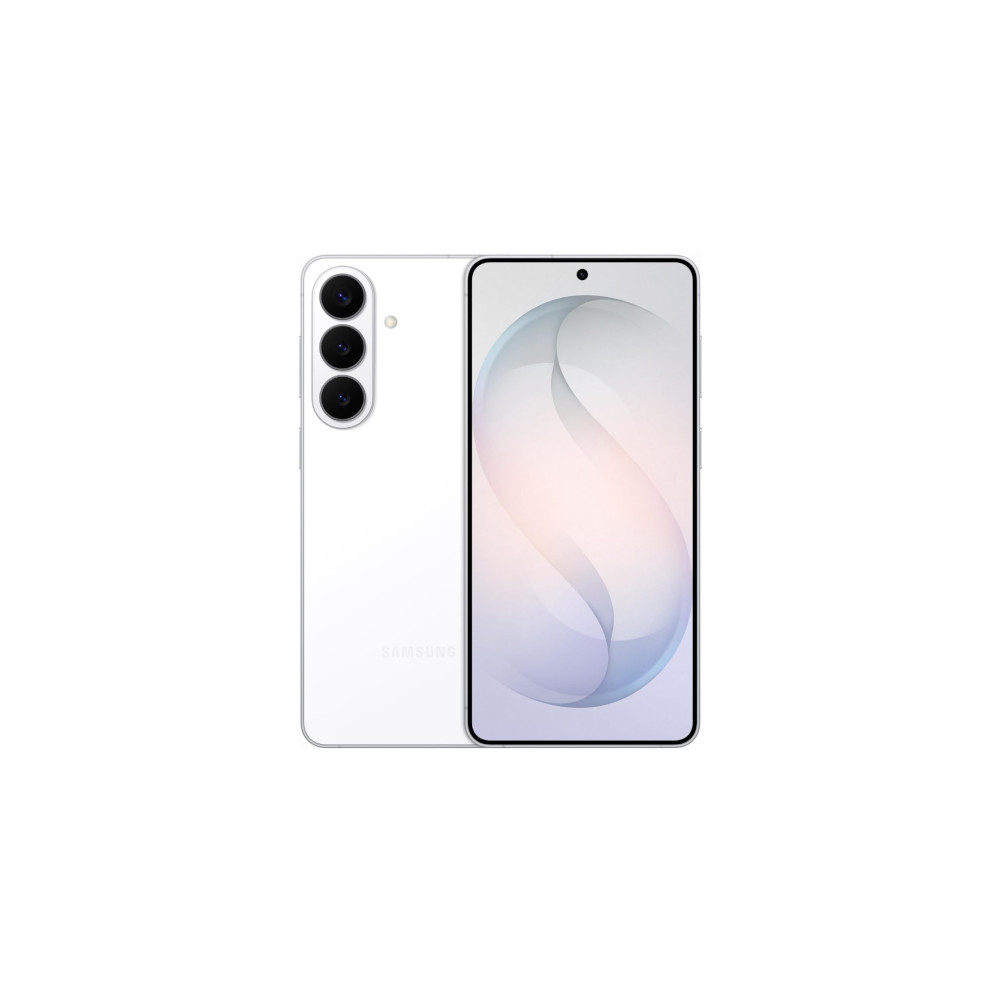
New Galaxy AI features
Faster Wireless charging
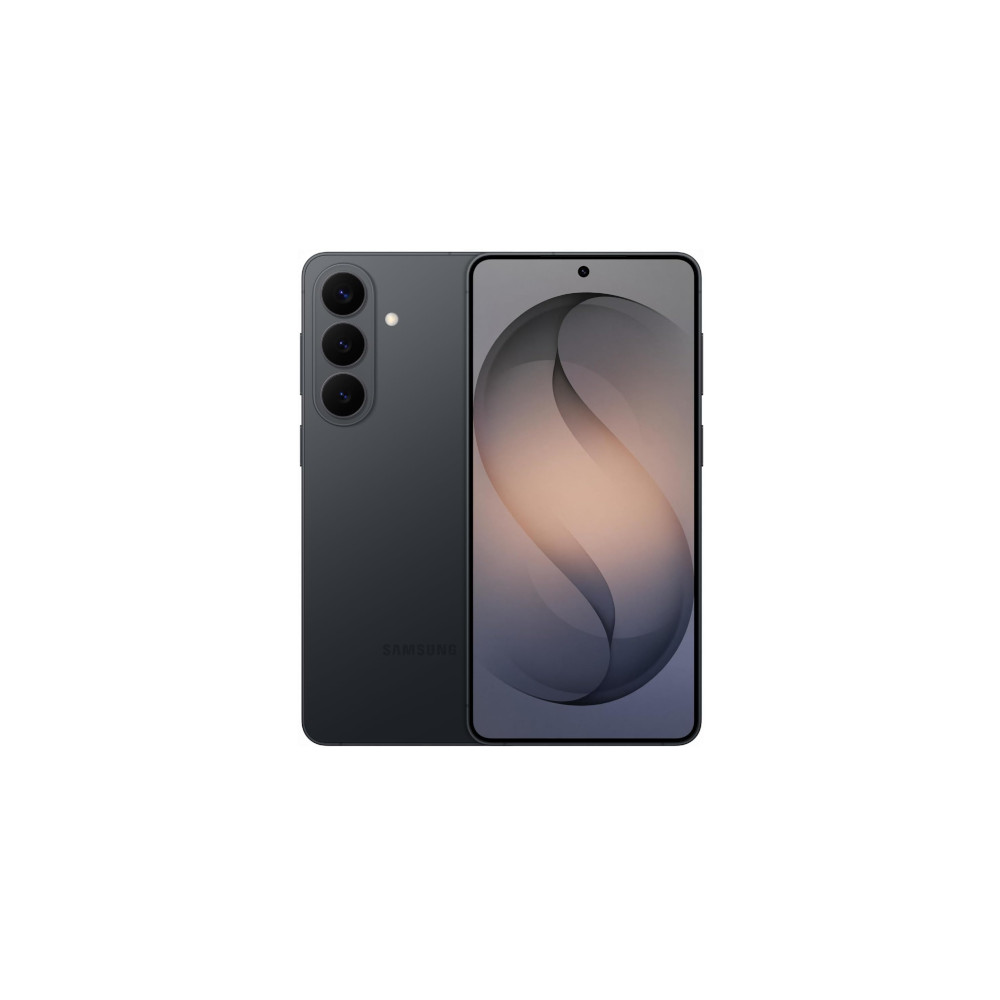
New Galaxy AI features
Bigger Battery
Thank you for being part of our community. Read our Comment Policy before posting.