Affiliate links on Android Authority may earn us a commission. Learn more.
Up close: Here's how Samsung's Galaxy S26 Ultra pulls off its Privacy Display trick
- Privacy Display is one of the new features Samsung is introducing with the Galaxy S26 Ultra, restricting screen viewing angles.
- Unlike privacy screen protectors, with Privacy Display S26 Ultra owners can toggle the effect on and off in software.
- An up-close look shows just how Privacy Display works by turning off select pixels.
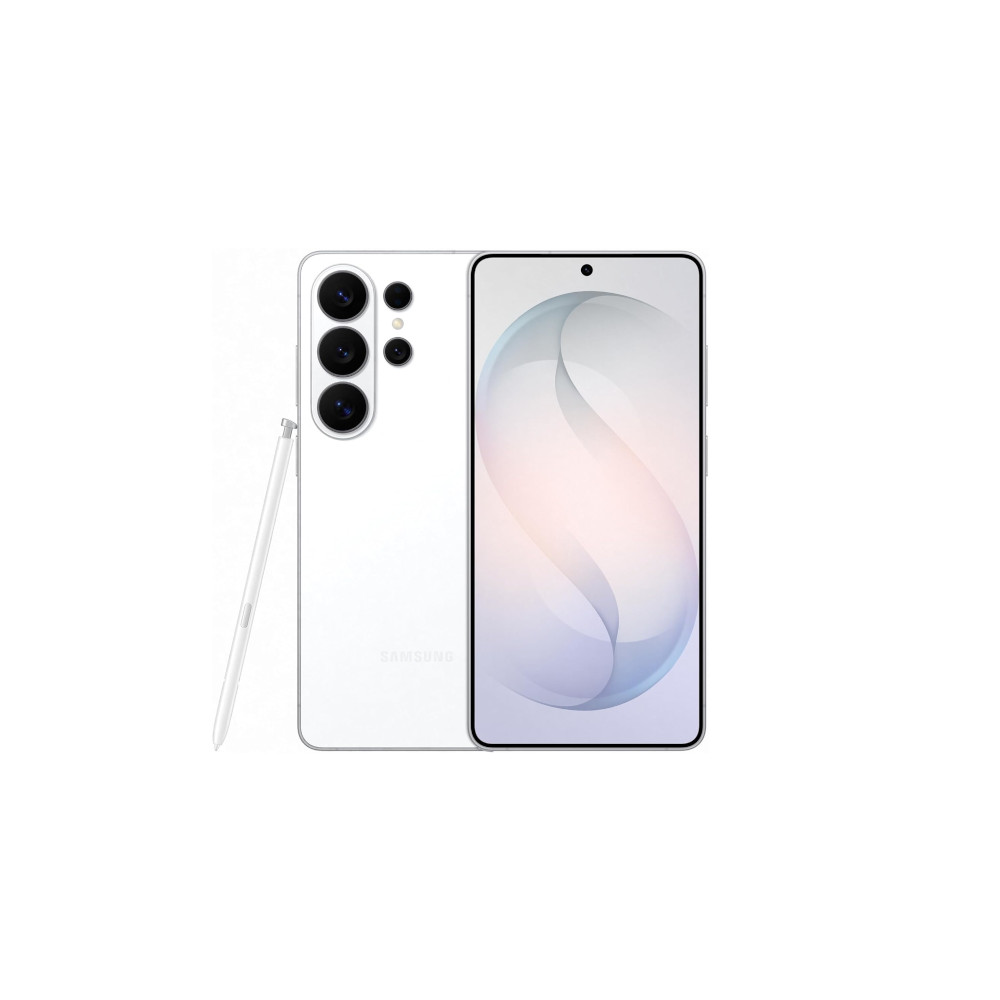
Samsung’s new Galaxy phones are now official, and while there’s lots to like about the 2026 refresh, there’s definitely one new feature in particular that’s been getting all the attention: Privacy Display on the Galaxy S26 Ultra. We already brought you a hands-on look at the Privacy Display in action, and now we’re putting it under the microscope to show you just what’s going on within the phone’s screen.
Don’t want to miss the best from Android Authority?
- Set us as a favorite source in Google Discover to never miss our latest exclusive reports, expert analysis, and much more.
- You can also set us as a preferred source in Google Search by clicking the button below.


Privacy Display works like a privacy screen protector, limiting display visibility to only people looking dead-on straight at it — try to catch a glimpse from an angle, and you’ll just see a black screen. But unlike screen protectors, Privacy Display is switchable in software, and the S26 Ultra can turn it on and off as you please.
In order to pull off that trick, Samsung designed the S26 Ultra’s display with a combination of two different pixel types — what it calls narrow pixels and wide pixels. Wide pixels are the “normal” kind, trying to be visible from as wide a viewing angle as possible. But narrow pixels are built with essentially an internal privacy screen protector, only visible from directly ahead. Here’s a close-up look at 100x magnification, showing exactly what’s going on at a subpixel level on the S26 Ultra’s screen. (Thanks: Dylan H)
In regular viewing, the S26 Ultra uses both sets of pixels. But when Privacy Display is enabled, the phone can turn off its wide pixels, so that only the limited-viewing-angle narrow pixels remain illuminated.
Obviously, using this mode isn’t going to be without consequence, as not only are your viewing angles seriously restricted, but with fewer pixels active, that can’t help but have a limiting effect on screen brightness. Still, those sound like minor inconveniences to tolerate if it means protecting sensitive information, and the great thing about Samsung’s solution is that you can turn it off the second you no longer need it. Here, you can see that switching in action:
Is Privacy Display proving to be a driving force in determining which Galaxy S26 phone you might want to pick up? Would you buy the Ultra just to get this feature, or are you good enough with one of the smaller S26 models? Share your thoughts down in the comments.

Thank you for being part of our community. Read our Comment Policy before posting.