Affiliate links on Android Authority may earn us a commission. Learn more.
Gboard on Pixel 10 brings better voice typing and proofreading
- Google is upgrading the typing experience on Pixel 10 with new AI features.
- The improvements include rewriting, better proofreading, and voice typing, all enhanced by Google’s Gemini.
- These features are arriving first on the Pixel 10 series devices, but we hope to learn more about wider availability soon.
Moving forward, AI is expected to dominate announcements for new smartphones while hardware takes the back seat. That’s what we with the launch of the Pixel 10 series, where Google showcased many AI features that make it superior to other Android devices. One of them is the improved typing experience with Gboard on the new Pixel phones.
With the Pixel 10, Google is announcing improvements to the typing experience while using Gboard. The first of these new writing tools will help reorganize text, check it for errors, or completely transform it with AI. Although Gboard already does line-wise spelling and grammar checks, the new writing tools perform more thorough checks for an entire chunk of drafted text.
In addition to this, Gboard will now also be able to rephrase, or entirely rewrite, any written text in different styles. A similar functionality has been available in as “Magic Compose” in Google Messages and as “Help me write” in the Gmail app for Workspace users. But the addition to Gboard allows the rewriting functionality to be used on any app. With rewriting, specifically, Gboard could offer choices between multiple options and would let you choose the one you like.
Notably, Apple already offers the writing tools as part of Apple Intelligence on any device running iOS 18.1 or above, and it’s good to see Google catch up on that front.
Don’t want to miss the best from Android Authority?
- Set us as a preferred source in Google Search to support us and make sure you never miss our latest exclusive reports, expert analysis, and much more.
Another useful feature that Google adds to Gboard with Pixel 10 devices is Smart Edit, an advanced version of dictation. With the improvements, you can not only type with your voice but also use various commands like “replace” or “capitalize,” and expect Gboard to perform those actions instead of just typing it out for you. Besides commands, you can also choose an emoji simply by dictating it to your Pixel 10.
We spotted Smart Edit when it was still under development, but Google is adding another ability that wasn’t known or predicted earlier.
Along with smart voice-activated editing, Gboard’s writing tools, including proofreading and rephrasing mentioned above, can also be activated with voice. That means it is combining both of the features for a much better writing experience. Whether it will be the end of typing by physically tapping on the screen is something we should contemplate.
Google is leaving out details about the model being used, though it’s likely that the feature relies on Gemini Nano, at least for the Pixel 10. Additionally, there’s limited information about availability on other Android devices.
Long-term updates
Loaded with Google AI features
Excellent cameras
Powerful AI tools
Top-notch software
Improved camera flexibility
Smooth-as-ever software
IP68 rating
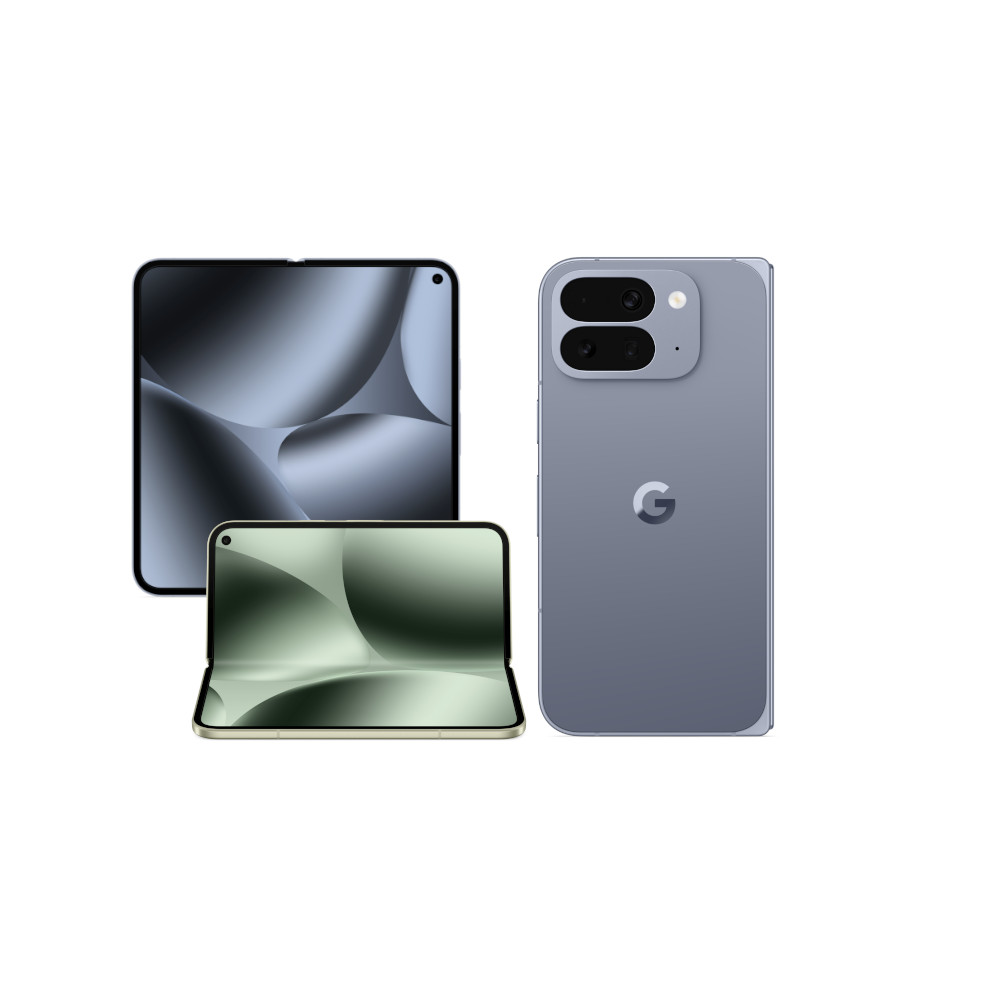
6.4-inch outer and 8-inch inner displays
Thank you for being part of our community. Read our Comment Policy before posting.