Affiliate links on Android Authority may earn us a commission. Learn more.
5 Chromebooks you should buy now instead of waiting for a Googlebook
May 14, 2026 — 5:00 AM ET



Starting this fall, the first-ever Googlebooks will officially hit store shelves. Googlebooks are the spiritual successor to Chromebooks, and Google is pitching them as combining the best of Android and ChromeOS to create a new type of Google laptop — with a healthy dose of Gemini AI features, too.
Google is talking a big game for Googlebooks, and some of the new features do sound impressive. But there’s still a lot we don’t know — such as specs, overall build quality, and even pricing. Simultaneously, there are ample Chromebook options available to buy right now, with models available for every budget.
So, rather than waiting for Googlebooks to arrive in a few months and taking a gamble on a first-generation Google product, here are five great Chromebooks you may want to buy now instead.
Would you still buy a Chromebook now that Googlebooks are a thing?
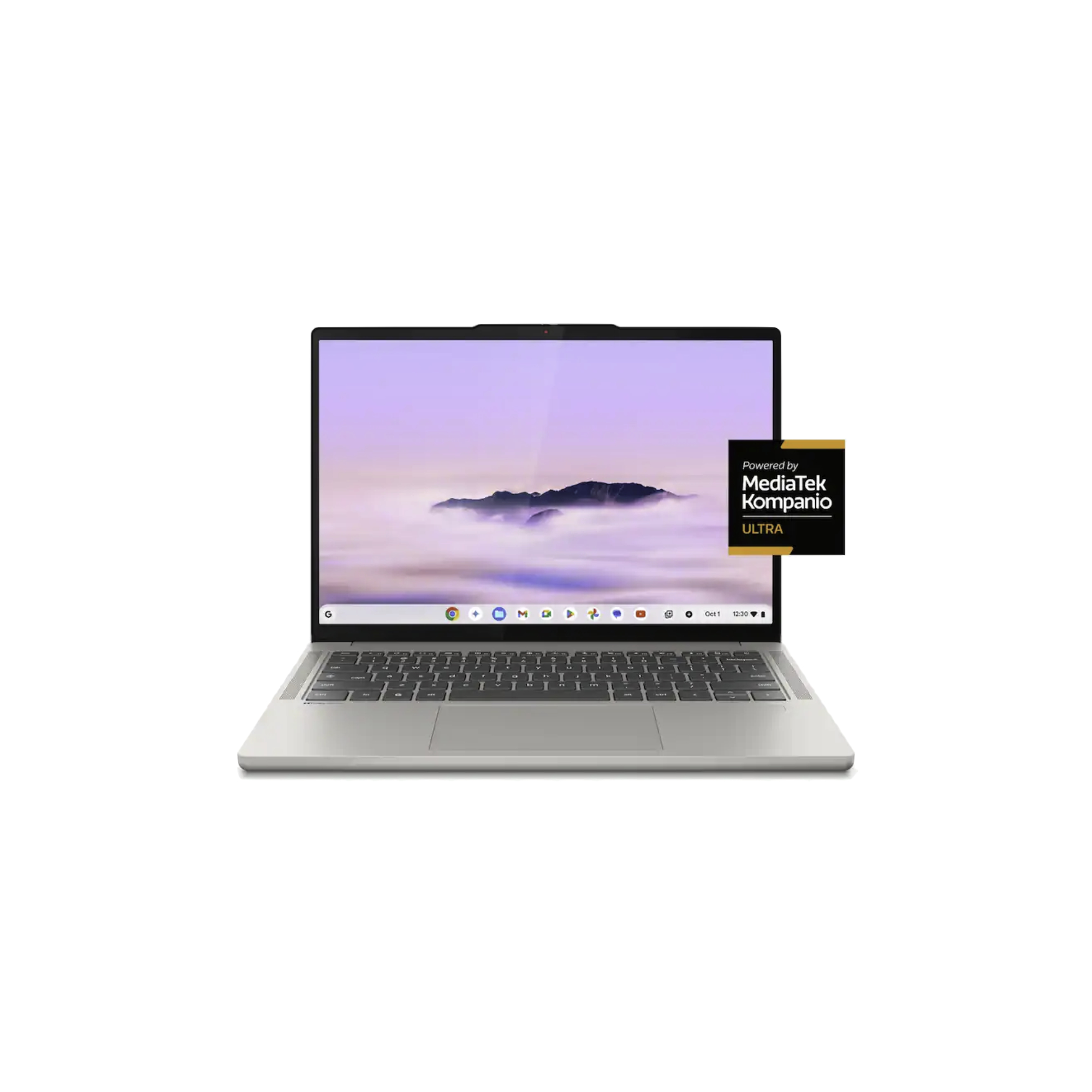
Lenovo Chromebook Plus 14

The Lenovo Chromebook Plus 14 is widely regarded as the de facto choice in the Chromebook world, and for good reason. If you want a Chromebook that checks all of the boxes — including a high-quality display, reliable battery life, and snappy performance — it’s hard to find something much better.
Going in that same order above, the display is a 14-inch OLED panel with a 2K resolution that looks outstanding — offering really nice colors, sharpness, and viewing angles. Lenovo rates the Chromebook Plus 14 for up to 17 hours of battery life on a single charge, thanks to the super-efficient MediaTek Kompanio Ultra 910 chipset. The 910 also delivers plenty of horsepower, and paired with 16GB of RAM, it offers ample performance for multitasking, on-device AI capabilities, and more.
Beyond all that, the Lenovo Chromebook Plus 14 also gets the little details right. The aluminum design is sturdy, the keyboard feels nice, and the Dolby Atmos speakers are solid, too. Pricing for the Chromebook Plus 14 can vary wildly depending on when and where you buy it, but at the time of writing, Best Buy has it on sale for just $699 — an excellent price for a Chromebook of this caliber.
Acer Chromebook Plus Spin 514

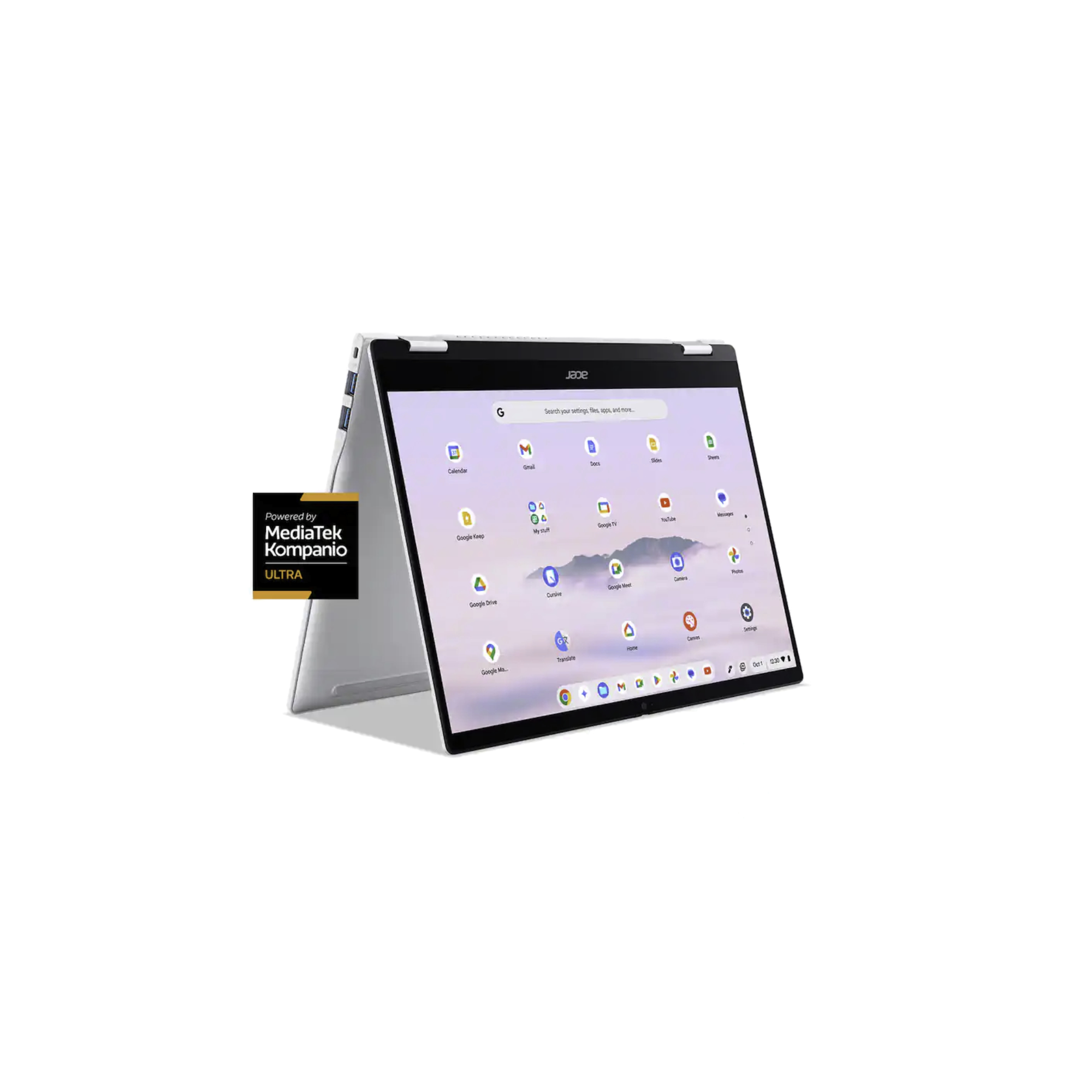
One of the other best Chromebooks you can buy today is the Acer Chromebook Plus Spin 514. One of the biggest differentiators between this and the Lenovo Chromebook Plus 14 is that Acer’s machine has a 2-in-1 design, allowing you to rotate the screen and use it as a makeshift tablet. Or you can position the laptop in tent mode to prop up the display while watching a movie or YouTube video. It’s a level of flexibility you don’t get with Lenovo’s machine, and for some folks, that alone will make the Spin 514 the better choice.
Beyond the 2-in-1 form factor, Acer gets a lot of other details right with the Spin 514. It also has a MediaTek Kompanio Ultra 910 chipset, though with slightly less RAM at “just” 12GB. The 14-inch display is an IPS panel rather than OLED, though it has a much smoother 120Hz refresh rate compared to the 60Hz on Lenovo’s laptop. The Spin 514 also has 256GB of storage, a decent 5MP webcam, and a very comfortable backlit keyboard.
Pricing can also vary quite a bit for the Acer Chromebook Plus Spin 514, but it typically retails for $749. It’s not as great of a deal as the Lenovo Chromebook Plus 14, but if you want a high-end Chromebook and value the 2-in-1 design, Acer is your best bet.
Acer Chromebook Plus 516

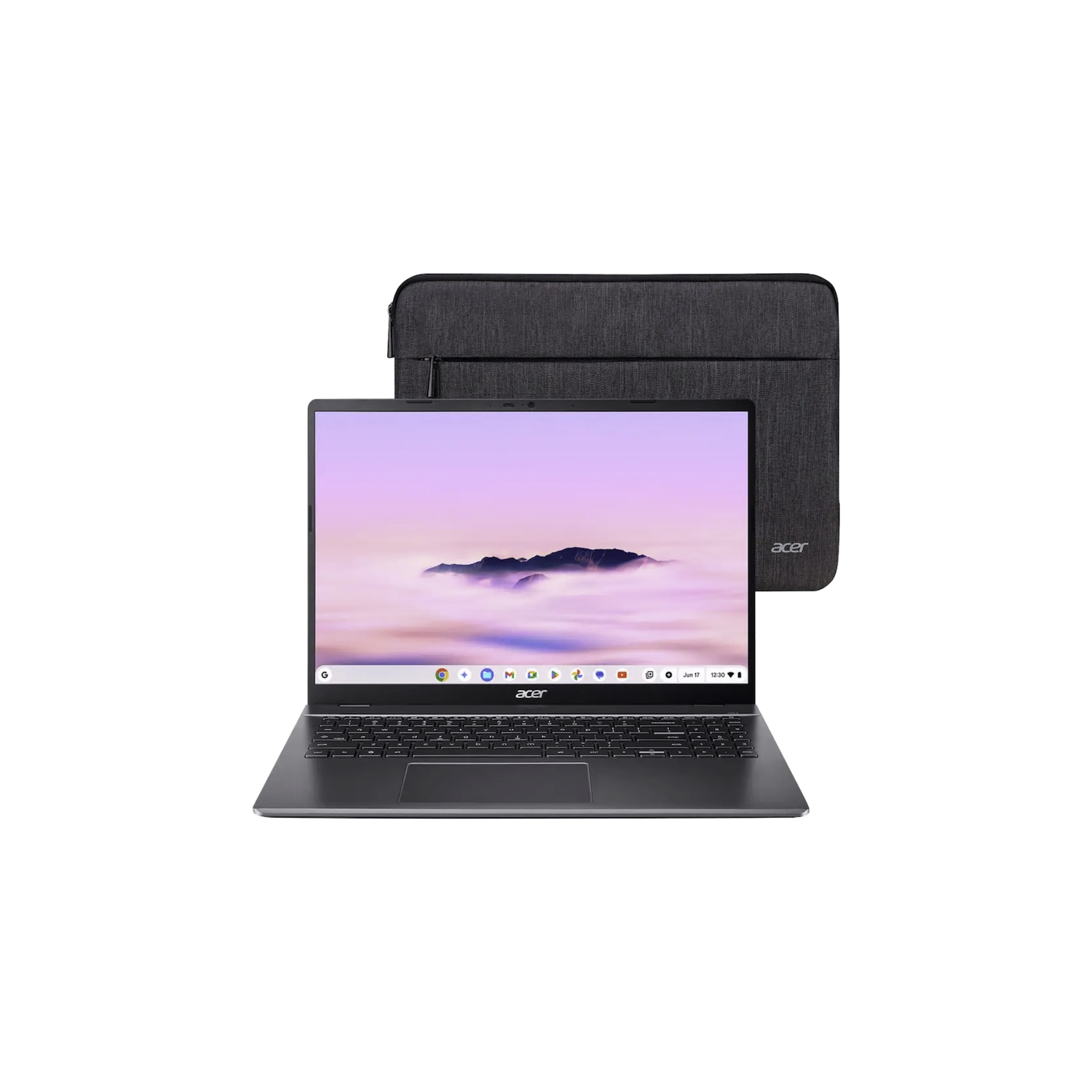
As excellent as my first two Chromebook picks are, they’re not necessarily good fits for tighter budgets. If you have less money to spend but still want a quality Chromebook experience, the Acer Chromebook Plus 516 is well worth a look.
Compared to the Chromebooks above, the 516 is pretty clearly a less powerful machine. It has an Intel Core i3 chipset, 8GB of RAM, and 128GB of storage. These aren’t mind-blowing specs, but for web browsing and regular application use, it’s also perfectly acceptable. The 16-inch IPS display is nice and roomy, and for the price, the 1920 x 1200 resolution isn’t too shabby. There’s also a decent port selection, including two USB-C ports, two full-sized USB 3.1 ports, an HDMI output, and a 3.5mm headphone jack.
Whether you’re getting a Chromebook for your kid or just as a nice budget laptop for yourself, the Acer Chromebook Plus 516 fits the bill nicely. And with regular discounts often knocking it down to just $349, your wallet will love it, too.
ASUS Chromebook Plus CX14

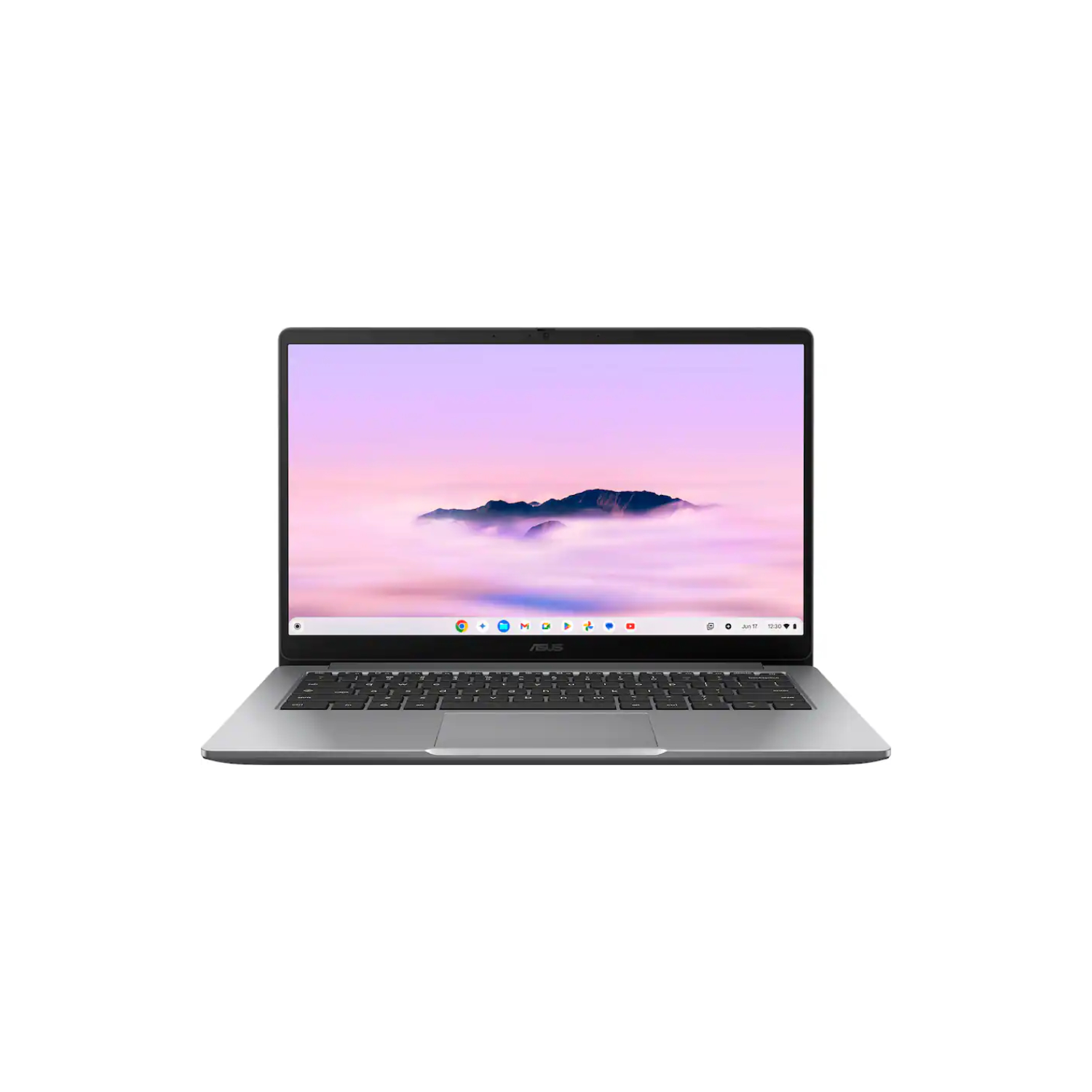
Another good budget Chromebook option is the ASUS Chromebook Plus CX14. If you find the 16-inch display of the 516 too large (which many people might), the 14-inch screen of the CX14 should be much more manageable — especially if you plan to travel with your new Chromebook regularly. ASUS’s Chromebook is also a lot lighter, weighing just 3.06 lbs compared to 3.75 lbs for the Acer 516.
Beyond the design, a lot of the other specs are pretty similar between the two budget Chromebooks. The CX14 has an Intel Core 3 Series 1 chipset, 8GB of RAM, and 128GB of storage. The port options are similarly strong, including two USB-C ports, one full-sized USB port, HDMI out, and a headphone jack.
The ASUS Chromebook Plus CX14 can usually be found for a bit less than the Acer Chromebook Plus 516; at the time of writing, it’s on sale for just $329. Will it blow you away with dazzling performance or high-end features? No. But it’s also a rock-solid everyday Chromebook, and at this price, it’s a steal.
Lenovo Chromebook Duet Gen 9

Last but certainly not least, if you’re shopping for a Chromebook in 2026, the Lenovo Chromebook Duet Gen 9 is perhaps one of the most interesting options out there. Where all of the other Chromebooks on this list are proper laptops, the Duet Gen 9 is technically a tablet that connects to a (included) keyboard dock. Combined with the 11-inch display and a weight of just 2.03 lbs, this makes the Duet the absolute winner for portability and travel.
Powering the Duet Gen 9 is a MediaTek Kompanio 838 chip along with 4GB of RAM and 128GB of storage. Those aren’t mind-blowing specs, but they’re more than capable for everyday use. It also helps that the Duet comes with an included stylus, and because of its tablet-first design, there’s a camera on the back, too (useful for document scanning or snapping a photo in a pinch).
The Lenovo Chromebook Duet Gen 9 probably shouldn’t be your go-to laptop, but as a travel machine for long flights or something to take with you to the coffee shop, it’s a wonderful choice. And with sales regularly bringing the price to around $320, it’s a pretty great value, too.


Should you buy a Chromebook in 2026?

All of the Chromebooks mentioned above are excellent machines, and less than a week ago, you probably would have purchased one without a second thought. But now that Googlebooks are a thing, does it still make sense to buy a Chromebook?
Simply put, yes.
Although Googlebooks will have some features not available on Chromebooks, none of them sound like gamechangers. The Glowbar is cool, but hardly anything more than a fun aesthetic choice. The Magic Pointer is interesting, but it also seems like a feature you’ll try once and then never use again. Unless you need every single latest Gemini feature, there’s not much advantage to waiting for Googlebooks instead of just buying a Chromebook today.
Does it still make sense to buy a Chromebook? Yes.
Most importantly, Google isn’t abandoning Chromebooks for Googlebooks. The company has confirmed that Chromebooks will continue to receive software support for up to 10 years and that new Chromebook models will be released this year and next. In other words, a Chromebook you buy today won’t turn into an unsupported paperweight anytime soon.
It’ll be interesting to see how Googlebooks shake out, and I certainly hope they’re worth the wait. But Chromebooks aren’t suddenly DOA, and any of the models on this list should be well worth buying for a while to come.
Don’t want to miss the best from Android Authority?
- Set us as a favorite source in Google Discover to never miss our latest exclusive reports, expert analysis, and much more.
- You can also set us as a preferred source in Google Search by clicking the button below.


Thank you for being part of our community. Read our Comment Policy before posting.