Affiliate links on Android Authority may earn us a commission. Learn more.
I used the iPhone 17 for a year, but the Pixel 11 won me over for 5 key reasons
Sep 28, 2026 — 6:00 AM ET



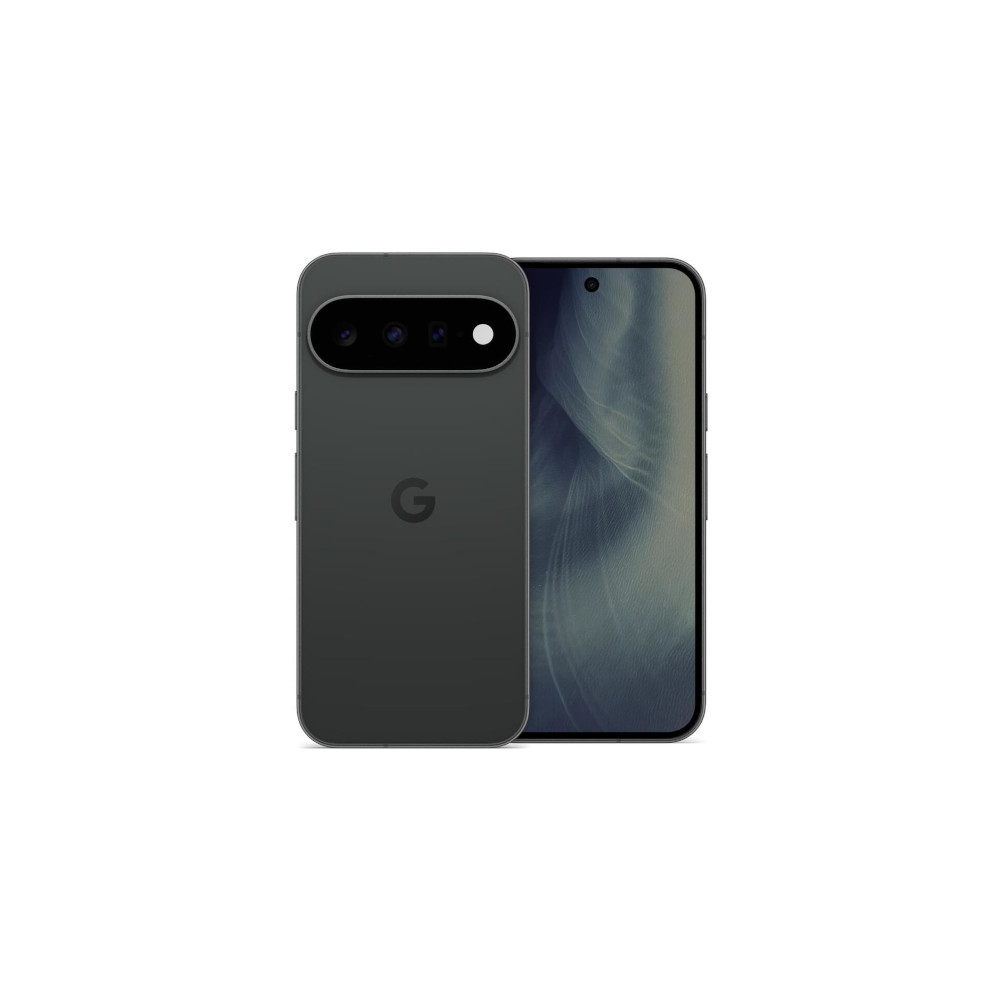
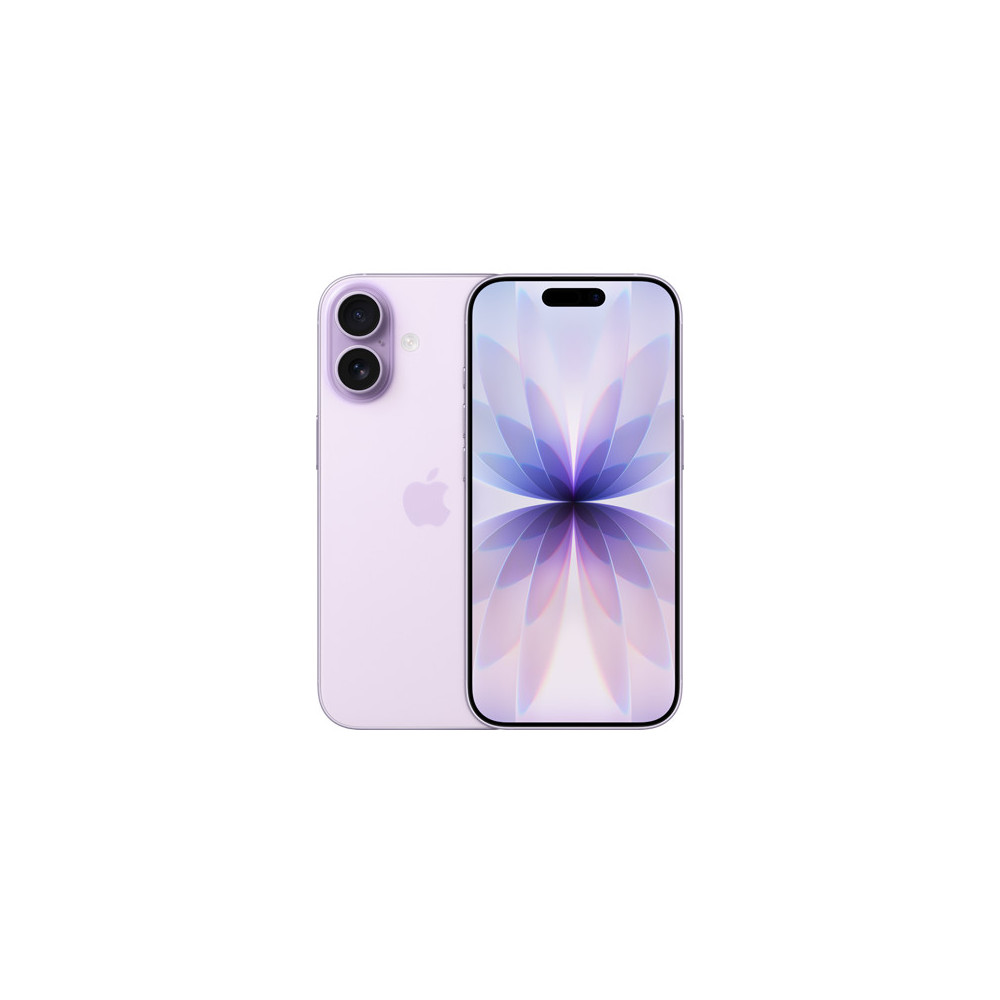
I used the iPhone 17 for almost a year, so when Google launched the Pixel 11, I was curious to see how the two compared in everyday use. Of course, iOS and Android are still very different experiences, but the phones themselves have more in common than you might expect. They’re both compact, premium, and incredibly easy to live with.
After using the Pixel 11 as my primary phone for over a month, though, I found quite a few things I actually preferred about the Pixel. So, if you’re deciding between the two, here are five reasons I’d pick the Pixel 11 over the iPhone 17.
Pixel 11 or iPhone 17, which would you pick?
Once you go 5x, it’s hard to go back

The biggest reason for me is easily the telephoto camera. The Pixel 11 has a 10.8MP telephoto camera with 5x optical zoom, while the iPhone 17 doesn’t have a dedicated telephoto camera. I didn’t think this would make much difference at first, but after using the Pixel 11, I’ve ended up reaching for the 5x camera all the time.
Ater using the Pixel 11, I’ve ended up reaching for the 5x camera all the time.
And it’s not just the extra zoom that I like. The photos themselves look great, with plenty of detail, natural-looking colors, and very little noise. Even in scenes with a mix of bright and darker colors, the Pixel usually handles them really well without making anything look overdone.
I’ve enjoyed the 5x camera most for portraits. I’ve taken plenty of photos of people and dogs with it, and the Pixel does a great job with the minute details. Hair and fur still have plenty of definition, colors look great, and the overall photo just looks very pleasing.
I’ve actually found myself taking more portraits because I like how they turn out. That more natural look carries over to the rest of the Pixel 11’s cameras, too. Google generally doesn’t go overboard with colors, and I prefer that. A bright red object still looks red, greenery doesn’t become unnaturally vibrant, and most photos look pretty close to what I saw when I took them.

Of course, I’m not saying the iPhone 17 takes bad photos. It doesn’t, and Apple still does some things really well. But when I look through the photos I’ve taken over the past month, I find myself preferring the Pixel 11’s results more often. Add Google’s image processing and all the AI editing tools you get afterward, and the camera experience is one of the biggest reasons I’d choose the Pixel.
Gemini is just a question away

After using an iPhone for so long, I wish I could say Siri has been great, but it really hasn’t. Most of the time, I used it only for basic things like setting alarms, starting timers, or making a quick call. Gemini, on the other hand, can do a lot more, and I’ve really started appreciating that while using the Pixel 11.
A big part of that is how well Gemini fits into the Google ecosystem. It’s already in Search, Chrome, and several Google apps, and on Pixels, I can use it as my main assistant too. I’m not talking to Gemini all day, and there are plenty of days when I barely use it. But when I do need help, it’s nice to know I have an assistant on my phone that can understand what I’m asking and help me get something done.

Gemini Live is one feature I particularly like. I can point the camera at something in front of me and ask Gemini questions about what it sees. I don’t need to take a photo, upload it somewhere, and then explain what I’m looking at. I can just show it and start talking, which makes it much easier to use. Then there are all the other AI features Google has packed into the Pixel. Camera Coach can help me frame a better photo, Ask Photos lets me describe the edits I want to make, and features like Add Me, Best Take, Zoom Enhance, and Magic Capture are there to play around with, too.
Do I use all of these every single day? Definitely not. But I don’t think I need to. I like having them around for those moments when they actually make something easier. That’s probably what I appreciate most about Google’s approach to AI.
Face it, fingerprints are convenient

This is probably one of the simplest reasons on my list, but it’s also something I use all the time. The Pixel 11 has a fingerprint sensor, and honestly, I really don’t want to give it up. Often, my phone sits on the desk next to me while I’m working. If a notification comes in, I don’t want to pick up the phone and hold it up to my face just to see what happened. I can tap the screen, unlock it with my finger, check the notification, and carry on with what I was doing. It’s also really handy when I’m wearing a mask, and face unlock isn’t the most convenient option.
I don’t have to choose between face unlock and a fingerprint scanner because I get both.
And that’s what I like about the Pixel 11. I don’t have to choose between face unlock and a fingerprint scanner because I get both. Face unlock works well when I’m already holding the phone, while the fingerprint scanner is there for all the times when it simply makes more sense.
With the iPhone 17, I only have Face ID or my passcode. Face ID works well, but there are definitely times when I wish I could just put my finger on the screen and be done. I know this is a personal preference, and a fingerprint scanner alone probably won’t make someone switch from an iPhone to a Pixel. But it’s one of the conveniences that’s hard to give up once you get used to it.
A little freedom goes a long way

The software experience on these two phones couldn’t be more different, but I’d still choose Android. For me, it mostly comes down to the freedom I get to use my phone the way I want.
Now, this obviously isn’t something only the Pixel 11 can do, but it’s still a reason I’d pick it over the iPhone 17. Android gives me more choices. I can change my default apps, use a different launcher, customize my home screen, control notifications, and tweak plenty of other things about how my phone works. I don’t change all of these things every day, but I really like knowing Android lets me.
The software experience on these two phones couldn’t be more different, but I’d still choose Android.
And I think the Pixel 11 gives me a nice balance here. I get all that freedom, but Google’s version of Android 17 still feels incredibly clean and simple. There isn’t a bunch of bloatware to remove when I first set up the phone; there are no ads around the interface, and Google hasn’t changed Android so much that I need to spend time figuring out where everything is.

Then there are seven years of OS, security, and Pixel Drop updates, which should keep the Pixel 11 supported until 2033. Personally, I don’t care much about seven years of updates because there’s very little chance I’ll keep the same phone that long. But it’s still nice knowing that if I did, the software support would be there.
More than anything, though, I just prefer having that extra freedom. I understand why Apple keeps tighter control over iOS, and that approach has benefits. But when I use my phone every day, I’d rather decide how it looks and works. Android gives me more room to do that, and I’ve missed it whenever I’ve gone back to the iPhone.
A file manager that actually manages files

The iPhone 17 runs iOS 26 out of the box, and one part of the experience I still struggle with is managing files. I’ve used iPhones for years, but the Files app still feels unnecessarily complicated. Sometimes I just want to download something, find it again, move it somewhere else, and get on with my day. Instead, I often find myself wondering where a file went or taking a few extra steps to do something that should have been simple. And don’t even get me started on the new Preview experience — I know some people might find it perfectly smooth, but it has been incredibly annoying for me.
I didn’t realize how much this bothered me until I started using the Pixel 11. Files and documents feel easier to manage here. I can download something and know where it went, move files between folders, plug in external storage, or share something between apps without feeling like I’m fighting the phone the whole time.

It also helps that so much of my everyday work already happens inside Google apps. Drive, Docs, Calendar, and the rest fit naturally into the experience, so downloading a document, moving it around, opening it in another app, or sharing it usually feels pretty straightforward. It takes less thought, and that’s exactly how I want file management on my phone to feel.
And this is probably less of a Pixel 11 reason and more of an Android reason in general. After using the phone for a while, I’ve realized just how much I prefer the way Google handles these tasks. These might seem like small things, but they make the Pixel much easier for me to use every day. That alone is another reason I’d happily choose a Pixel over an iPhone.
Pixel 11, you little charmer

All in all, I’d choose the Pixel 11 over the iPhone 17. Of course, the Pixel 11 isn’t perfect, and plenty of great phones are out there, especially in the Android world. But what I really like about it is how approachable it feels. I can hand it to my mother or even my grandad, and they’d be able to find their way around without much trouble. At the same time, it gives me enough freedom to tweak things and use the phone exactly how I want.
So after more than a month with the Pixel 11, that balance is what has won me over.
25W Pixelsnap magnetic charging
Larger 48MP main camera sensor
Thank you for being part of our community. Read our Comment Policy before posting.