Affiliate links on Android Authority may earn us a commission. Learn more.
This new Galaxy S26 feature beats Pixels at managing screenshots

- Screenshot Analyzer on the Galaxy S26 series sorts your screenshots into categories.
- It’s built into the Gallery, making it easy to access.
- Screenshot Analyzer will let you quickly go back to the source of some screenshots.
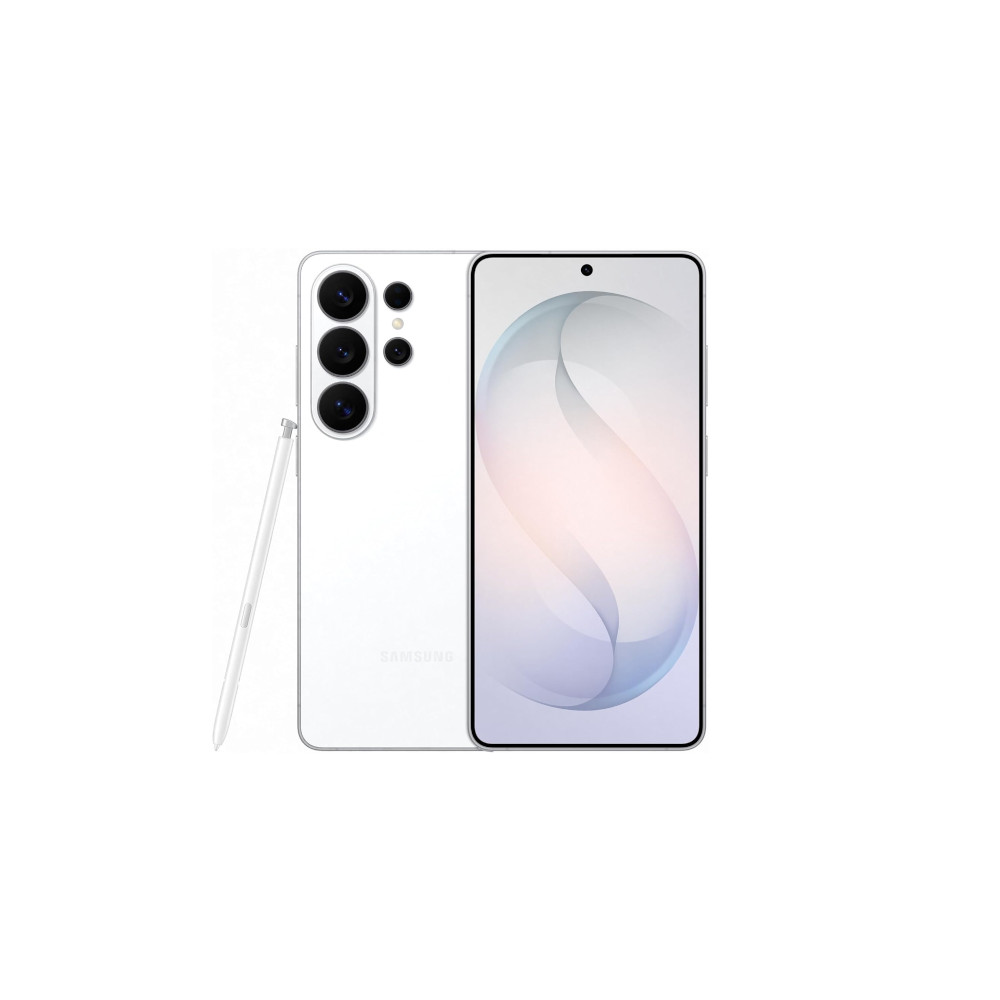
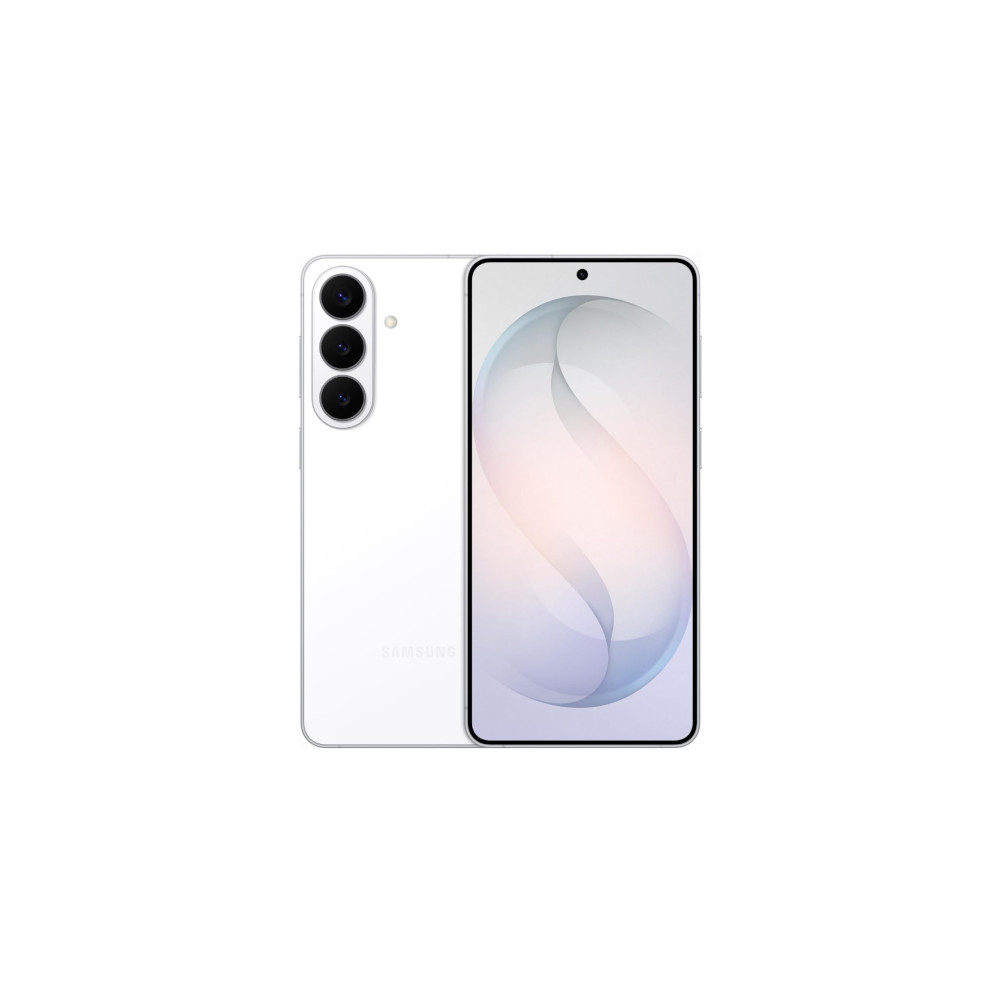
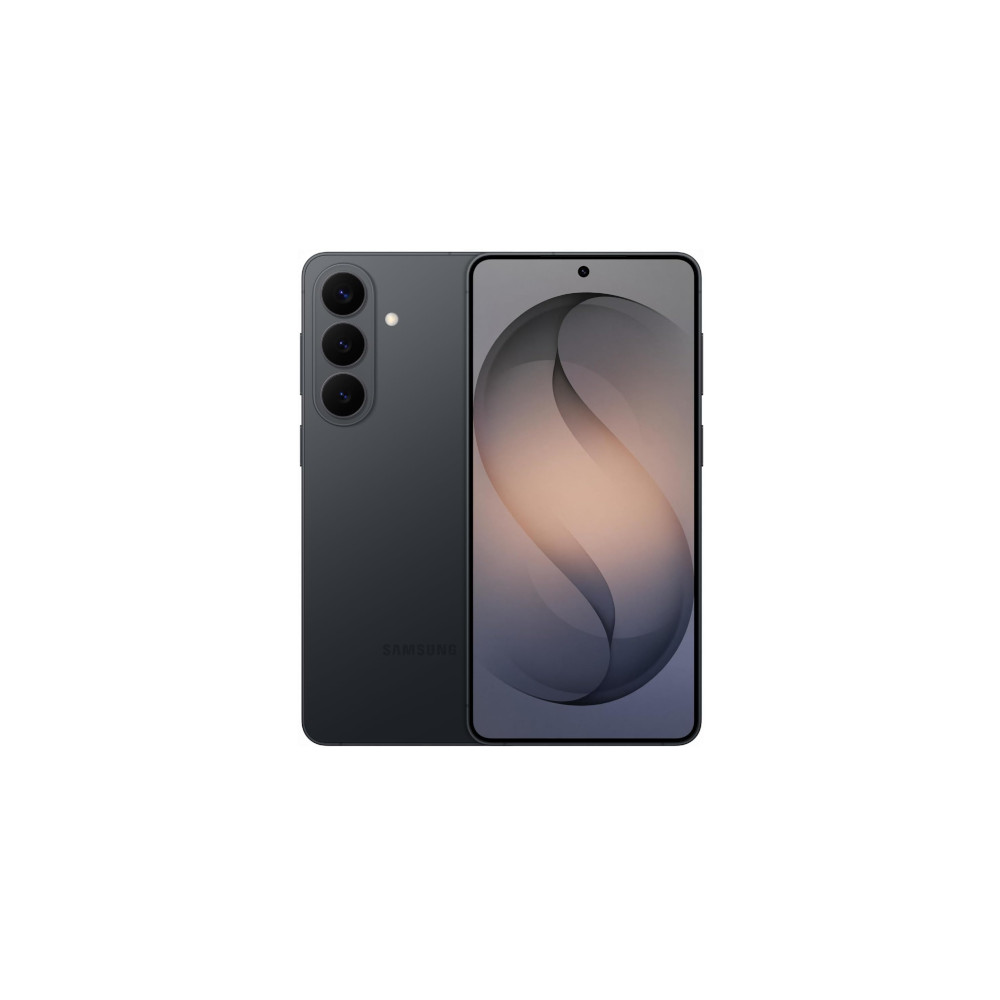
As we’ve come to expect in modern smartphone launches, new AI features take center stage over everything else. That’s certainly the case with the Samsung Galaxy S26 series, which Samsung is marketing as an “AI phone” instead of a smartphone. Sickening marketing terms aside, some new AI features found on the Galaxy S26 and One UI 8.5 look useful, and one of them upstages something Google has on its Pixel phones.


The AI feature in question is called Screenshot Analyzer. All of your screenshots will be scanned and categorized by Galaxy AI. Those categories include social media, boarding passes, coupons, chats, barcodes and QR codes, and more. If you’re anything like me, any tool that makes sorting through the masses of screenshots on my device is welcome.
Once you’ve found the photo you need, Screenshot Analyzer continues to be helpful. Depending on the type of screenshot, you’ll be able to return to its source. You can already do that with screenshots of web pages, but Samsung says it will even work with screenshots of conversations, although it hasn’t specified whether it’ll just open the relevant app or somehow navigate you to the specific chat.
Don’t want to miss the best from Android Authority?
- Set us as a favorite source in Google Discover to never miss our latest exclusive reports, expert analysis, and much more.
- You can also set us as a preferred source in Google Search by clicking the button below.


Google added similar features starting with the Pixel 9 series, but rather than baking them into Google Photos, it made them a separate app, which is less convenient. I open the Pixel Screenshots app accidentally more often than on purpose. Samsung has avoided making this mistake by building Screenshot Analyzer right into the Gallery, so you’ll find it in the place you already go to find your screenshots.
There’s no word yet on whether this is a Galaxy S26-specific feature or if it will eventually come to existing devices as part of the One UI 8.5 update. Hopefully, it will be the latter.

Thank you for being part of our community. Read our Comment Policy before posting.