Search results for

All search results
Best daily deals

Affiliate links on Android Authority may earn us a commission. Learn more.

Pixel Screenshots and Recorder just got a power-up with NotebookLM integration on the Pixel 10

The app will identify and suggest content that you should add to your NotebookLM notebooks.
By

August 20, 2025

TL;DR
  • The Pixel Screenshots app on the new Pixel 10 now integrates with Google’s NotebookLM to automatically identify and suggest content you should add to your NotebookLM notebook.
  • Users must opt into the AI experiences within the Pixel Screenshots app to enable this feature. It’s unclear if older Pixels will receive this Pixel Screenshots feature.
  • Similarly, you can now add transcripts from Recorder to your notebook.

The Pixel 10 series is here. This generation includes a few hardware upgrades, but as is always the case with Google, the real magic is in the upgrades to the software experience. One such upgrade is in the Pixel Screenshots app, which now integrates with NotebookLM.

Don’t want to miss the best from Android Authority?

When you screenshot an item on your new Pixel 10 smartphone, Pixel Screenshots will identify if it’s a good fit for your notebook and automatically suggest that you add it.

To try this out on your Pixel 10, you must opt into AI Experiences within Pixel Screenshots. After downloading the requisite models within the app, you can take screenshots and see AI work magic on them. You will see an AI-generated title, summary, and suggested actions like adding an article to NotebookLM.

Google hasn’t yet disclosed if Pixel Screenshots’ NotebookLM integration is coming to older Pixels.

NotebookLM integration is also coming to the Pixel Recorder app. Google says you can now add transcripts from Recorder to your notebook.


Google Pixel 10
Google Pixel 10
AA Recommended
Google Pixel 10
New optical zoom camera • Long-term updates • Loaded with Google AI features
MSRP: $799.00
Baseline excellence.
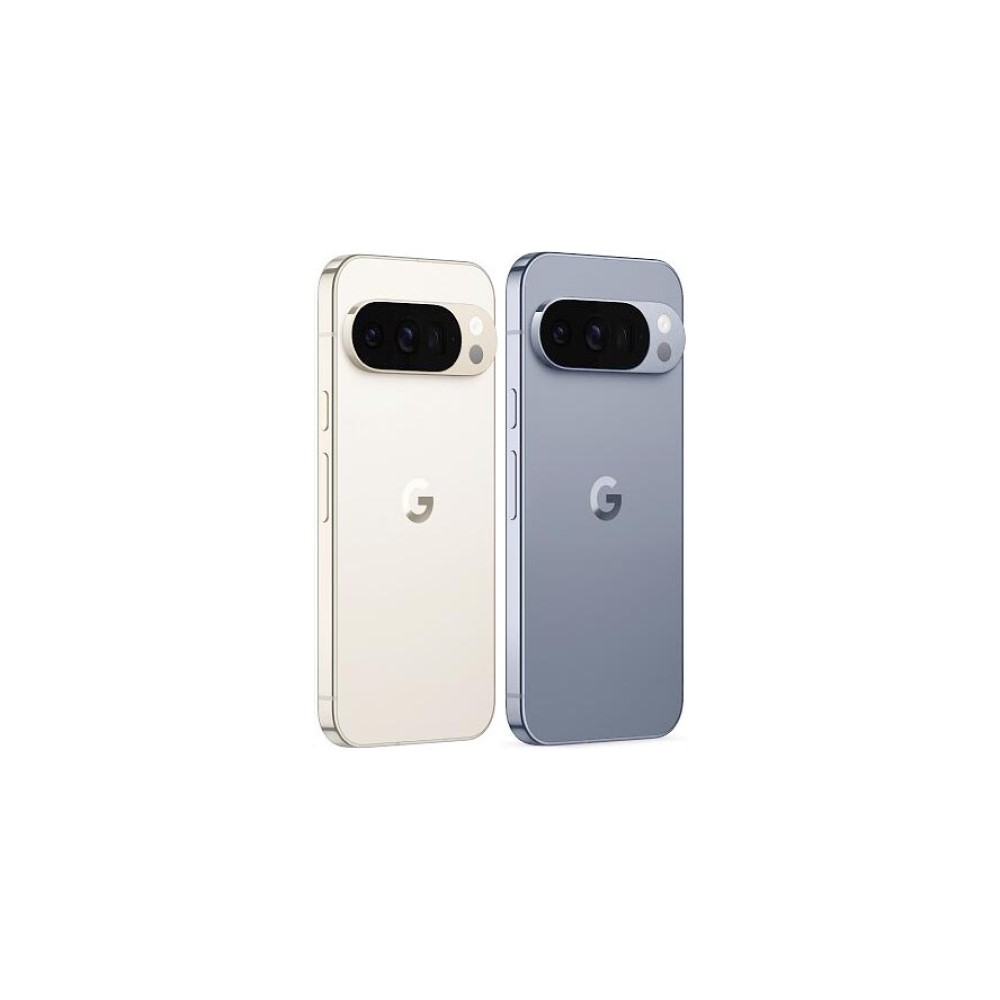
The Google Pixel 10 is the 6.3-inch base model of the in-house Android phones from Google. With plenty of high-speed storage options, a good amount of RAM, and the all-new Tensor G5 processor, it should blow through your mobile computing tasks with ease. A triple camera system includes standalone ultrawide and telephoto lenses, and a 50MP main sensor.
Google Pixel 10 Pro
Google Pixel 10 Pro
AA Editor's Choice
Google Pixel 10 Pro
Top-tier specs with small display • Excellent cameras • Powerful AI tools • Top-notch software
MSRP: $999.00
More power in the smaller form-factor
The Google Pixel 10 Pro has everything you could want in a flagship Android phone crammed into a truly compact body with a 6.3-inch display. Google's new Tensor G5 chip is more powerful, the 100x Pro Res Zoom is truly impressive, and there are loads of helpful AI features. Not to mention, you still get seven years of Android updates.
Google Pixel 10 Pro XL
AA Editor's Choice
Google Pixel 10 Pro XL
Excellent build quality • Improved camera flexibility • Smooth-as-ever software
MSRP: $1,199.00
Ultimate power from the Pixel 10 line
The most powerful option from the Pixel 10 line is the Google Pixel 10 Pro XL. With a 6.8-inch display, Tensor G5 shipset, 16GB of RAM, UFS 4.0 storage options, a powerful triple camera setup, and a battery in excess of 5,000mAh, you should be able to power through any task in your day.
Google Pixel 10 Pro Fold
Magnetic charging • IP68 rating • 6.4-inch outer and 8-inch inner displays
MSRP: $1,799.00
Thinner, more powerful, and a bigger display
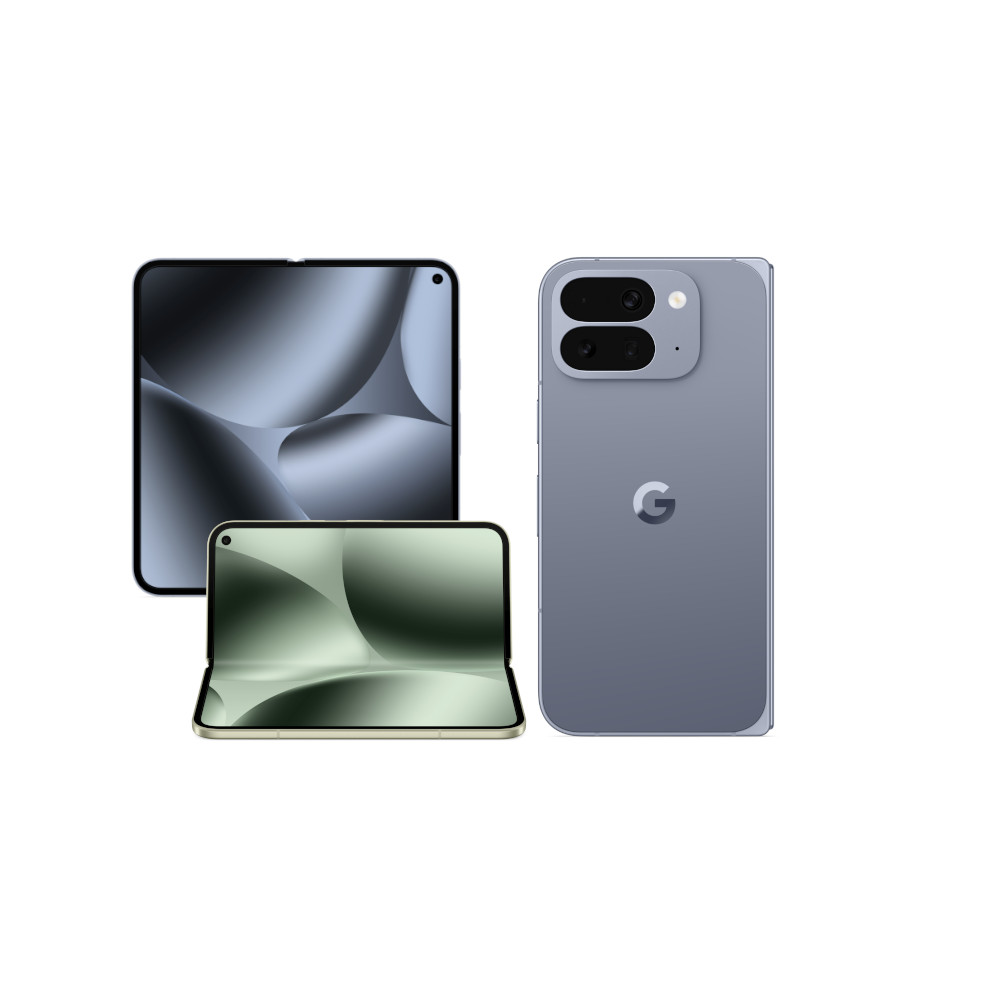
The Google Pixel 10 Pro Fold combines a 6.4-inch front display with a folding 8-inch inner panel for two capable viewing experiences. With the Tensor G5 shipset, 16GB of RAM, and lots of UFS 4.0 storage options, it matches the Pixel 10 Pro XL in terms of specifications and performance. The folding phone also offers a triple camera setup, plenty of powerful AI features, wireless charging, and an IP68 rating.
Follow

Thank you for being part of our community. Read our Comment Policy before posting.