Affiliate links on Android Authority may earn us a commission. Learn more.
We got Googlebook's text editor app to run on Android, and it looks great
Sep 22, 2026 — 11:46 AM ET
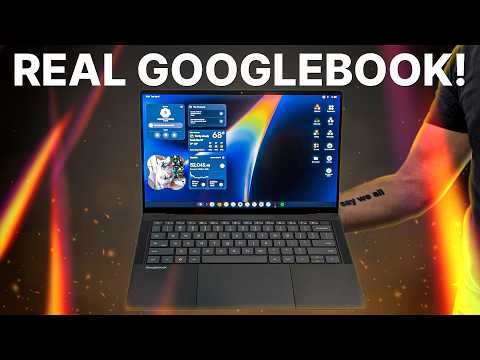


- While the Googlebooks won’t arrive until early October, we can now offer a good look at the platform’s first-party text editor app.
- We got the app to run on an Android phone and tablet, revealing some of its features in the process.
- Users will have extensive syntax-highlighting options, a find-and-replace function, and much more in the Text app for Googlebooks.
Following months of rumors and leaks, Googlebooks are finally official. Pre-orders are live now, but you’ll have to wait until October 4 to get your hands on the new laptop range. We’ve already seen how features like Continue On enable seamless switching between a Googlebook and a phone, but what about apps? We can now exclusively reveal how a common Googlebook app will look and function, but not in the way you’re probably expecting.
You’re reading an Authority Insights story. Authority Insights brings you all the latest exclusive reports, app teardowns, leaks, and in-depth tech coverage from the Android Authority team that you won’t find anywhere else.
Since Googlebooks haven’t hit retail shelves yet, we have no real way to know what most apps made for the platform will look like. However, that didn’t stop us from installing its dedicated text editor app on an Android smartphone, giving us an early preview of its functionality.
This app, called Text, is currently live on the Google Play Store and offers all the capabilities you’d expect from a modern-day text editor with extensive syntax highlighting options, including:
- Plaintext
- Markdown
- Kotlin
- JavaScript
- Typescript
- Python
- HTML
- CSS
- JSON
- Java
- C++
- Rust
- Go
While the screenshots on Android show it works perfectly on smaller screens, we also enabled this app on one of our Android tablets to better illustrate the layout on a larger display.
This app makes better use of a tablet’s screen real estate while also making frequently used tools easily accessible. The larger view accommodates a tab-based interface for the text editor, which is ideal if you have multiple projects running side by side. Other conventional features like find and replace will be available in the Text app, too.
While future owners of Googlebook laptops should be able to choose from several other text editor apps on the Play Store, customers surely wouldn’t mind having a decent native option on their Google-branded laptop.
There’s no indication to suggest Google will officially expand this app to Android devices. However, given that it appears suited to work on both smartphones and tablets, at least based on this early look, we don’t see why it shouldn’t.
Conversation
Read what readers said or add your take.