Affiliate links on Android Authority may earn us a commission. Learn more.
5 streaming devices you should buy instead of the Google TV Streamer
Jul 13, 2026 — 6:30 AM ET



It’s been nearly two years since the Google TV Streamer hit the scene, replacing the much cheaper Chromecast series. While there’s a lot to like about Google’s TV Streamer, the $100 price tag can feel pretty steep considering the Chromecast family often fell well under $50. Looking to save money over the Google TV Streamer or simply looking for a secondary device and don’t want to pay the full price? The good news is you have plenty of options. Below are just five of the best Google TV Streamer alternatives.
Which of these Google Streamer alternatives would you pick?
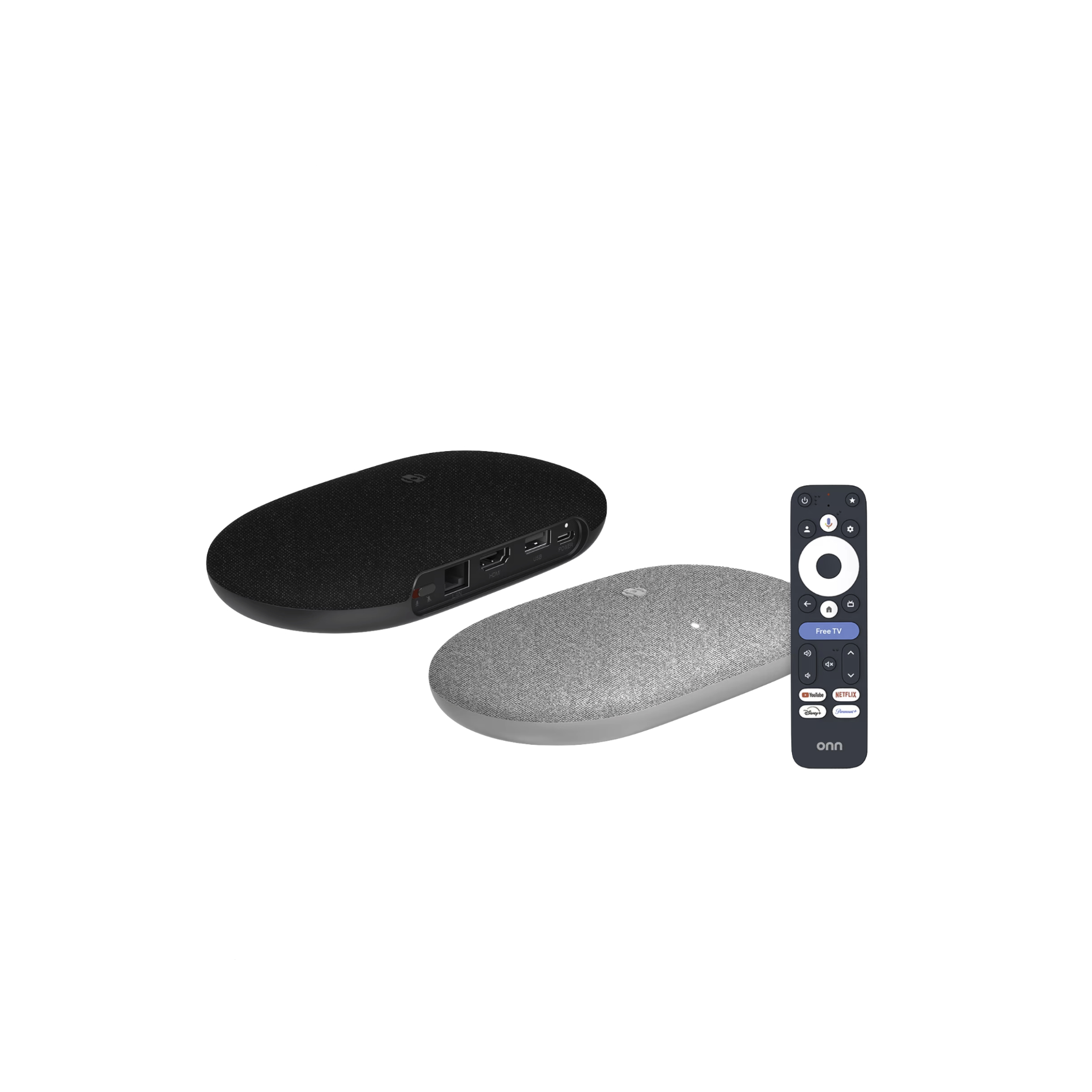
Onn 4K Pro (2026)

I recently picked up an Onn 4K Pro (2026) for our bedroom after Android Authority’s glowing review. It was an easy sell for me as I was already a fan of its predecessor, which has stood in my living room since I reviewed it back in 2024. The new model has a much more attractive design than the original and faster internals, though it has many of the same core functionalities as the previous version, including USB support and a voice-based find-my-remote option.
At just $60, you’ll also pay $40 less than you would for Google’s model, and yet you’ll get a product that works the same in many ways and is also better suited for those who like to tinker. For example, I’ve sideloaded emulators and use the USB port for connecting a wired controller. You won’t get the built-in Thread capabilities of the Google TV Streamer, but you do get a hands-free assistant without needing to trigger the remote to talk to it. There’s also the aforementioned USB port. These are just two features you won’t find with Google’s streamer.
Roku Streaming Stick Plus

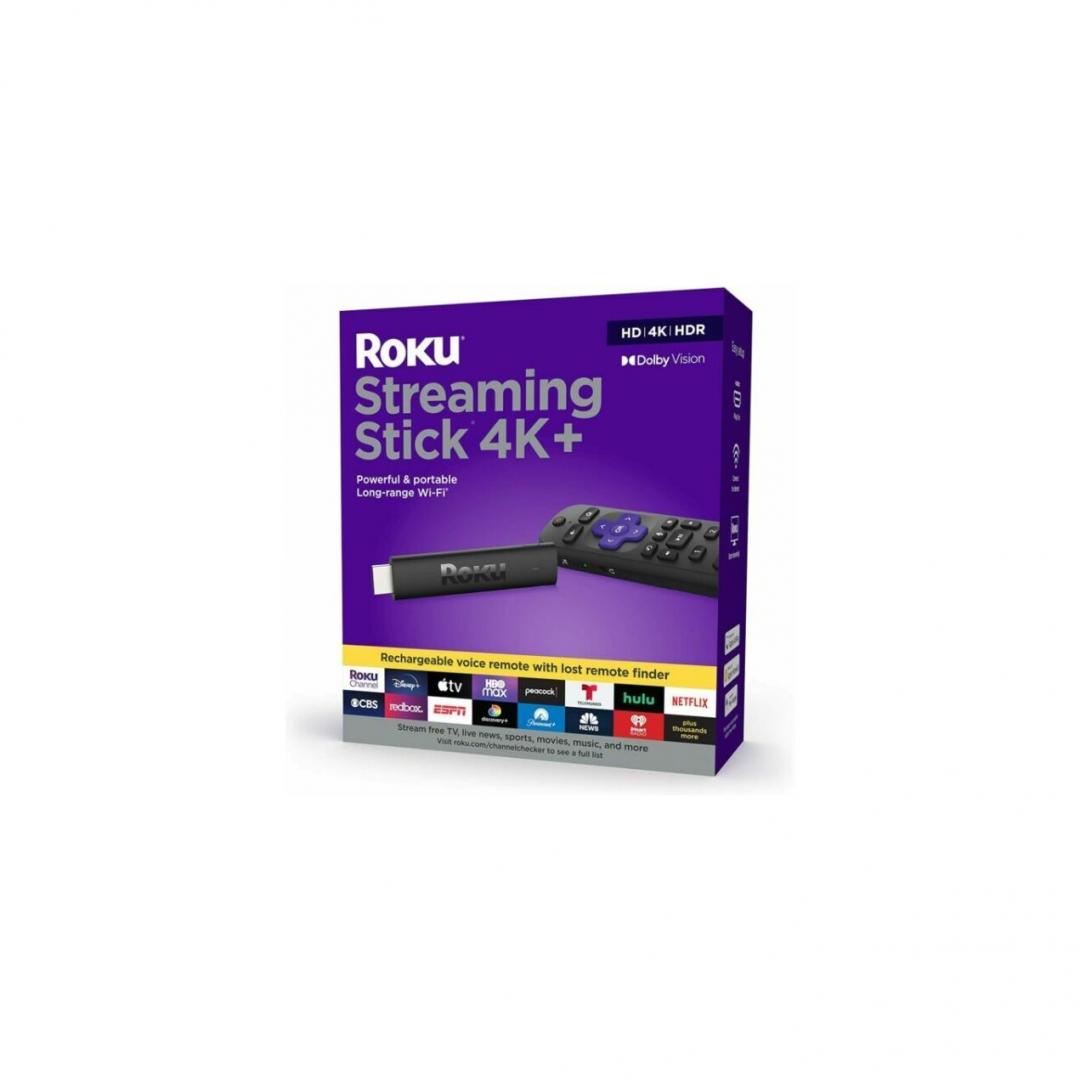
Not everyone is a fan of Google TV, and so it’s important to also consider alternatives that are outside of Google’s camp. The Roku Streaming Stick Plus has crystal clear 4K Ultra HD and a design that’s much more compact. This is great if you don’t want your equipment visible, and it also makes it much more portable, too.
The great thing about Roku is that it’s simple to set up and equally easy to navigate. The latter aspect is also probably one of its biggest downsides for me personally. While I find the UI easy to use, it also feels incredibly dated. While other competing platforms have more robust UIs, Roku has largely kept the same no-frills approach since the beginning. For me, this is a downside, but for some, that’s a feature. I also prefer Google TV because it makes for the most seamless casting experience, but it is worth noting that Roku still supports screen mirroring for many apps. Just be aware you might run into connection issues more than you would when casting an app from an Android phone over to a Google TV device.
If you want simplicity over capability? Roku is a great choice.
Xiaomi TV Box S 3rd Gen

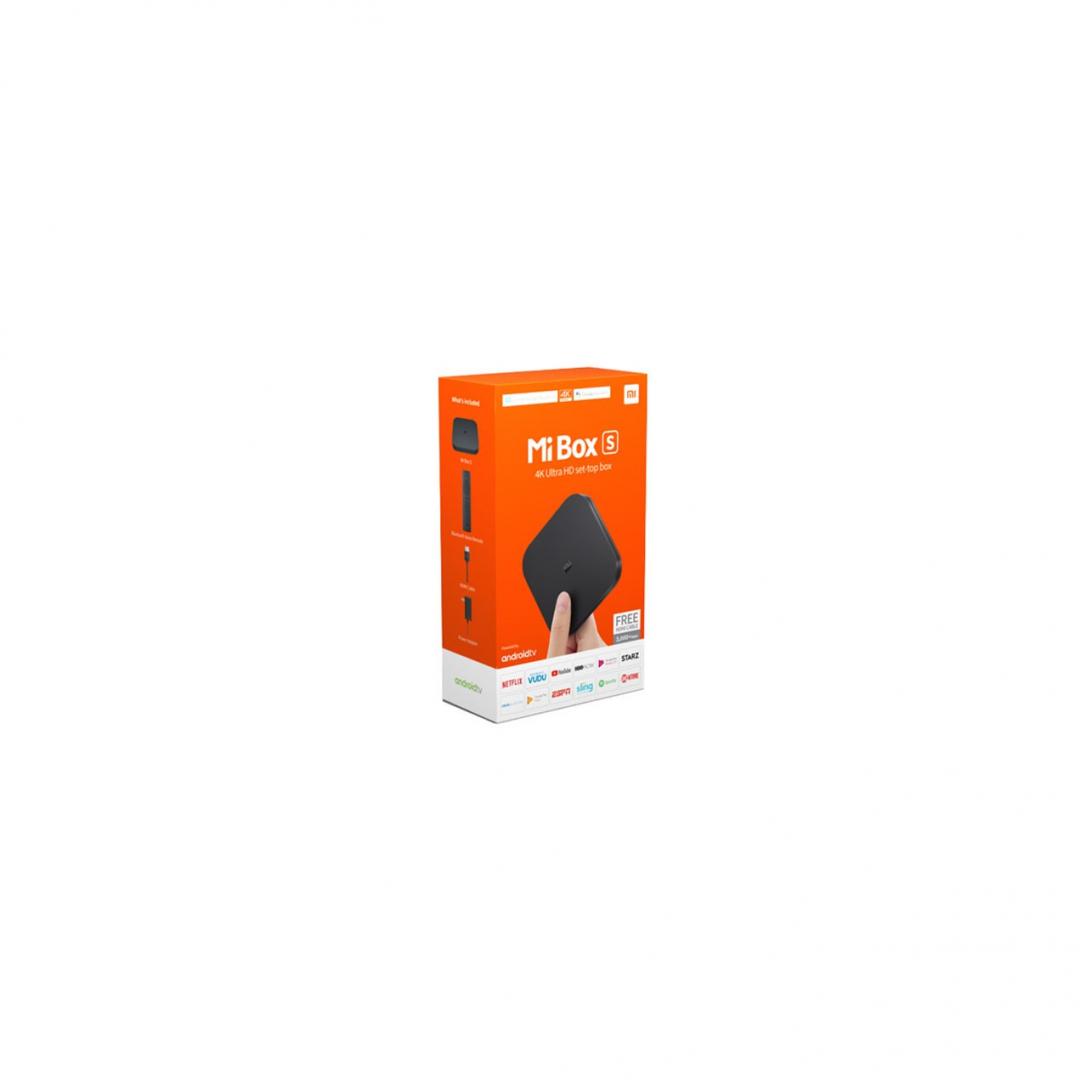
While not a massive jump forward from the previous Xiaomi TV Box S, the latest model is still a solid alternative to the Google TV Streamer if you can look past its fairly limited 2GB of RAM. While this is enough to provide a smooth basic experience, you’ll find that it can struggle a bit with heavy tasks.
Like the Onn 4K Plus, you’ll find 32GB of storage and a USB port, which makes it tinker-friendly aside from the potential RAM bottleneck. You won’t get hands-free features, and you have a bit less RAM, but otherwise, they are actually fairly similar devices. Honestly, I would pick the Onn model over this one, unless you are in Europe, and then you don’t really have an alternative. The Xiaomi Box S might also be a better fit if you aren’t a fan of Walmart and its house brands.
Amazon Fire TV Stick 4K Max

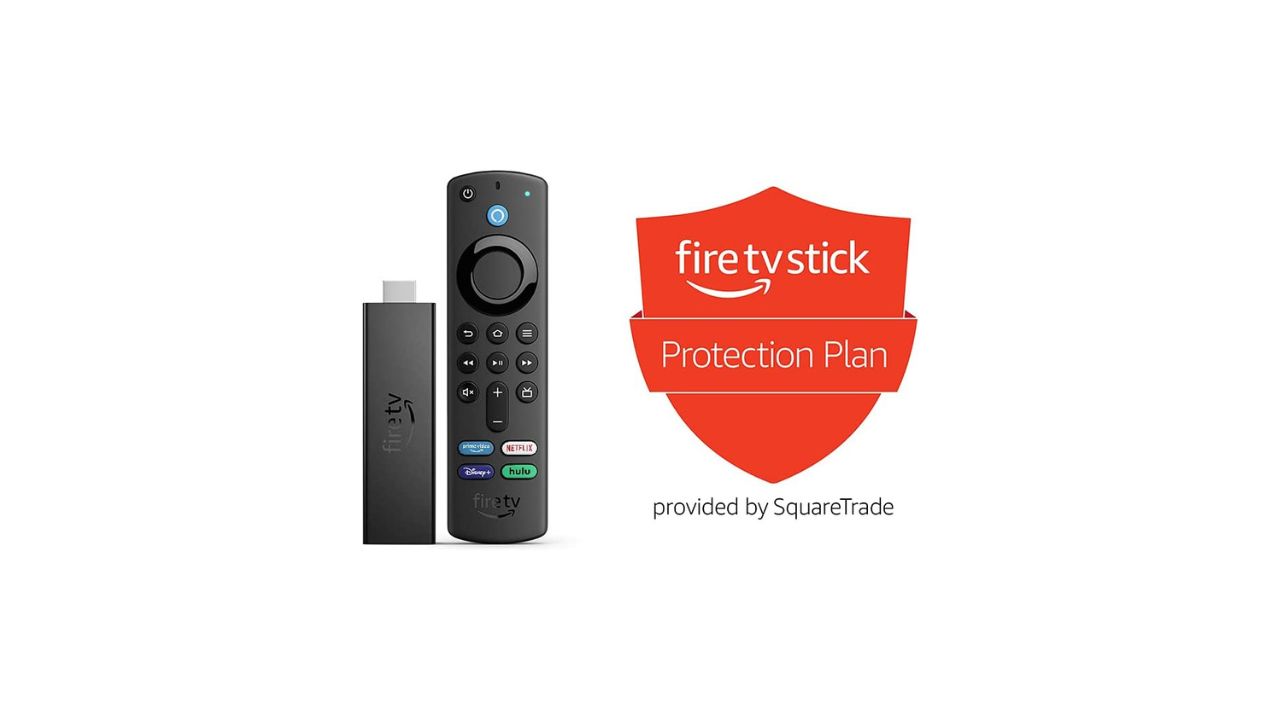
I’ve never been as big of a fan of Fire OS personally, but I will admit that the platform actually gets a lot right. It has a decent app selection and a fully featured experience, and yet it’s still pretty easy to navigate and learn. I also really appreciate that the Fire TV Stick 4K Max is a great gaming portal, as it has baked-in Xbox Game Pass support and works wonderfully with a wireless controller attached.
At $60, it’s also more affordable than the Google TV Streamer, and yet it is still a highly portable device. If you are looking for something as feature-packed as a bigger streaming box but with the portability of an old school Chromecast? The Amazon Fire TV Stick 4K Max could be for you. Don’t want all the bells and whistles? The standard Fire Stick ($39 at Amazon) is just $30 and makes for a great Chromecast-level alternative.
Apple TV 4K

Affordability has been the entire theme of this alternatives list so far, but what if the Google TV Streamer didn’t feel premium enough? If this describes your experience, the Apple TV 4K might be nearly four years old, but it is still an incredibly powerful machine. Not only does it have a more robust app ecosystem, but it also features a stronger chip that allows for higher quality experiences outside of just streaming apps. Even better, it has a Continue Watching feature that actually works well! I’ve actually complained in past reviews about the inconsistency of this feature on Google TV, and I have to admit that Apple handles this much better.
Of course, the biggest reason to consider an Apple TV is if you are already transitioning toward the Apple ecosystem or you have a mixed device ecosystem already. Just be aware that the Apple TV doesn’t come cheap. While it often goes on sale, it retails for around $150.

Thank you for being part of our community. Read our Comment Policy before posting.