Affiliate links on Android Authority may earn us a commission. Learn more.
Google’s newest health features are a confusing mess across Pixel Watches and Fitbits
Oct 22, 2026 — 7:30 AM ET



The trouble with Google’s 2026 wearable strategy is that the growing list of Pixel Watch and Fitbit products all appear to have similar health features, but in reality they are not identical at all. It makes trying to find the right wearable for you more difficult than it should be.
In typical Google fashion, the details around its Health Guardian suite of AI health features are confusing. It’s hard to keep track of news on what’s coming in the future and to what device, understand which features are restricted and why, whether you need to pay a subscription, if you’re going to have to upgrade to get the feature you want, or even do something drastic like move country to get it.
Navigating Google’s current wearable roadmap is as annoying as it is head-spinningly confusing.
Which Google wearable appeals to you the most?
What is Health Guardian?

Google’s Health Guardian features are part of the Google Health app, and you need a Google Pixel Watch 3, Pixel Watch 4, Pixel Watch 5, Fitbit Air, or Fitbit Edge to access them. Additionally, you may need to pay the $10 per month Google Health Premium subscription, depending on the device you own.
Tick all these basic boxes, and you have a good chance of taking advantage of the four AI-backed Health Guardian features. The features are Blood Pressure Trends, Insulin Resistance Trends, Sleep Breathing Quality Trends, and Breathing Emergency Detection.
Sounds straightforward, doesn’t it? When put like this, yes, but Google’s literature is all over the place. For example, the Health Guardian announcement post mentions only the Pixel Watch as compatible, as does Google’s Health Help Center. Go back to an overview from August and the Fitbit Air is included, but the Fitbit Edge’s newness means it’s omitted from all the relevant Google messaging on Health Guardian.
Choosing the right Google wearable and ensuring you get the features you want is not a simple task.
Making things harder still are the various feature rollout dates, app requirements and phone compatibility, feature exclusivity, and regional restrictions. Google still indicates that the Health Guardian features are rolling out in October, and while some may already have them, others may not. Choosing the right Google wearable and ensuring you get the features you want now, not at some unspecified future time, is not a simple task.
What’s the gold standard device for Health Guardian?
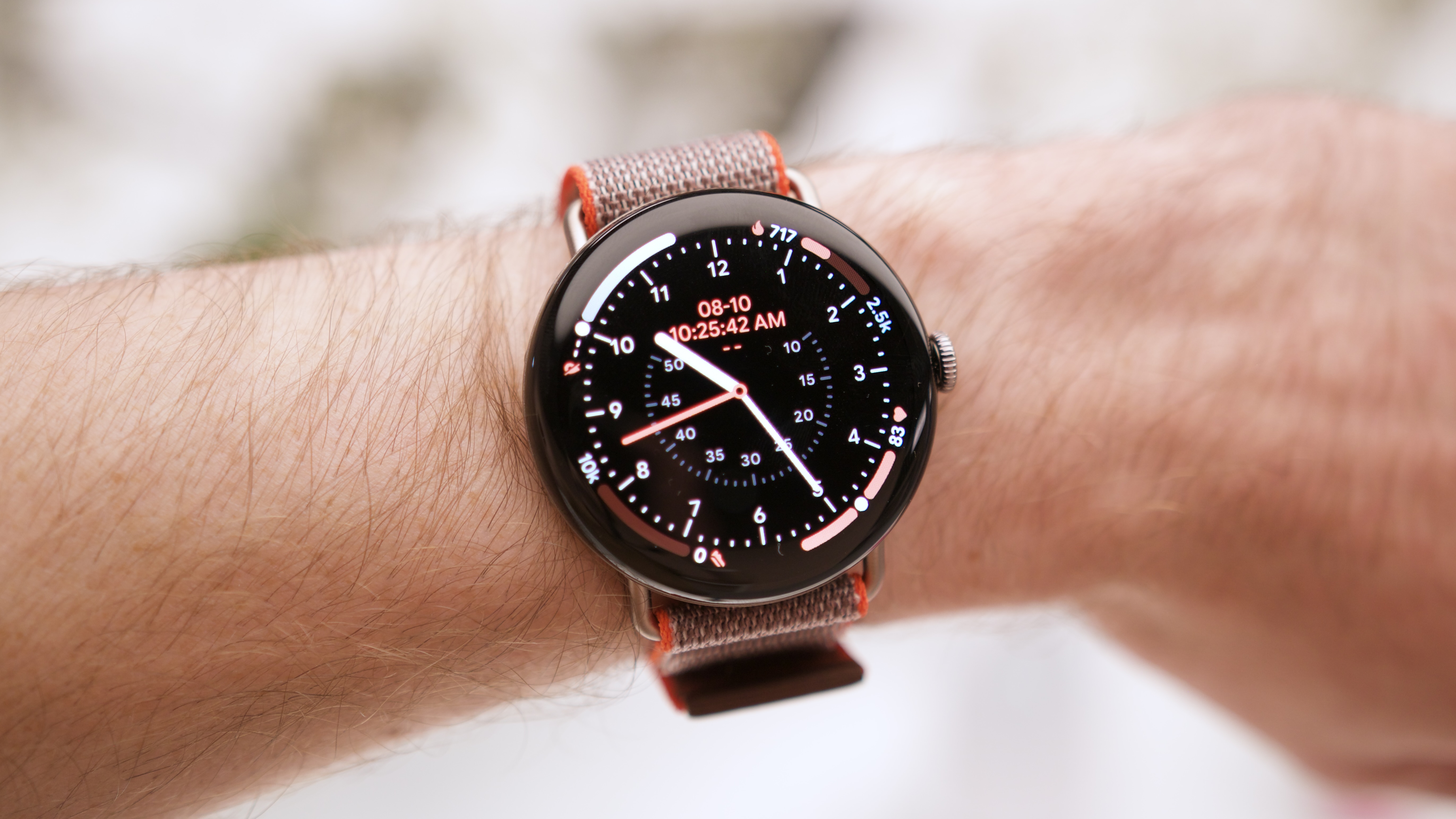
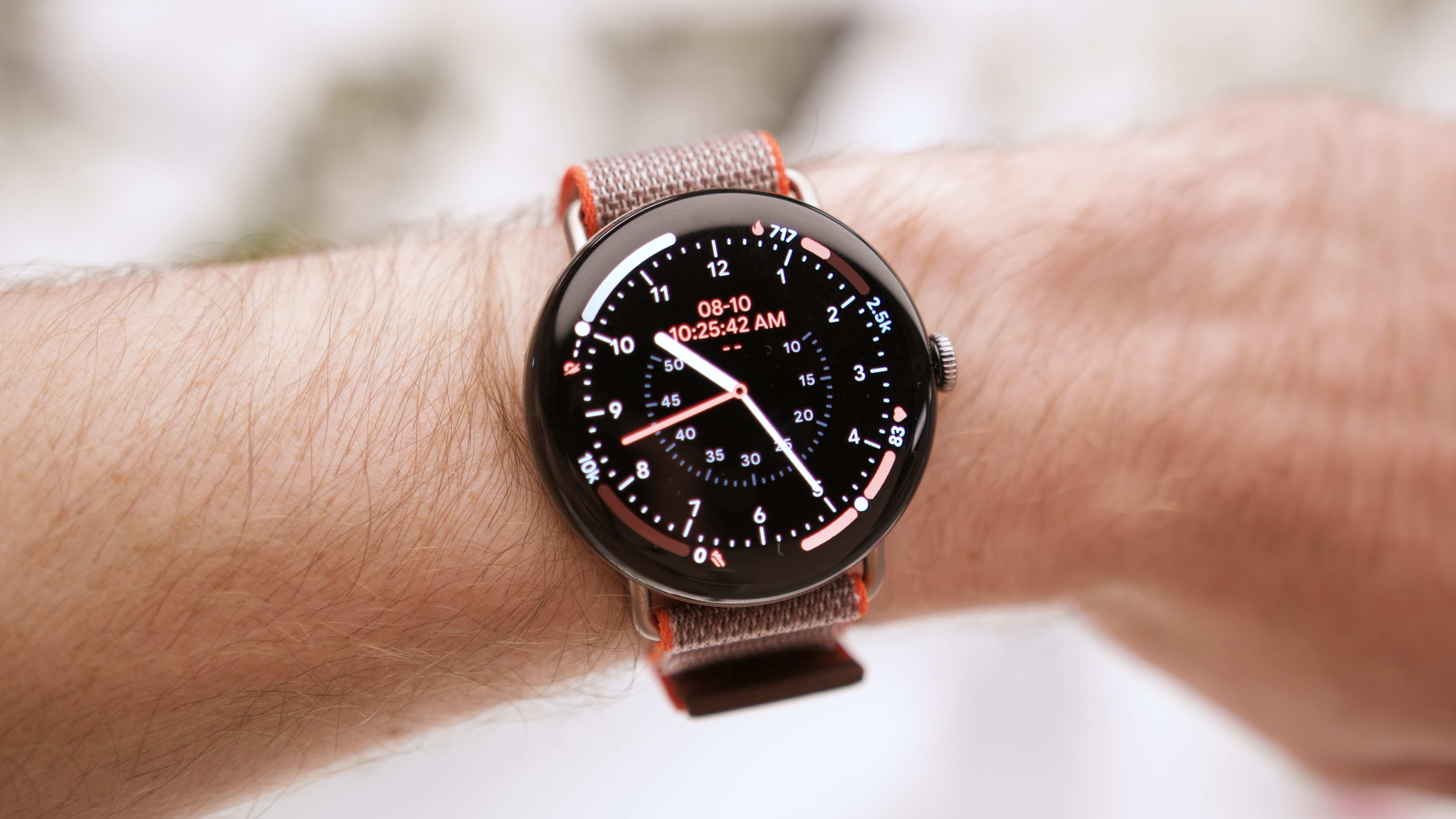

Lets say you’re starting fresh, and want all the Health Guardian features possible. The device to buy is the Google Pixel Watch 5, although the Pixel Watch 4 will also do the job. The Pixel Watch 3 misses out on Breathing Emergency Detection, a feature that serves as a prime example of the mess Google has created.
Breathing Emergency Detection requires Google’s Personal Safety app, which also includes Safety Check, Fall Detection, and Car Crash Detection. This is all fine if you own a Google Pixel phone connected to your Pixel Watch 5, but less so if you own another device.
For example, Samsung provides its own suite of similar features instead of using the Personal Safety app, and features like Breathing Emergency Detection and Car Crash Detection are exclusive to Pixel phones. It makes the gold standard for Health Guardian a combination of two devices, a Pixel Watch 5 and a Google Pixel smartphone.
It gets more confusing

Think that’s clear? No, we’re not done. The Breathing Emergency Detection feature is limited to 14 countries at the moment, which doesn’t include the US. There’s no indication when it will arrive either. It doesn’t require Google Health Premium if you own a Pixel Watch, but neither the Fitbit Air nor the new Fitbit Edge support the feature at all.
Another Health Guardian feature causing confusion is Sleep Breathing Quality Trends. Initially confirmed for the Pixel Watch and Fitbit Air, other Google literature only mentions the Pixel Watch 3, 4, and 5, with ‘more devices to follow’ without any further information. Fitbit owners then discovered that the feature was not available in the Health app at all.
Google cleared up some of the confusion, telling Android Authority the Sleep Breathing Quality Trends feature will be coming to the Fitbit Air soon. It did not confirm a release date, and it’s also unclear whether the Fitbit Edge will get the feature. It seems you’ll have to pay for the Google Health Premium subscription to get it, along with the other Health Guardian features, too — something that’s not required if you own a Pixel Watch 5.
What if you buy the Fitbit Air or Fitbit Edge?

It should not be this confusing, regardless of the business reasons behind feature delays and omissions. It means the Pixel Watch 5 is the best bet if you want to get all the Health Guardian and Personal Safety features with minimum fuss, but a smartwatch isn’t always the preferable device.
The Fitbit Air offers a screen-less, interruption-free alternative, but aside from not getting Sleep Breathing Quality Trends (yet) and Breathing Emergency Detection, what else do you need to know?
Pixel Watch 5 is the best bet if you want to get all the Health Guardian and Personal Safety features.
Blood Pressure Trends and Insulin Resistance Trends are both available on the Air and the Edge, and you’ll see a report provided you wear the device for a set period of time over the course of a month, and provided you pay for Google Health Premium at $10 per month. This also includes access to the AI Health Coach.
It’s worth looking at the comparison between all of Google’s latest wearables to see the small feature differences. The Edge’s screen brings it closer to the Pixel Watch 5’s functionality, and on the health side, it also has an upgraded heart rate sensor compared to the Air, enabling an electrocardiogram (ECG) feature.
Product differentiation shouldn’t be this complicated

Google has three current wearables, and all offer varying levels of access to the Health Guardian features. Differentiating between the hardware is simple, but trying to fully understand what’s included or missing in the software, and whether you’ll have to pay a subscription, is far more complicated. Google isn’t clearly communicating when forthcoming features will arrive or why certain devices won’t get certain features, which is eroding trust.
The confusing feature rollout and messaging mean people risk buying a device that may not do what they want.
The staggered release of the Pixel Watch 5, Fitbit Air, and Fitbit Edge didn’t help either, as it inevitably frustrated buyers who may have preferred one of the other devices, all of which came within a few months of each other. The confusing feature rollout and messaging mean people risk buying a device that may not do what they want, through no real fault of their own.
When there’s considerable crossover between devices, regional requirements that depend on decisions made by governing bodies, delays in feature releases, the need to optimize complex features for different hardware, and a business need to show a clear upgrade path between devices, a clear, transparent, and understandable product roadmap becomes more important than ever.
Unfortunately, that is not what we’ve got with the Pixel Watch 5, Fitbit Edge, and Fitbit Air. The big takeaway here is, if you want all the Health Guardian goodness, buy a Pixel Watch 5 and a Pixel phone. I suspect that’s what Google wants you to do anyway.
Thank you for being part of our community. Read our Comment Policy before posting.