Affiliate links on Android Authority may earn us a commission. Learn more.
Galaxy S25 Ultra buyers will sorely miss this handy S Pen feature
- Samsung has removed Bluetooth functionality from the Galaxy S25 Ultra’s S Pen.
- Without Bluetooth, the S Pen does not support Air Actions and can no longer be used as a remote.
- The Galaxy S25 Ultra’s S Pen still supports Air Commands and Galaxy AI features like Circle to Search and Sketch to Image.
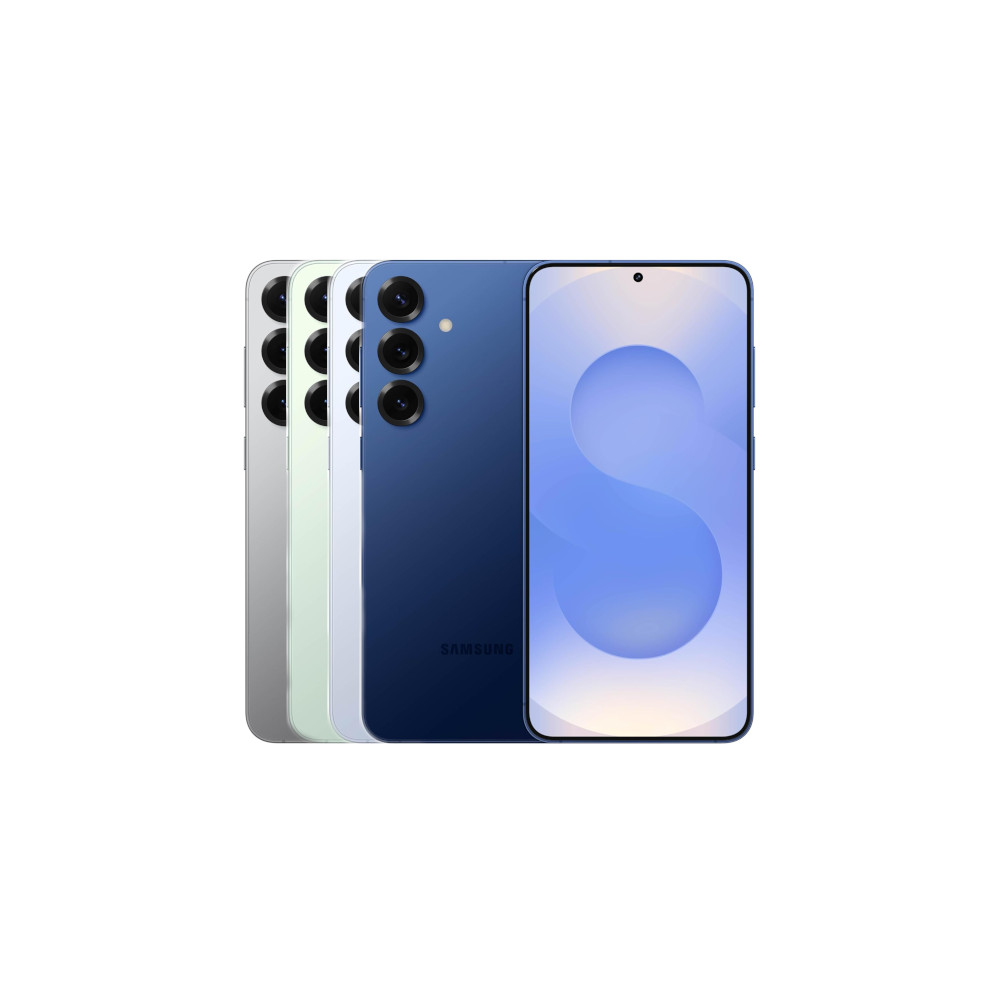
Samsung’s flagship Galaxy S series devices for this year are finally here, with several noteworthy improvements. Of the three new Samsung phones, the top-end Galaxy S25 Ultra features the most significant hardware upgrades, including a new 50MP ultrawide camera with enhanced macro capabilities, LOG video support in Pro video mode, a refined design, a larger vapor chamber for better heat dissipation, and more. However, Samsung has also made a change some S Pen aficionados may consider a downgrade.
The Galaxy S25 Ultra’s S Pen lacks Bluetooth functionality and, as such, does not support a few handy features we’ve seen on the Galaxy S24 Ultra and older models. For instance, you can no longer use the S Pen as a remote to take pictures, control a PowerPoint presentation, or browse the Gallery app.
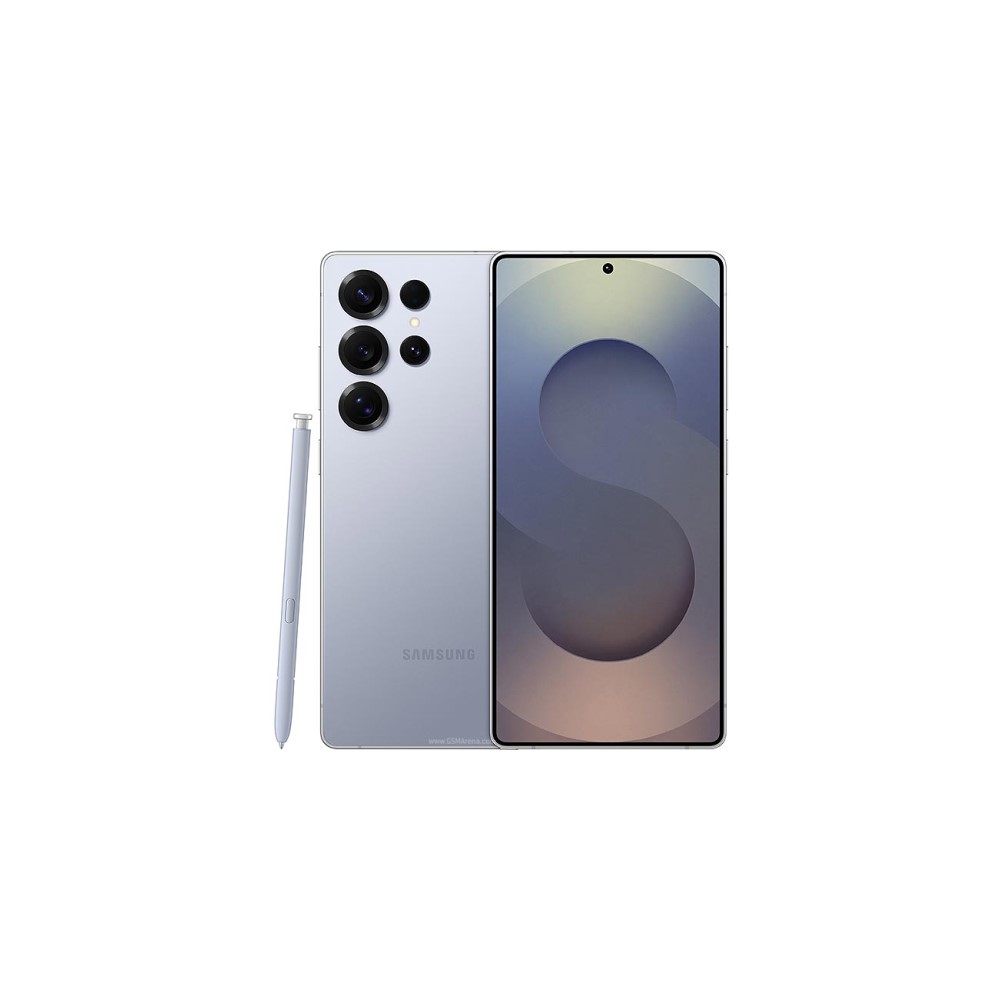

In addition, Galaxy S25 Ultra buyers won’t have access to Air Actions, a gesture control feature Samsung debuted with the Galaxy Note 10 series. This feature lets users control their phones or perform various app actions using customizable S Pen gestures. Samsung says it removed these features as they barely got any use, but we’re sure some Galaxy S25 Ultra buyers will sorely miss the S Pen’s remote control functionality.
It’s not all bad news for the S Pen, though. The stylus retains support for the Air Command feature, which gives users access to handy shortcuts when it’s hovered over the screen, has a pressure-sensitive tip with 4,096 pressure levels, and works with a couple of cool new Galaxy AI features. Samsung has also updated its design, so it now sits flush with the phone’s frame.
Thank you for being part of our community. Read our Comment Policy before posting.