Affiliate links on Android Authority may earn us a commission. Learn more.
I used the Fitbit Air, Fitbit Edge, and Pixel Watch 5 side-by-side, and I'd pick these two

Nov 20, 2026 — 4:30 AM ET


Fitbit hardware blends a fitness focus with minimalist designs, but it’s had a longstanding limitation. Up until the launch of the Fitbit Air, users couldn’t pair multiple Fitbit or Pixel Watch devices to the same phone and Google account. Rather than use multiple Google wearables for specific purposes, buyers needed to rely entirely on a single fitness tracker or smartwatch.
The Fitbit Air marked the first wearable that could be used in tandem with a Google Pixel Watch. The idea behind the pairing was simple: wear the Pixel Watch during the day, and strap on the thinner and lighter Fitbit Air at night. Now, Google’s new Fitbit Edge is the second Fitbit tracker to support multi-device pairing. You can use a Fitbit Air, Fitbit Edge, and Pixel Watch 5 with the same Google Health account, but should you?
I’ve been wearing all three Google wearables for a month to find out which one is right for a particular type of person, and which combinations work best together. The results surprised me — there’s a stronger case for going all-in on the Google wearable ecosystem than I expected.
Which Google wearables would you be most likely to use together?
The Fitbit Edge or Pixel Watch 5 can serve as your primary fitness tracker

Of the three Google wearables released this year, only two make sense as a primary fitness tracker: the Pixel Watch 5 and the Fitbit Edge. At only $99, the Fitbit Air is an incredible value. However, it excels at passive health monitoring and sleep tracking rather than active activity recording. This is because the Fitbit Air lacks onboard GPS and doesn’t offer a way to start activity tracking from your wrist.
Anyone requiring on-device GPS tracking and manual activity modes has to choose between the Pixel Watch 5 and the Fitbit Edge.
These compromises aren’t surprising, especially considering the size and price point of the Fitbit Air. Regardless, relying solely on automatic activity detection or using a companion smartphone for manual workout tracking makes the Fitbit Air a non-starter as the primary wearable for fitness buffs or athletes. While recent updates are said to have improved Fitbit Air activity detection, it was rough in the early going. I’d see my Fitbit Air detect a swim as a walk, and manually change it to a swim; then, every walk was detected as a swim.
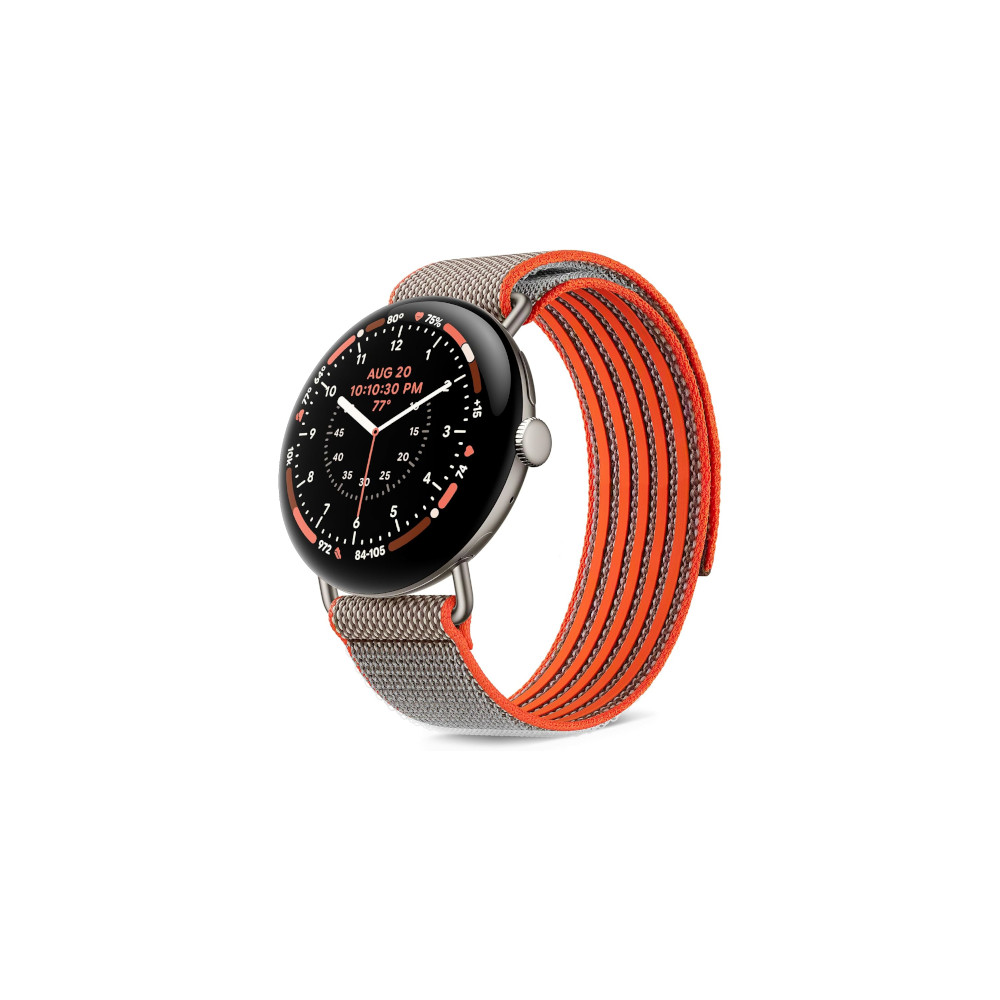
That’s why anyone requiring on-device GPS tracking and manual activity modes has to choose between the Pixel Watch 5 and the Fitbit Edge. The former costs $400 for the 41mm model ($299.99 at Amazon right now), and the latter costs $180 ($179.99 at Google Store). There’s a tangible disparity in price and feature set between these two Google wearables, but they’re also shockingly similar. As someone that rarely uses the “smart” features on a smartwatch, I didn’t miss much as I moved from the Pixel Watch 5 to the Fitbit Edge.

In terms of fitness tracking, the biggest difference between the Pixel Watch 5 and the Fitbit Edge in real-world use was GPS accuracy. The Fitbit Edge uses single-band GPS, whereas the Pixel Watch 5 has dual-band GPS. While running with the two wearables, the Fitbit Edge often shorted my distance compared to the Pixel Watch 5 and my Apple Watch Ultra 4. At times, the Fitbit Edge would short five-hundreths of a mile from every recorded mile. It doesn’t sound like a lot, until your 5K run turns into a 3.3-mile run.
It’s worth noting that my Pixel Watch 5 also tends to short mileage compared to my Apple Watch Ultra 4, but not as egregiously as the Fitbit Edge. The Pixel Watch 5 is also better at providing accurate real-time pacing and showing the correct GPS maps. On one occasion, the Fitbit Edge tracked the right amount of mileage around a quarter-mile loop, but the GPS map didn’t pinpoint my route accurately on the loop.
I don’t think these are dealbreakers for the Fitbit Edge. In fact, at less than half the price of a Pixel Watch 5, I’d be willing to accept these trade-offs. The real question is whether you need smartwatch features. The Fitbit Edge lacks an onboard speaker, microphone, and NFC chip, and only supports a limited set of pre-installed apps. The Pixel Watch 5 also supports cellular, which is a notable perk for those that need to stay connected during workouts.

On the bright side, the Fitbit Edge’s heart rate performance was in lockstep with the Pixel Watch 5 and Apple Watch Ultra 4. I never saw a discrepancy of more than one beat per minute between the three trackers, suggesting the Fitbit Edge is capable of tracking workouts centered around heart rate zones or intervals.
Of the two Google fitness trackers, I’d prefer the Fitbit Edge over the Pixel Watch 5. The Fitbit Edge’s battery lasts up to a week with the always-on display off, while the Pixel Watch 5 still requires daily charging. I also appreciate the Fitbit Edge’s minimal, distraction-free approach. That said, those that need the most accurate fitness data and value traditional smartwatch features will absolutely benefit from the Pixel Watch 5’s upgrades.
The Fitbit Air or Fitbit Edge can be your minimal backup wearable

Once you’ve chosen between the Pixel Watch 5 and the Fitbit Edge, Google wants you to buy a second wearable to pair with your primary one. It’s not required, of course, but it makes more sense than you might think. A slimmer, more comfortable wearable that doesn’t look like a smartwatch can stay on your wrist indefinitely. The secondary device especially comes in handy for sleep tracking, which is a situation where the larger size and extra bulk of a smartwatch becomes a point of frustration.
This isn’t just a Google pitch, either. Whoop made a name for its brand by selling screenless fitness trackers, and Garmin entered the market with the CIRQA band this year. There’s demand for secondary fitness trackers, and that’s why Google’s multi-device ecosystem is important.
The Fitbit Air's wrist presence is unmatched.
Those that opted for the Pixel Watch 5 and want a backup tracker can choose between the Fitbit Edge or Fitbit Air. If you go for the Fitbit Edge, you’re probably only considering the Fitbit Air. Regardless of the option you chose for your primary wearable, the Fitbit Air makes sense as a convenient and affordable backup.

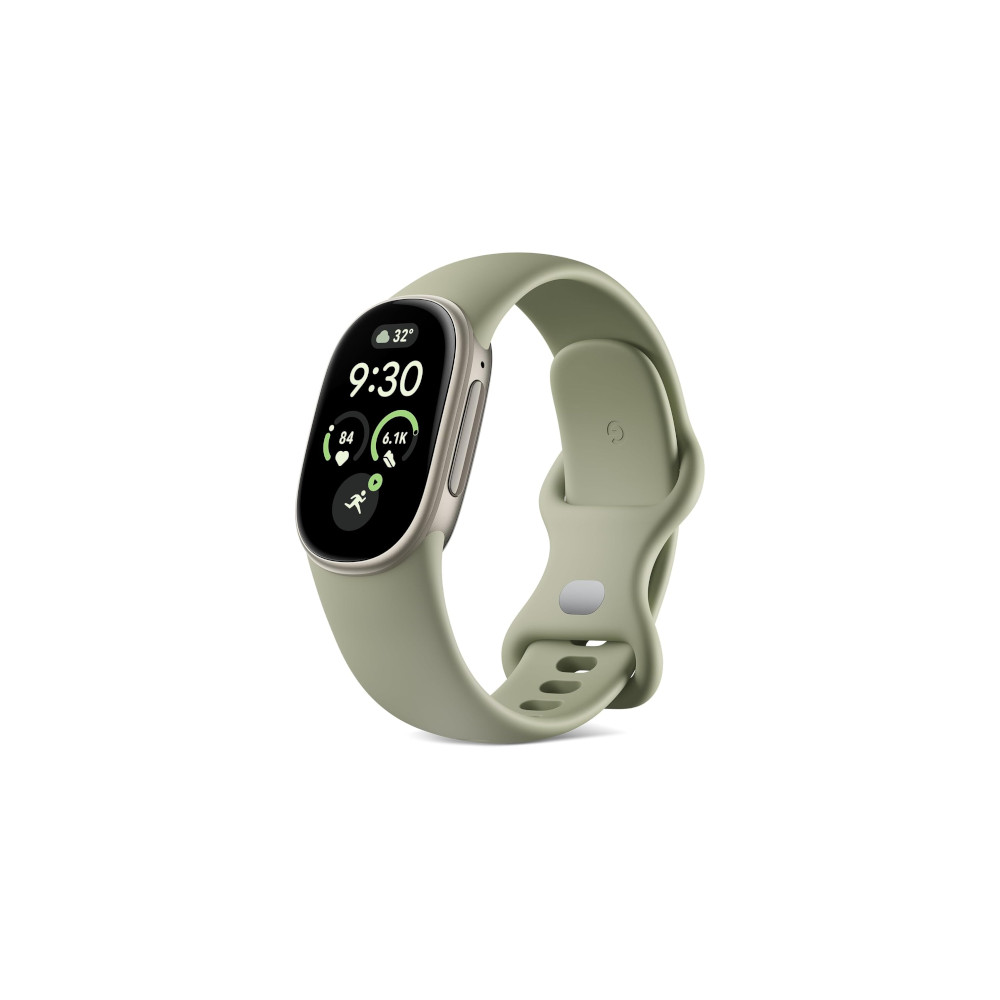
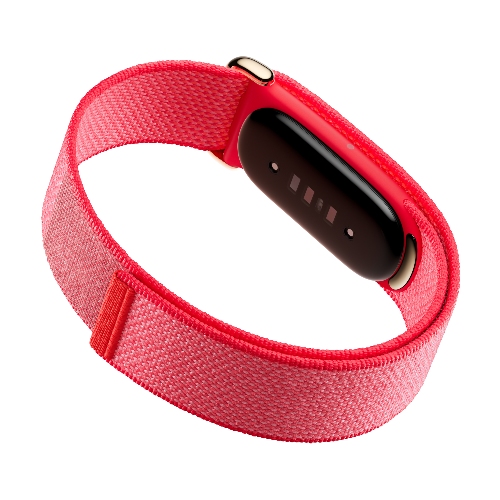
The Fitbit Air’s wrist presence is unmatched, hardly resembling a smart device with the right strap. If you’re someone that likes to wear analog watches or simply avoids keeping a screen on your wrist, the Fitbit Air is right for you. While its compromises rule it out as a primary fitness tracker, it has just enough for capable health monitoring and sleep tracking. Specifically, it has an optical heart-rate monitor, a device temperature sensor, and red and infrared sensor for blood-oxygen sensing.
The Fitbit Edge is undoubtedly the stronger secondary wearable, but it’s not as slim or lightweight as the Fitbit Air. The Pixel Watch 5 and Fitbit Edge pair well together for those that always need a GPS-enabled wearable with manual activity tracking on their wrist. For everyone else, the Fitbit Air is the perfect companion for either the Pixel Watch 5 or the Fitbit Edge.
Google sells three wearables, but I’d only buy these two

Five years after closing its acquisition of Fitbit, Google’s wearable lineup finally feels mature and cohesive. Google’s smartwatches and Fitbit bands are now designed to work together, rather than separately. The ability to add the Fitbit Air, Fitbit Edge, and Pixel Watch 5 to the Google Health app simultaneously lets you mix-and-match the trackers you need.
If you can only buy one Google wearable, I've found the Fitbit Edge to be the sweet spot.
I suspect some users will be wary of buying multiple Google wearables. Investing in the best wearable your budget allows and using it for everything sounds more appealing than splitting your money across two sub-par trackers. Those that buy the Pixel Watch 5, complete with the best health hardware, will lose functionality or accuracy every time they switch to the Fitbit Edge or Fitbit Air.
If you can only buy one Google wearable, I’ve found the Fitbit Edge to be the sweet spot. It’s just good enough to handle workout tracking, sleep monitoring, and everything in between while costing only $80 more than the Fitbit Air.
If you’re planning to buy two, I’d pick the Fitbit Edge and the Fitbit Air. For less than the cost of a 41mm Pixel Watch 5, you get two capable fitness bands that with unique specialties. With similar wrist profiles, switching between the Fitbit Edge and the Fitbit Air isn’t as jarring as making the move from the Pixel Watch 5.
Fast charging
Google Health Coach and Health Guardian
Affordable price
Excellent sleep tracking
Conversation
Read what readers said or add your take.