Affiliate links on Android Authority may earn us a commission. Learn more.
DuckDuckGo has a bone to pick with Samsung over Google Search in One UI 9
Oct 28, 2026 — 11:34 AM ET
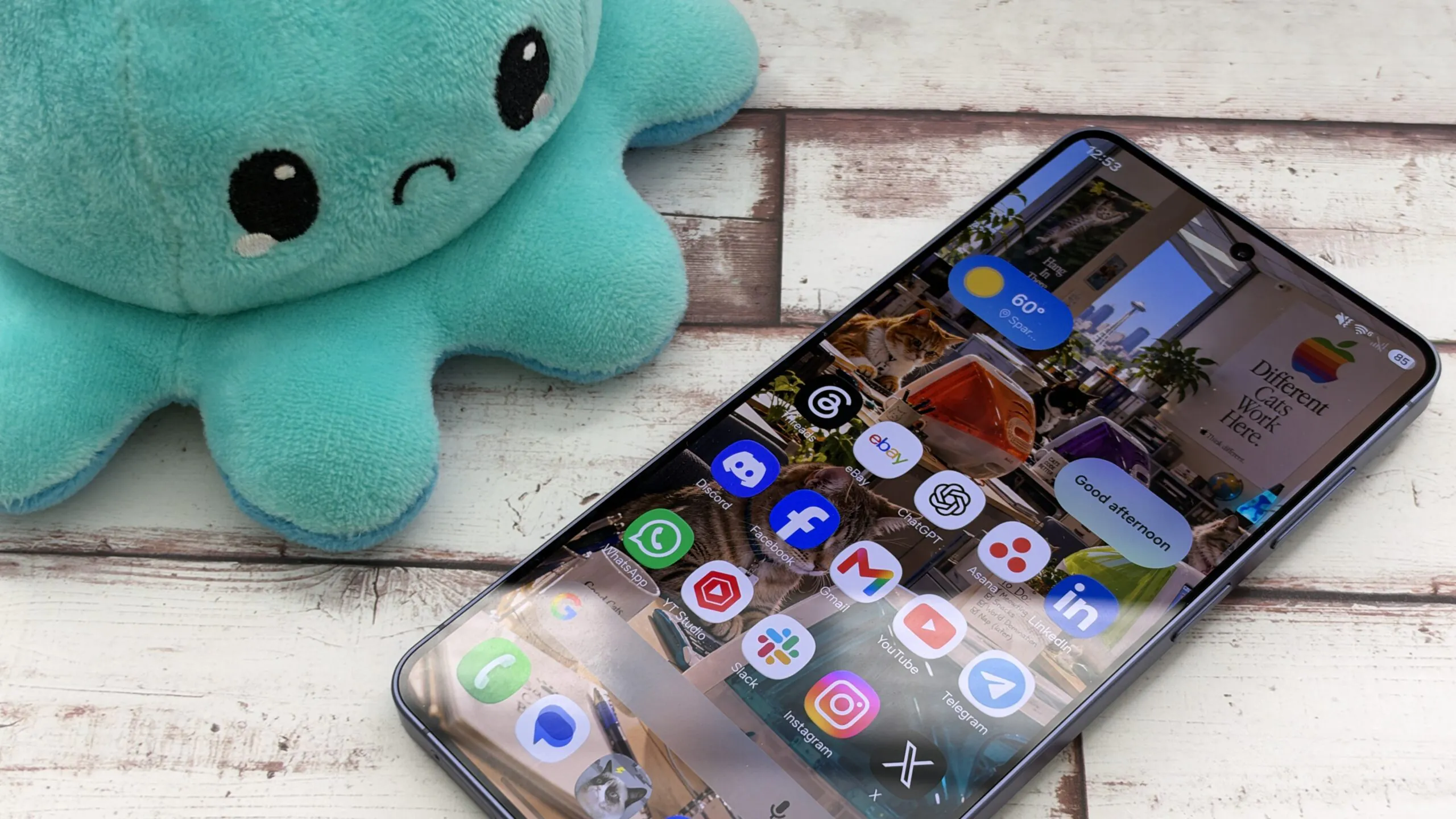


- DuckDuckGo has called out Samsung for baking Google’s search bar into the One UI 9 home screen, even for users who prefer other search engines.
- The change builds on Android 17’s revamped search experience, which Motorola also offers on its home screen search bar.
- Samsung users can remove the search bar through Home screen settings, although some haven’t realized the option exists.
Google has plenty of ways to get you searching, but DuckDuckGo isn’t thrilled to see its rival claim another piece of Android real estate. This time, Samsung is caught in the crossfire, where a One UI 9 change puts Google Search front and center, even on phones whose owners prefer DuckDuckGo.
The privacy-focused search engine took to X to criticize the change, accusing Google of hardwiring its search bar into Samsung’s home screen. Unlike a conventional widget, you can’t long-press, move, or drag the new bar away. That makes it look like Google has secured a permanent spot on your phone, regardless of your search preferences.

Except it hasn’t. And this story goes well beyond Samsung.
Google Search is getting cozy with Android home screens
The One UI 9 change isn’t exactly breaking news. We spotted Samsung preparing it back in May, before it debuted with the Galaxy Z Fold 8 and Flip 8 in July. It allows users to display Google Search, Samsung Finder, both, or neither on their home screens. But more importantly, Samsung isn’t alone in giving Google Search a more prominent home.
In fact, Samsung didn’t start this search bar shake-up. Android 17 laid the groundwork when Google turned the Pixel Launcher’s search bar into the Google search widget. The update also paved the way for alternative search providers, including DuckDuckGo. One UI 9 builds on that foundation, so DuckDuckGo’s beef with Samsung is really part of a much bigger Android story, with Google at the center.
Motorola has joined the party, too. Its Android 17 documentation confirms that, on certain phones, the Google search bar is now anchored to the favorites tray, with an option to remove it.
The real problem might be finding the off switch
DuckDuckGo’s frustration isn’t entirely misplaced. The new Samsung search bar behaves differently from a regular widget, which can be frustrating. Complaints have appeared on Samsung’s community forums and Reddit, with users struggling to remove what looks like an immovable Google fixture.
Fortunately, there’s a simple escape route. Long-press an empty area of your Samsung home screen, open Settings > Show search on Home screen, and switch Search off. You can then add DuckDuckGo’s regular search widget from the widget picker if that’s your preference.
Samsung should also show a pop-up explaining that users can show or hide the search bar in Home screen settings, though that notice doesn’t always appear.

Google’s growing visibility across Android launchers certainly feels like a competitive move, especially when users have already expressed a preference for another provider. Luckily, Samsung still lets users remove Google Search, while Motorola also offers a similar escape hatch.
Still, DuckDuckGo has a point about how prominently Google is being placed. But the bigger question is why users have had such a hard time removing something they can freely remove.
Conversation
Read what readers said or add your take.