Affiliate links on Android Authority may earn us a commission. Learn more.
Android 17 has a second hidden Easter egg and here's how to find it
Apr 24, 2026 — 3:47 AM ET



- Android 17 continues to feature the secret “Landroid” screensaver inspired by the system’s space-themed Easter egg.
- To see the option, you must first complete the Android 17 star puzzle and long-press the logo to launch the Landroid game.
- You can bypass some manual steps by using Activity Launcher to trigger the Landroid game activity directly, so you can see the Landroid screensaver as an option.
Android 17 Beta 4 finally brought along Android 17’s Easter egg, but that’s not all that Google has in store for us. Google has hidden another Easter egg in the software, and activating it requires you to have already activated Android 17‘s Easter egg.
YouTuber In Depth Tech Reviews spotted the second Android 17 screensaver on Android 17 QPR1 Beta 1, released this week.
How to activate the Landroid screensaver on Android 17
This “Landroid” screensaver can be activated by going to Settings > Display > Screensaver, but the option doesn’t appear until you’ve first activated Android 17’s Easter egg by going to Settings > About phone and tapping “Android Version” ten times. Once you’re in, you’ll need to connect the stars to make Android 17’s logo appear. Then, you have to long-press the Android 17 logo to launch the Landroid space game.
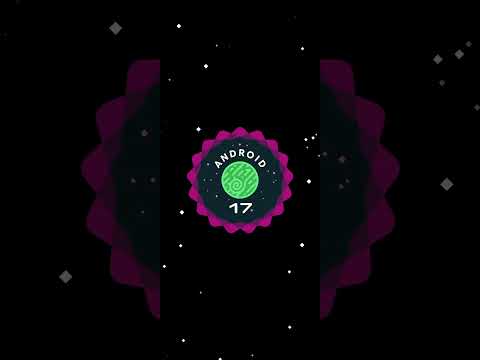
I can confirm that this Easter egg screensaver exists on Android 17 Beta 4 and Android 17 QPR1 Beta 1. In fact, the Landroid screensaver has been around since Android 15.
Don’t want to miss the best from Android Authority?
- Set us as a favorite source in Google Discover to never miss our latest exclusive reports, expert analysis, and much more.
- You can also set us as a preferred source in Google Search by clicking the button below.


If you’re too lazy to get the screensaver Easter egg to appear by activating the Android 17 Easter egg, you can also use Activity Launcher to directly start the Landroid space game (com.android.egg.landroid.MainActivity). Landroid will then show up as a screensaver option.
Since this Easter egg is a screensaver after all, you will need to enable screensavers to see it in action. When enabled, you can set the screensaver to appear while charging or while charging and upright, and restrict either option to wireless charging. I do find screensavers quite distracting in general, so I’ve disabled the option after the novelty faded, but it’s still a very cool Easter egg to spot if you didn’t see it in prior Android versions.
Conversation
Read what readers said or add your take.