Affiliate links on Android Authority may earn us a commission. Learn more.
The Pixel 11 Pro's 120x zoom is ridiculous, but is it actually useful?
Oct 18, 2026 — 7:00 AM ET



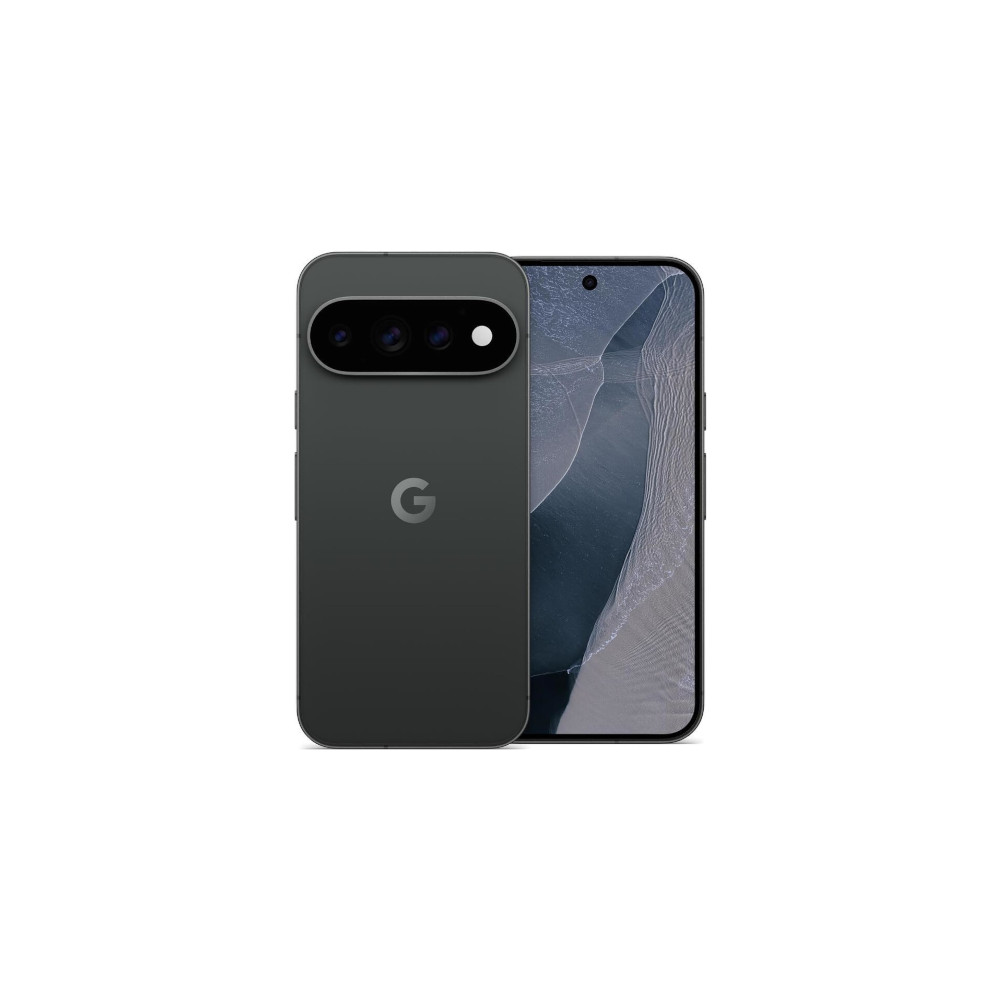
Google has never been shy about pushing smartphone cameras to their limits. In fact, some might say, eking out the maximum using software instead of hardware is Google’s entire shtick with the Pixel lineup. With the Pixel 11 Pro, the company is taking things even further, quite literally, with 120x Pro Res zoom. That’s a step up from 100x on the Pixel 10 Pro and a ridiculous amount of magnification for a phone. Google claims its brighter telephoto camera can capture more detail from farther away – when combined with generative AI, of course. But just because a phone can zoom in that far doesn’t mean the results will be any good. My previous experience with such bold claims has often fallen flat. So, I was curious to see if Google could do any better.
I spent the past week testing the Pixel 11 Pro’s zoom in different situations to see if it actually holds up or is just something that looks good on a spec sheet. I tried everything, including reading distant signboards, photographing historic monuments, and capturing wildlife and people across a park. The results were surprising. The camera can pull off some impressive tricks, but it can also produce some downright bizarre images. The long and short of it? It works with some glaring caveats.
Do you actually use 100x + zoom on your smartphone?
Reading signboards is easy

One of the most useful things you can do with extreme zoom is read text that would otherwise be too far away to make out. Think signboards, or text from across the room. I tested this out and about, standing across a large park lawn. From where I was standing, the building was little more than a small stone structure in the distance, and I could barely make out the sign on the facade.
The Pixel 11 Pro XL’s 120x AI-enhanced zoom made a big difference here. In fact, I didn’t even need the full focal length to frame the actual text. Zooming in brought the entrance into view, and the lettering on the stone facade was clear enough to read. What becomes immediately obvious, and will be a recurring theme throughout this test, is the very apparent digital sharpening and smoothing on specific elements of the image. In this case, the black metal lettering on the facade appears to stand out from the rest of the structure.
In good lighting, text is readable, but the AI has a habit of dreaming up details that don't exist.
Similarly, the foliage in the backdrop has too much of a painterly effect and digital grain. On a smartphone screen, the results look impressive enough, but blow them up on a larger display, and it’s a different story. I zoomed in further on the window pane on the right and was able to get similar results. The image has a bit of a glow and softness to it, not to mention the faint pattern that the AI has dreamed in the window panes. On closer inspection, no such pattern existed on the window panes of the doorway.
Things also get particularly weird in dim lighting. Generative AI can only create solid results when it has a good amount of information to work off. For this test, I shot a picture of a can from across the room in ambient lighting conditions. My room is fairly dim and the can fairly small, so the text was obviously not readable at all from a distance. Unlike monuments or buildings, which have large sculptural details where AI can comfortably discern boundaries and upscale the image, text tends to, generally, be small. Depending on the font, it can also be extremely hard to read print boundaries on low-resolution images. As a result, what you get is absolute gibberish. I tried it on a road sign at a distance in dim lighting, as well as other text in my room, and the AI consistently failed to create a comprehensive image.
Picking out distant details
Architecture is another good test for extreme zoom. I pointed the Pixel 11 Pro XL at this 500-year-old step well with a goal to see just how much detail I could extract. I wanted to see if I could get a clear shot of the floral carving above one of the arched alcoves in the structure. The results, like before, are interesting. The grooves in the stonework and texture around the carving are easy to make out, and it’s quite impressive to see just how much the camera can recover from the image. However, once again, even at closer to 90x zoom or so, you can see that AI denoising and sharpening are doing a lot of heavy lifting.
Google’s AI can reveal architectural details you’d otherwise miss, even if the photos aren’t technically great.
In the middle picture, the darkened interiors of the historical complex are smoothed out to a large degree. Despite that, I could see myself using this just to be able to spot details I’d otherwise miss out. Just don’t expect technically great-looking photographs here.
Okay, here’s a fun one. I’ve lived in Delhi most of my life and have driven past this 800-year-old minaret countless times. Despite that, I had no idea that there was calligraphy on the upper structure. For this test, as you can observe, the monument looks like a thin strip of sandstone against the sky from a distance. However, at 120x, you can easily make out details around the uppermost balcony, including the stone brackets and aforementioned calligraphy. The results weren’t perfect. Some edges had a faint glow around them, making the image look a little too processed. Still, being able to pick out these details from so far away is impressive. Pictured on the right is the image without any AI processing. Not bad at all.
Good enough to sneak a peek at what’s across the room
I also wanted to see how the brighter telephoto camera would perform indoors, where lighting isn’t always ideal. Standing on the upper balcony of an atrium, I pointed the Pixel at a craft market on the ground floor. The wide shot showed a collection of display stalls with paper origami decorations hanging overhead. Zooming in revealed just how much detail the camera could pick up, and the embroidered cushion covers, woven tapestries, and patterned fabric rolls remained clearly visible. The colors also held up well under the warm lights, without turning unnaturally bright or oversaturated.
Sometimes, you don’t need a perfect photograph. You just want to see what’s on the other side of the room.
At risk of repeating myself, looking closely at the images, I could still spot some smoothening from the camera’s noise reduction. Fine details in the fabric definitely weren’t preserved perfectly. But the results were more than good enough to inspect objects from a distance, even indoors. This is another situation where the Pixel’s extreme zoom can be genuinely useful. You don’t always need a perfect photograph. Sometimes, you just want to see what’s on the other side of a large room, and the camera does that job well.
Wildlife errs towards the uncanny valley
Let me preface this section by saying that I struggled to find use cases for 120x zoom. It took a fair amount of thinking to figure out what I wanted to shoot for this test. And 120x zoom isn’t really a feature that you need all that often. However, one of the use cases where it could come in handy is shooting wildlife, which makes the next test particularly interesting.
At 120x zoom, Google’s AI can make wildlife look surprisingly detailed and a little uncanny.
I started with a stray dog resting in a sandy clearing. Zooming in on its head produced an image that, at first glance, is plenty detailed. You can see fur, the texture of the nose, and more. But at the same time, the generative enhancements are extremely obvious. From the texture around the neck to the eye, and even the color tone of the overall picture, everything has been touched up. It’s hard to put a finger on it, but the AI-enhanced version leans towards uncanny valley territory for me. Those differences become even more obvious when you place the untouched photo alongside.
I got similar results at a nearby lake, where a black bird was perched on a branch. Zooming in revealed individual feathers along its open wings and a sharp glint in its eye. Keep in mind that none of this was visible with the naked eye.
These results are particularly interesting because the camera isn’t simply cropping into a high-resolution image. At extreme zoom levels, Google’s processing plays a much bigger role in filling in missing detail. Fur and feathers have repeating patterns that the software can use to produce a convincing result. Whatever Google is doing behind the scenes, it works surprisingly well here, with the caveat that the AI model, too, is doing a lot of guesswork.
You need to keep in mind that the enhanced image is an approximation of a cleaned-up image and not an accurate representation of the subject. It can and often will create details that do not actually exist.
Human faces are a completely different story
Unfortunately, the Pixel 11 Pro XL’s general success with ultra telephoto zoom doesn’t carry over to people. In fact, the Pixel 11 Pro explicitly skips generative upscaling and image generation when it detects a human in the frame. Still, for the sake of completeness, I put it to the test, and the results were exactly what I expected from a photograph that has been zoomed in beyond recognition.
So, is 120x zoom actually useful?
The Pixel 11 Pro’s 120x zoom is more than a marketing gimmick, but it isn’t something I’d use for every photograph. Its biggest strength is letting you inspect distant objects that would otherwise be impossible to see clearly. Whether it’s reading a signboard, looking at the carvings on a historic monument, or photographing wildlife from a distance, the camera can produce surprisingly usable results. But usable doesn’t mean a great photograph, and definitely not so if you like to view your photos on a large television or monitor. There’s no fooling anyone that these photos were shot on a long telephoto lens.
It’s a handy tool to have in your pocket, as long as you know when not to trust what you’re seeing.
The combination of a brighter telephoto lens and better AI algorithms has allowed Google to increase the reach, but many of the downsides of AI-assisted zoom continue to be the case. Images might look fine on a phone screen, but I wouldn’t count on this to capture memories of your next wildlife photography adventure. The results clearly give an AI-enhanced vibe, are often smoothed to a fault, and in the case of text-heavy shots, are entirely full of gibberish. It also will not work with humans in the frame. But despite that, it’s a handy tool to have in your pocket. The Pixel 11 Pro’s 120x zoom definitely does work and can be a useful tool for specific situations, as long as you keep your expectations in check.

Thank you for being part of our community. Read our Comment Policy before posting.