Affiliate links on Android Authority may earn us a commission. Learn more.
Here's how many AI agents Galaxy S26 series has and how they work
- Samsung has adopted a multi-AI agent approach for the Galaxy S26 series.
- The flagship features Perplexity, the new Bixby, and Gemini.
- Perplexity’s Sonar API has been baked in at the system level and powers the AI experience across the device.
These days, pretty much all new phones come with an AI assistant. However, Samsung has taken a slightly different approach with the Galaxy S26 series. Where most phones tend to have a single AI agent, Samsung’s new flagship will let you switch between multiple agents right out of the gate. But just how many are there and how does it work?
Don’t want to miss the best from Android Authority?
- Set us as a favorite source in Google Discover to never miss our latest exclusive reports, expert analysis, and much more.
- You can also set us as a preferred source in Google Search by clicking the button below.


As we discovered through an APK teardown, Samsung has integrated Perplexity into the Galaxy S26. Last week, we learned that you’ll be able to invoke Perplexity with the wake phrase “Hey, Plex” or launch it with a press and hold of the side button. It is joined by Samsung’s new Bixby experience, which has been revamped with Perplexity’s help. And if you’re a fan of Gemini, Google’s AI model rounds out the bunch as the third option.
From the settings, you’ll be able to select which digital assistant you prefer. You can also assign AI options other than Perplexity to a side button, allowing you to access the agent with a long press.
However, Perplexity’s role here is a little bigger than just being one of the three options to choose from. Previous coverage suggested that Perplexity could be a preinstalled app on the Galaxy S26, but it goes further than that.
During Galaxy Unpacked, it was revealed that Perplexity’s Sonar API is baked into the device at the system level. This gives Perplexity’s API deep system access, allowing it to read and write hooks into native apps like Notes, Calendar, Gallery, Clock, and Reminders. It also acts as the infrastructure powering this multi-agent ecosystem across the device.
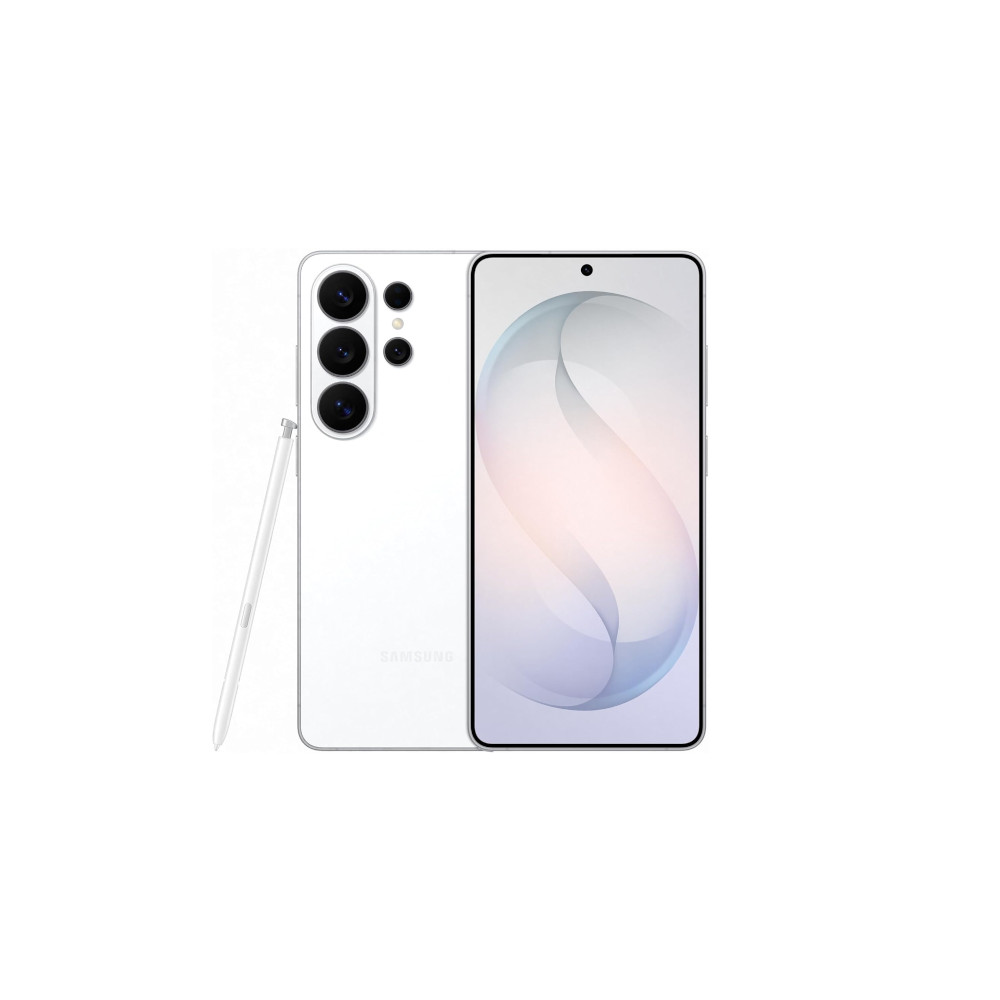
Snapdragon 8 Elite Gen 5 for Galaxy
Power AI features
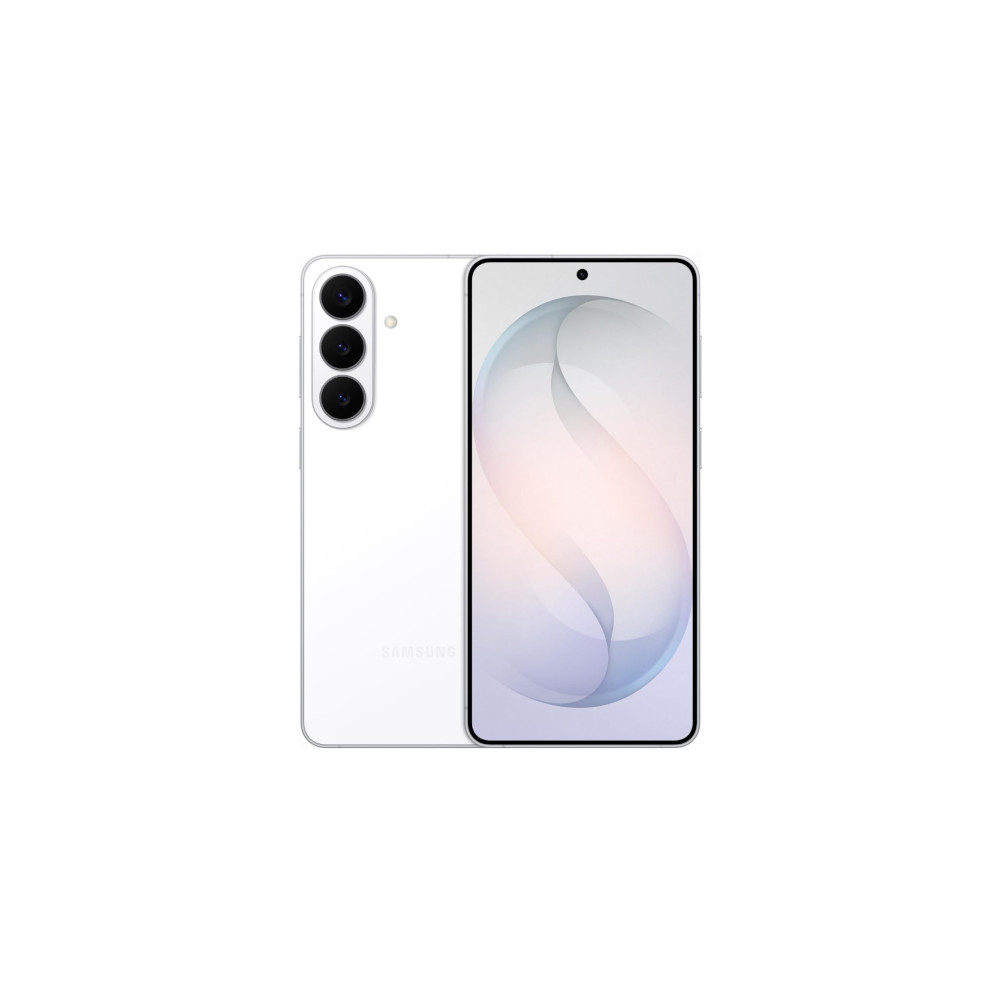
New Galaxy AI features
Faster Wireless charging
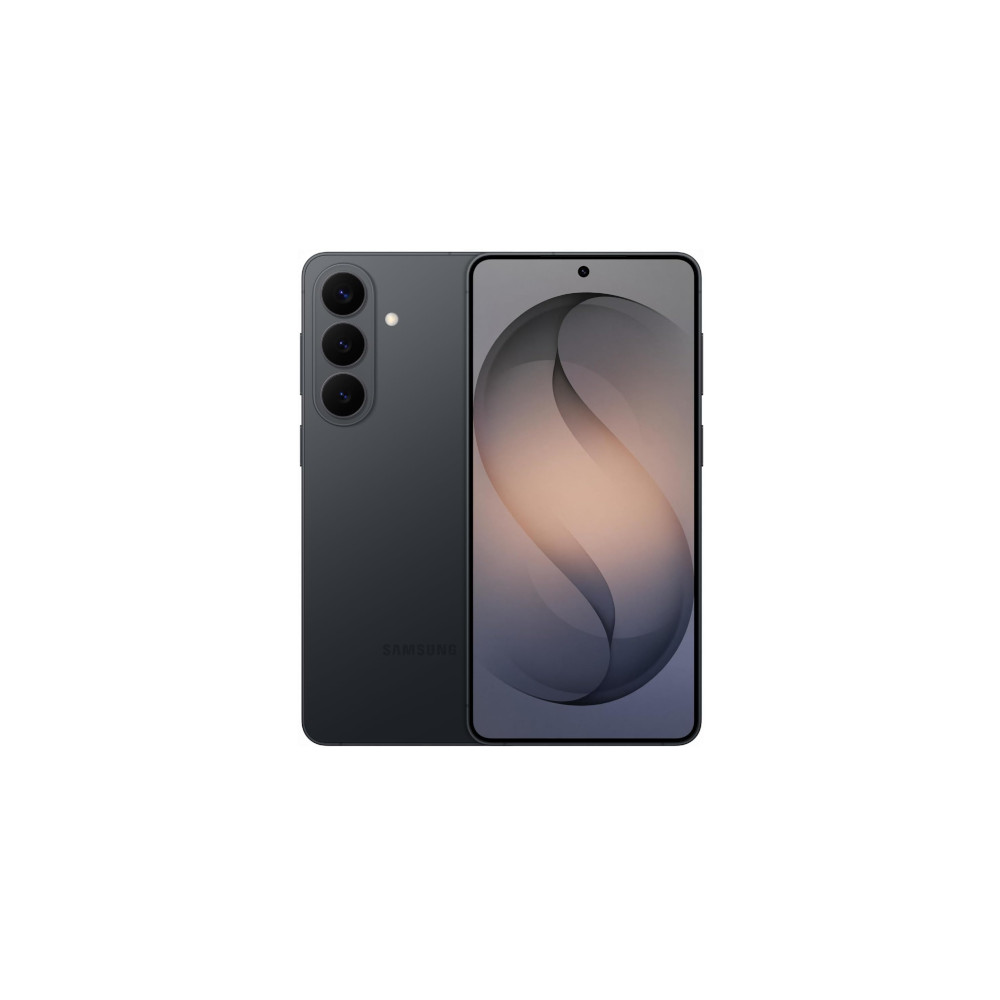
New Galaxy AI features
Bigger Battery
Perplexity’s role also extends to Bixby, enhancing the assistant. As Samsung explained, the new Bixby experience helps users manage their device settings and troubleshoot problems using natural language and agentic tools. For example, a user could ask Bixby to prevent their screen from timing out while they’re looking at it. Bixby can automatically make those changes on your behalf without you having to navigate your settings.
As for Gemini, in addition to its usual abilities, Google is rolling out a new function. Launching soon as a beta, users will be able to long-press the power button and ask Gemini to help book you a ride home or reorder your last meal on a delivery service. Gemini will carry out this task in the background, allowing you to continue to use your phone for other purposes.
Although the task is getting taken care of behind the scenes, you’ll be able to monitor Gemini’s progress live via notifications. You’ll even be able to jump in or stop the task. Google adds that Gemini automates the task by running the app in a virtual window, meaning the AI only has access to limited apps and not the rest of your device.
While this will be a Galaxy S26 series feature, it’s also coming to the Pixel 10 and Pixel 10 Pro. However, it will initially only be available to users in the US and Korea. Google also plans to expand the feature eventually, but for now, it only works with select apps in the food, grocery, and rideshare categories.
Thank you for being part of our community. Read our Comment Policy before posting.