Affiliate links on Android Authority may earn us a commission. Learn more.
The Pixel 11's impressive voice typing feature is coming to Googlebooks
Sep 21, 2026 — 9:00 AM ET
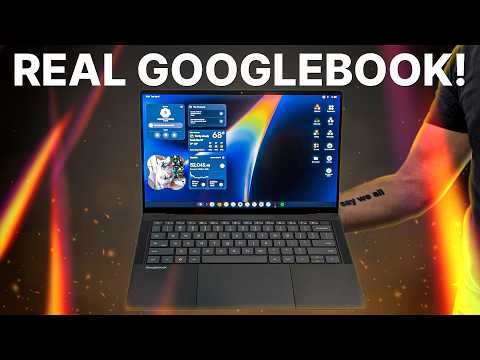


- Rambler, the smart voice-typing feature introduced with the Pixel 11, is coming to every Googlebook.
- Rambler can clean up messy dictation, remove mistakes, and organize spoken thoughts into useful notes and action items.
- Googlebooks also bring deeper Gemini integration, custom widgets, and developer tools, with prices starting at $899.
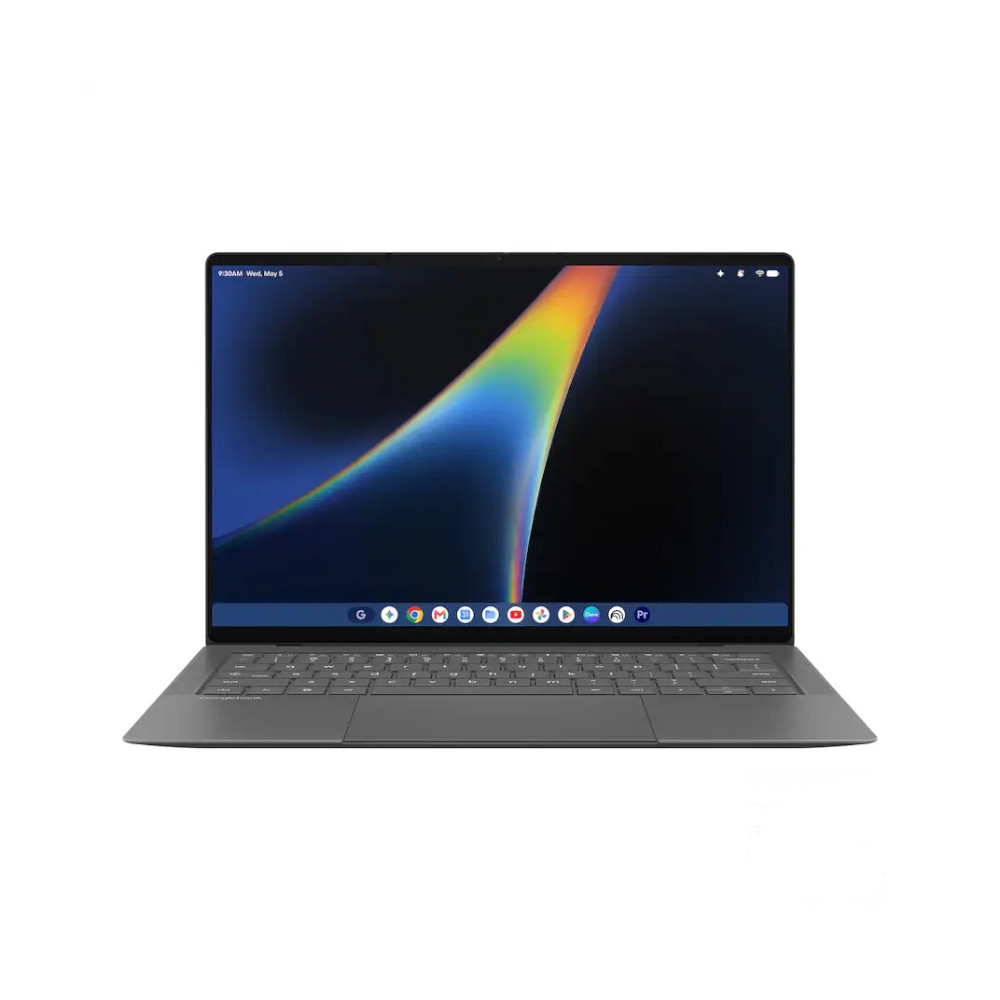
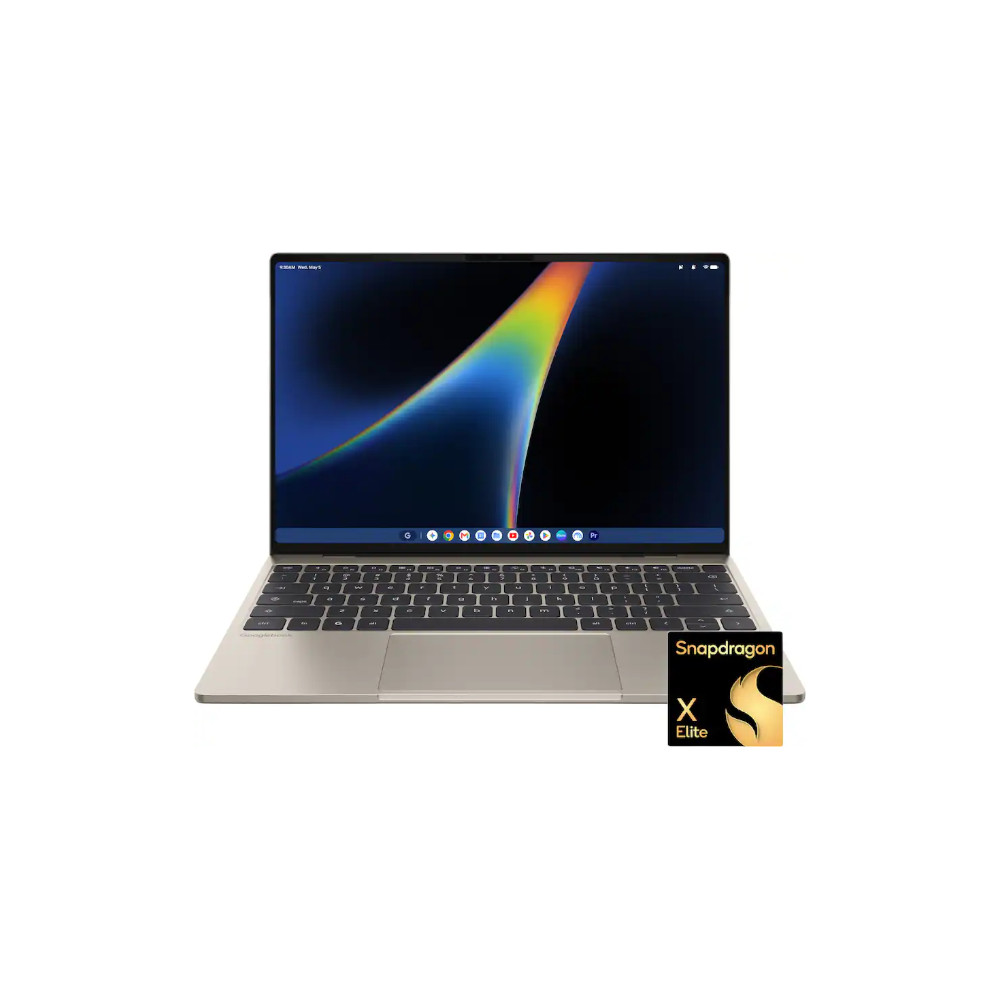
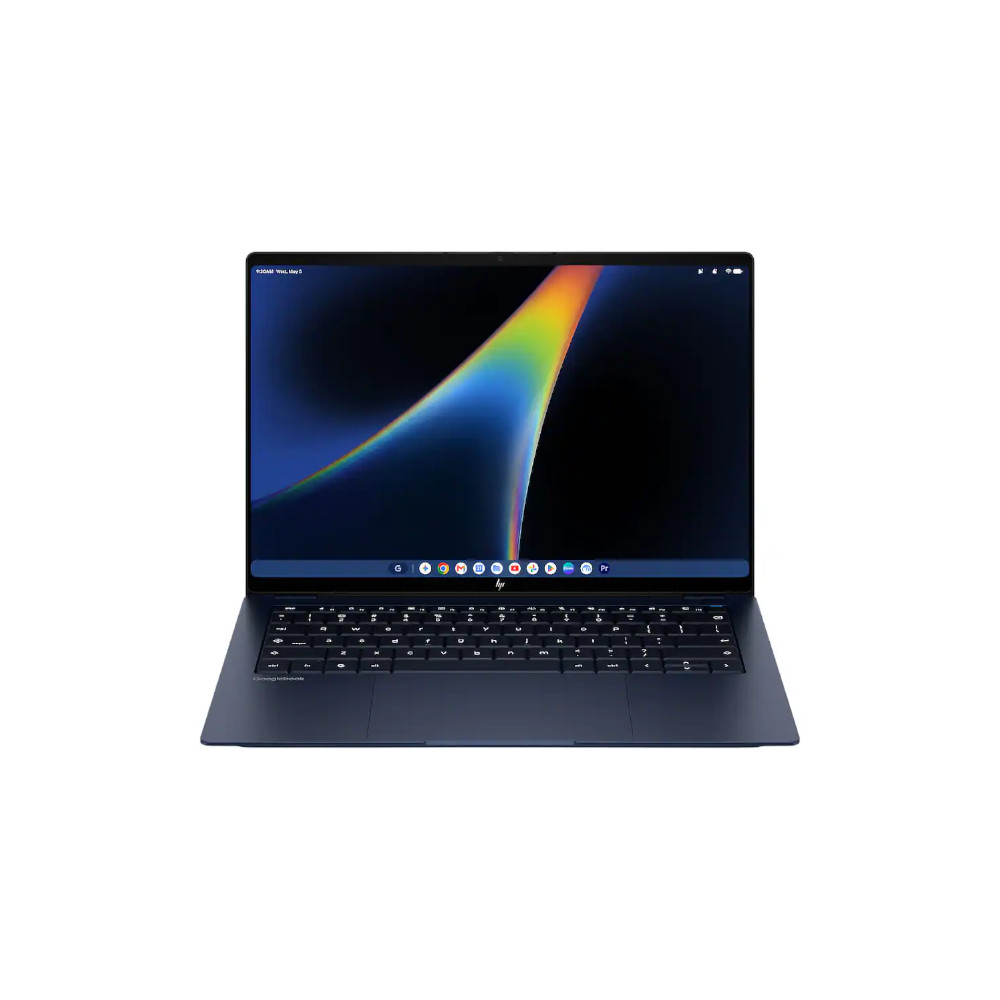
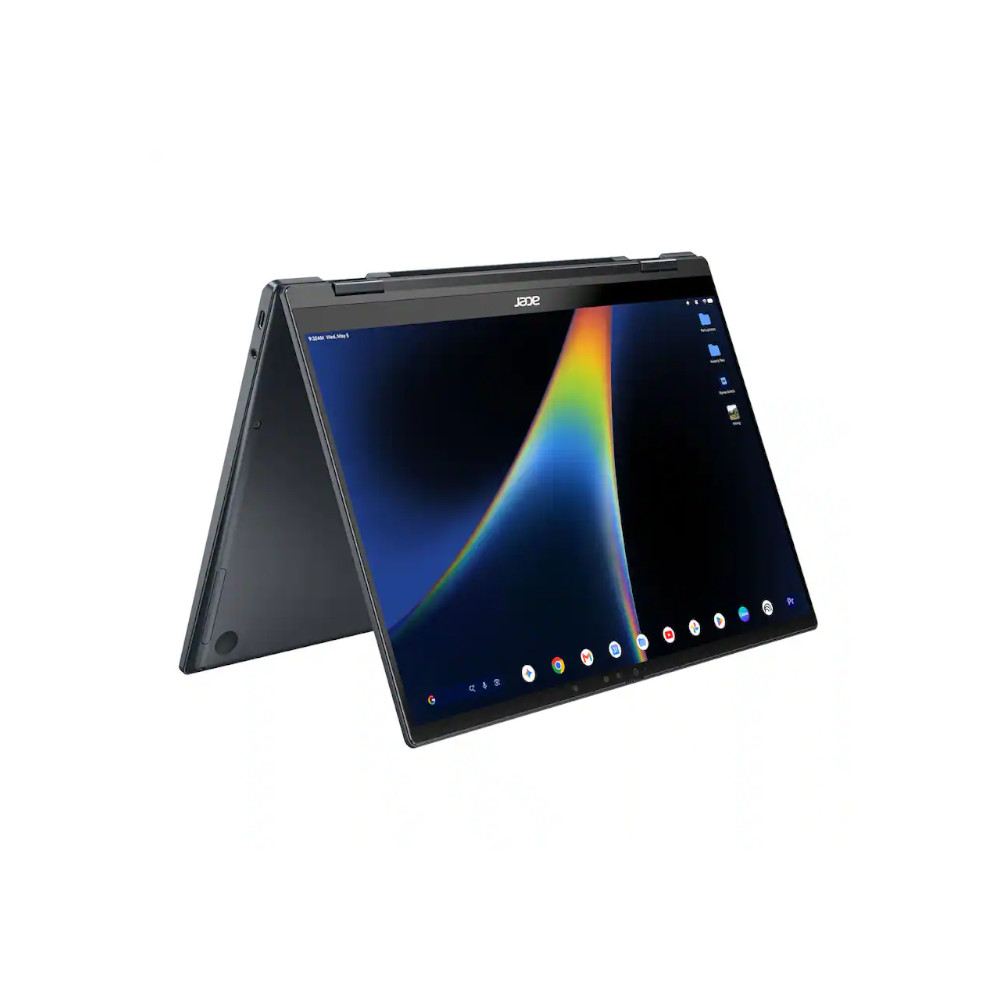
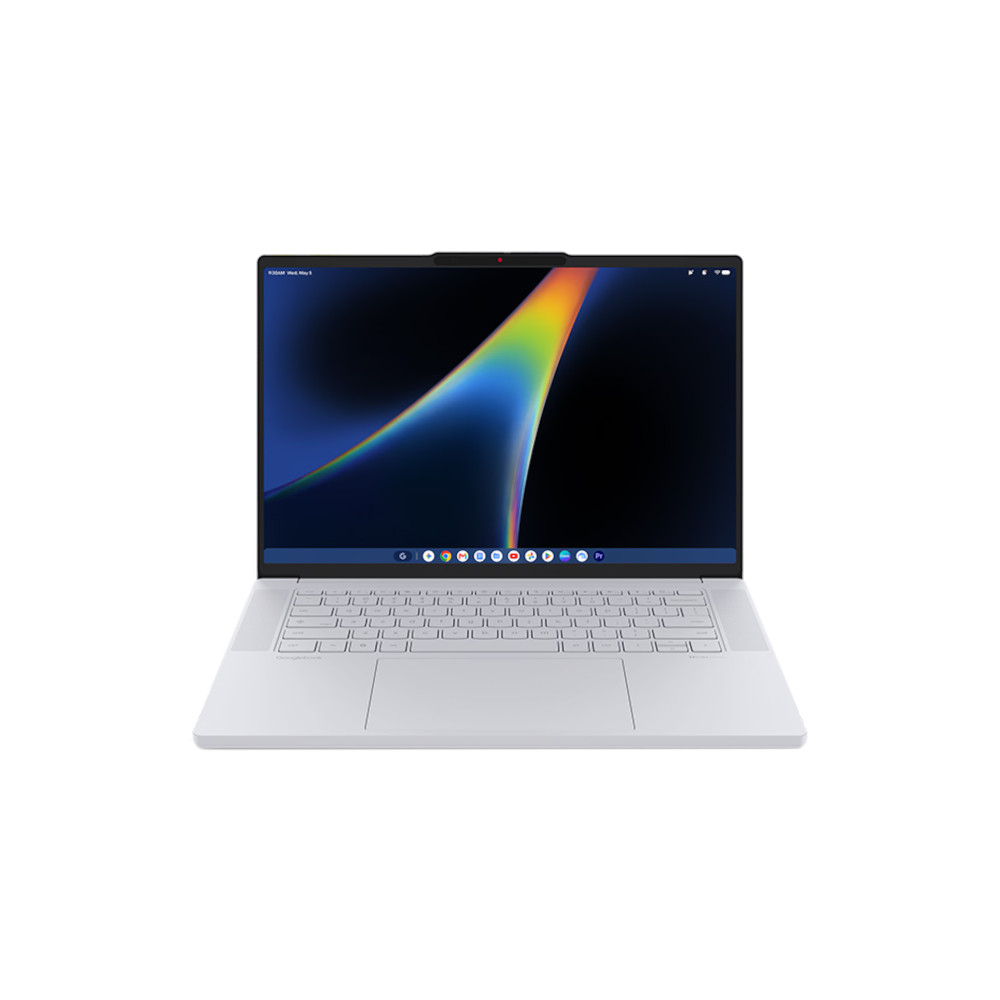
We’ve been hearing about Google entering a new chapter in the laptop market for a while, and now it’s finally official. The company has fully launched Googlebook, its new Android-powered laptop platform that brings together Android, ChromeOS, Gemini, and hardware from several laptop makers.
We’ve already covered the Googlebook announcement, the laptops announced today, and when you can actually buy one. But what caught my attention is just how much of the Android experience Google is bringing to these laptops. That includes Rambler, one of the more interesting features Google introduced with the Pixel 11 earlier this year, and it’s now coming to every Googlebook.

If you’ve ever tried voice typing, you probably know its biggest problem: we don’t speak the way we write. You might start a sentence, change your mind halfway through, repeat yourself, or fill the gaps with a few too many “ums.” Traditional dictation faithfully types all of that out, which can leave you with something that takes almost as long to fix as it would have taken to type yourself.
Rambler is much smarter about it. You can talk through whatever is on your mind, and it understands enough of the context to clean up mistakes and turn those scattered thoughts into something more useful. Ask it to organize what you’ve said, for example, and it can pull out action items, arrange them into bullet points, or even add an emoji that’s relevant.
That sounds particularly handy on a laptop. Instead of carefully typing out notes after a meeting, for instance, you could talk through everything you remember and have Rambler tidy it up for you. It also supports multiple languages naturally, so switching languages mid-sentence shouldn’t require changing your dictation settings first.
Rambler isn’t the only Android-like trick making its way to Googlebooks. Create My Widget lets you describe the widget you want and have Google build it without writing any code. For example, you could make a countdown for an upcoming vacation or something that tracks your favorite sports team.

And that same phone-like approach carries over to Gemini, which is built much more deeply into the Googlebook experience. Familiar tools like Gemini Live and task automation are available from the get-go, while Magic Pointer brings Gemini into whatever you’re already doing simply by moving your cursor. Gemini Spark also keeps working through longer tasks in the background, even after you close your laptop.
There are more advanced tools here too, including Antigravity and a full Linux terminal for developers, but Rambler might be one of the easiest Googlebook features to appreciate. We already spend plenty of time typing on our laptops; being able to say what you’re thinking and have your computer make sense of the messy bits could be genuinely useful — and you won’t need a Pixel 11 to try it anymore.
You won’t have to wait too long to try all of this for yourself, either. Googlebooks start at $899 and are already available to pre-order, with the first models hitting shelves in the US on October 4.
Conversation
Read what readers said or add your take.