Affiliate links on Android Authority may earn us a commission. Learn more.


I tried DJI's new Osmo Mobile 8 gimbal, and it's now my favorite vlogging accessory
DJI Osmo Mobile 8
MSRP: $149.00
What we like
What we don't like
DJI Osmo Mobile 8
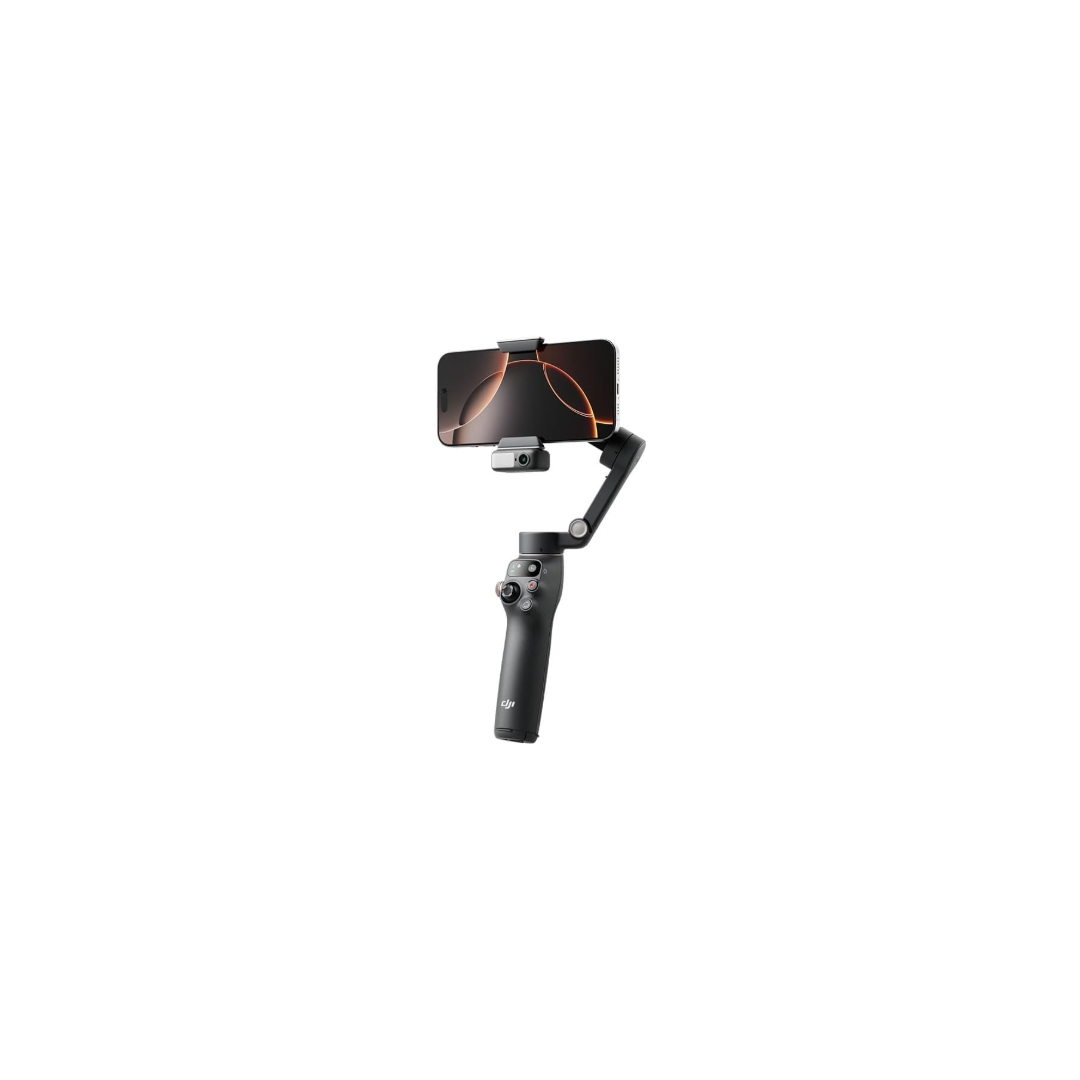
I’ve spent the past few weeks with DJI’s new mobile gimbal, the Osmo Mobile 8. As a longtime user of the RS3 Pro for my camera, I find the Osmo to be essentially a mini version of that for your phone, which is a good thing. I’ve paired the Osmo with my Galaxy S25 Ultra, and there’s a lot to discuss.

The initial setup is a strength of the Osmo Mobile 8. You place your phone into the holder and snap it onto the gimbal. Anyone can use it. You need to ensure that the pins align with each other and that the phone’s cameras are positioned correctly. You might be surprised at how easy it is to get this wrong, but thankfully, the gimbal includes a camera symbol indicator to simplify the process.
Once the phone is snapped onto the gimbal, you open it up, and the gimbal balances itself without any input from you, which is really handy. If you’re going to use the module with the gimbal, I recommend attaching it before turning on the gimbal to ensure proper balance. What I like about the gimbal is its simplicity. You don’t need to know how to use a gimbal, which can be confusing. You turn it on, and you can start filming right away.
Don’t want to miss the best from Android Authority?
- Set us as a favorite source in Google Discover to never miss our latest exclusive reports, expert analysis, and much more.
- You can also set us as a preferred source in Google Search by clicking the button below.


There are also tripod legs hidden at the bottom of the Osmo Mobile 8, which I took a while to locate. I didn’t even know they were there, which I feel is a design shortcoming rather than my oversight. The head of the gimbal is also extendable, providing a bit more versatility when filming. You can tilt it up and down slightly, which is really useful for framing and styles.
One of the Osmo Mobile 8’s highlights is its stabilization.
If you’ve never used a gimbal before, there are modes available to add creativity to your shots. You have basics like pan follow, which follows your wrist movement if you turn your wrist left and right. There is pan-tilt follow, which follows movement up, down, left, and right. FPV allows for pan, tilt, and roll. My absolute favorite mode is spin shot, where you use the joystick on the gimbal to spin the camera.
When moving either forward or backward in a scene, it adds a really lovely effect. There’s also a new 360 rotation mode. Once the gimbal starts tracking you, it can follow you almost anywhere and spin a full 360 degrees. If you’re doing solo filming, including movement is tricky, but this gimbal makes it much easier. It means the videos you create will be more engaging for viewers.
One of the Osmo Mobile 8’s highlights is its stabilization. Smartphones aren’t designed to smooth out all the bumps, but as soon as you attach the gimbal to the phone, the video is tremendously smoothed, giving it a more cinematic feel. It takes a bit of time to get used to, but you can achieve shots that look like they’ve been taken by camera cranes used in professional films.

The Osmo Mobile 8 is also pocketable. At 370 grams, you can use it for hours without feeling the strain of larger gimbals, and you can slip it into your bag when you’re done. On a single charge, you can get around 10 hours of use, although this depends on not having the multifunction module attached, which you will definitely want to use.
Using the multifunction module is where the gimbal gets really interesting. It’s easy to snap on and includes a fill light to brighten scenes. If you want to vlog, you can light yourself and control the brightness with one hand.
Then there’s the tracking. The module enhances this vital aspect of filmmaking. You can use the native camera app on any phone, and it will track you intelligently, meaning that no matter where you go, it’ll grab your face, and the gimbal will follow you. That’s where those tripod legs come in handy, as they allow for more natural-looking vlogging rather than a single static shot. I really like it. You can also use hand gestures to start and stop recording. A high-five starts the tracking, and a peace sign starts and stops the recording.
Regarding controls, there are a couple of useful ones on the gimbal itself. You have a scroll wheel on the side that helps you zoom in and out while filming. You move it backward and forward, eliminating the need to touch the phone to zoom. You can use the record button to start and stop recordings. You can quickly switch from horizontal to vertical by double-pressing the rotation button below the record button. A single tap switches between the front-facing and rear-facing cameras, depending on which one you’re using. There’s also a back button that locks the gimbal in place, preventing left and right movement when filming. Pressing it down will lock it, and a quick double-tap recenters the gimbal.
For audio, you can connect the DJI Mini or the Mic 3 to the module by hitting the link button on the mic and holding the connect button on the module, a process that takes about five seconds.
The DJI Osmo Mobile 8 is a lot of fun. It’s small enough to carry in your pocket, offers incredible stabilization, and the ability to connect a DJI microphone makes it a portable filming rig for vloggers and serious videographers. Add the mic, your phone, and the gimbal, and you’ll get some excellent footage.
- Excellent stabilization
- Beginner-friendly setup and controls
- Multifunction module adds real value
- Compact and lightweight design
- Hidden tripod legs are poorly signposted
- Full feature set depends on add-on module
- Premium pricing
Thank you for being part of our community. Read our Comment Policy before posting.