Affiliate links on Android Authority may earn us a commission. Learn more.
Here's how Google fixed Chrome's most frustrating Android performance issue
Jul 23, 2026 — 1:00 PM ET



- Google cut janky scrolling on Chrome for Android nearly in half between 2023 and 2026 by improving frame delivery consistency.
- Features like “Input Vizard” bypass Chrome’s busy main browser thread, sending touch input straight to the GPU compositor thread.
- New features like “Input prediction” and “Direct2Thread” ensure smooth rendering even if the OS lags in delivering touch data.
Google is constantly tweaking Chrome for Android, whether it’s experimenting with Gemini in the navigation bar or making deep structural performance improvements. Today, the focus is strictly on performance. Google has announced that it successfully reduced the frequency of frustrating janky scrolls in Chrome on Android by a massive 48% between 2023 and 2026. By focusing on frame delivery consistency rather than just raw speed, Chrome’s latest architectural upgrades ensure that swiping through the web feels noticeably smoother.
As detailed on the Chrome Developer Blog, Google set out on a complex, multi-year journey to hunt down the root causes of Chrome’s rather infamous jank and stuttering on Android.
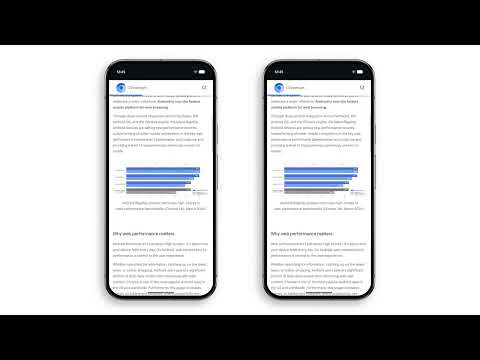
The core issue boils down to missed deadlines. If Chrome doesn’t calculate and deliver an updated scroll frame before the screen’s strict refresh window (roughly 16.7 milliseconds on a standard 60Hz display), the device is forced to show a stale frame, which our eyes perceive as a jerky stutter. Unlike standard Android apps, which handle both touch input and rendering on a single thread, Chrome’s multi-process architecture makes it highly susceptible to micro-delays.
To fix this overall jank issue, the Chrome team used automated Perfetto trace tools to pinpoint exactly where the browser was struggling. This led to a wave of targeted under-the-hood optimizations.
The standout improvement is “Input Vizard,” a structural shift that reroutes touch input events away from Chrome’s busy main browser thread directly to the GPU’s compositor thread.

Google also revamped how the browser handles UI elements. Just as we’ve seen UI experiments like a dedicated back button, the Chrome team implemented browser controls in Viz to ensure the address bar and controls slide out of view in perfect sync with your scroll, without taxing the main thread.
Google deployed several other clever tricks to guarantee a smooth scroll. A new “Input prediction” feature allows Chrome to generate synthetic scroll updates based on the scroll curve it has observed, if the OS lags in delivering real touch data.

Meanwhile, “Input Framer” gives the browser a tiny grace period to wait for late input events, and “Direct2Thread” eliminates unnecessary intermediate thread hops to speed up cross-process communication.
Interestingly, most of these massive gains came from streamlining how Chrome receives your touch inputs, rather than how it draws the page. After all, the browser cannot render a buttery-smooth frame if it doesn’t know where your finger is going.
Thank you for being part of our community. Read our Comment Policy before posting.