Affiliate links on Android Authority may earn us a commission. Learn more.
Stop giving away your email address — use these 5 email alias services instead
Jul 12, 2026 — 7:00 AM ET



When it comes to online security, the only thing we’re told not to reuse is our passwords. However, in reality, passwords rarely go alone and are almost always paired with an email address — something that travels everywhere in plain text but rarely gets the same level of caution.
By handing out our personal email addresses, we effectively give away our digital identifier, which can be used to trace us back. Just as you shouldn’t reuse your passwords everywhere, your personal email shouldn’t be used on every platform you sign up for, either — especially since email addresses are exponentially harder to replace if they end up in a leak.
A good way to achieve that is by using email aliases, which let you easily sign up for random online services without exposing your main email address. These are some of the best email alias services you should use.
How do you protect your primary email address?
SimpleLogin

SimpleLogin is one of the most well-known email alias services, simply because of how feature-rich it is. Since it’s a dedicated service, SimpleLogin lets you connect your custom domain and create multiple aliases through that if you don’t want to use the default domain. One of its biggest perks is that you can reply to incoming emails via an associated alias without exposing your real email address.
Being owned by Proton, SimpleLogin automatically becomes a trusted service for your privacy and security. It also helps that it is open source. Under the Proton umbrella, it also seamlessly integrates with Proton Pass, one of the top password managers, for quick alias generation during sign-up without needing to open a separate app.
SimpleLogin is a power-user app, so if you are looking for a free service to start with, you’d be bummed to know that its free tier only supports ten aliases.
Addy.io
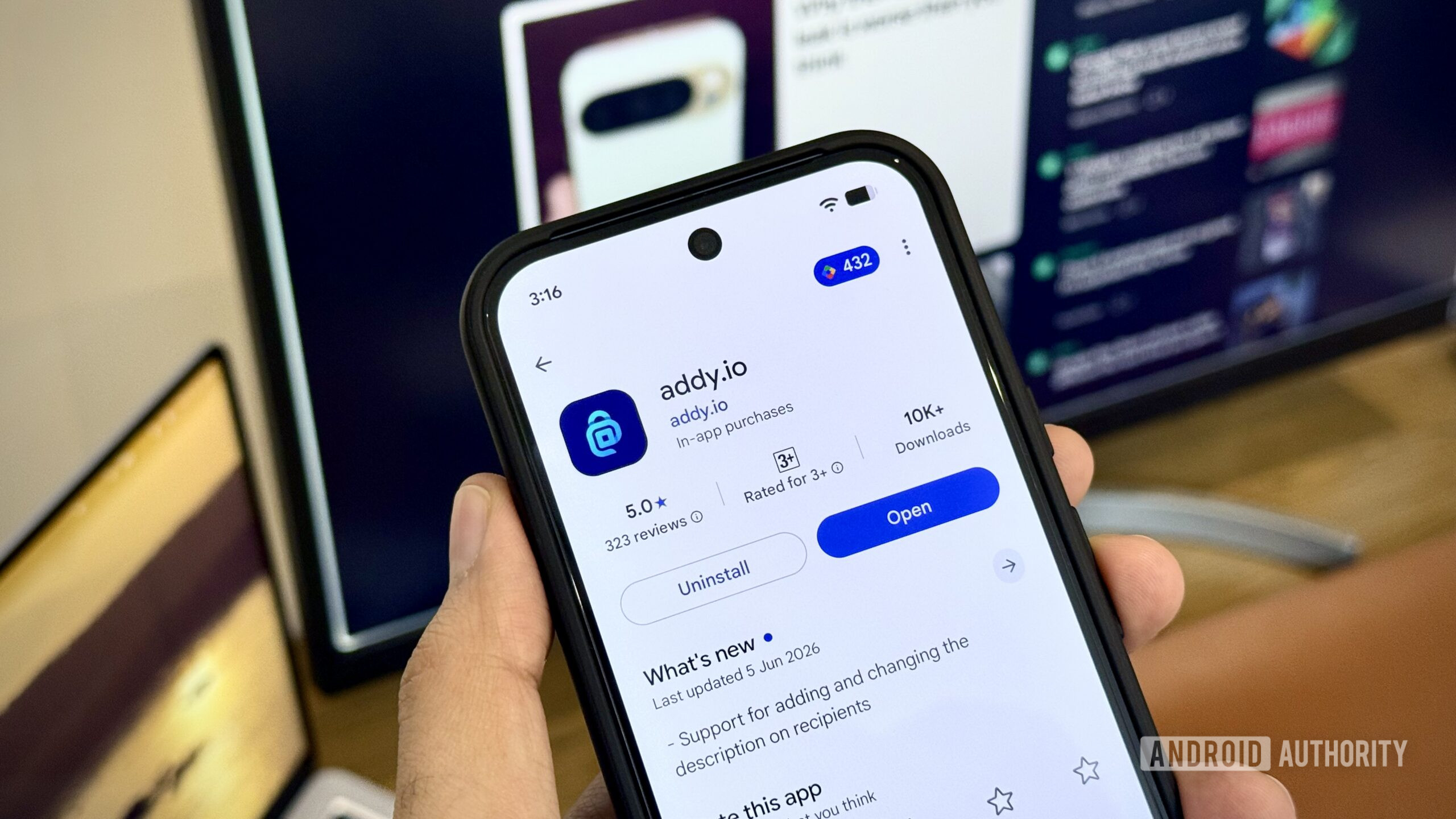
Addy offers one of the most generous free tiers, letting you create unlimited standard aliases without paying a penny. It does come with other restrictions, like not being able to reply through your alias to a contact and having to deal with a monthly bandwidth cap, but you can quickly bypass those limitations with its cheap paid tier that starts at just $1/month. And that opens up a lot more features, like having multiple recipient emails and the option to attach a custom domain.
Addy is among the better services to use if you’re just starting your privacy journey, especially since there’s an adequate free tier to try it out first. While its interface may not be as polished as other services, it’s open source, earning it a security brownie point.
Firefox Relay
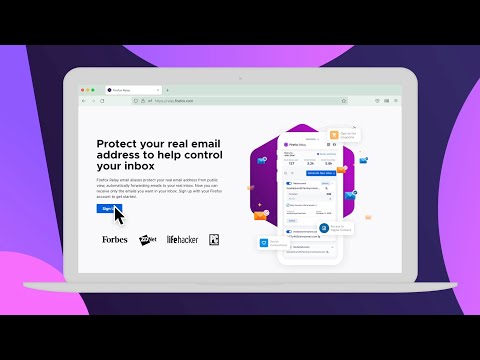
Privacy-focused web browser Firefox offers a bunch of built-in privacy-first features, including an email alias service. If you are a Firefox browser user, you’ll find the Relay service baked right into the app, though you can use it in other desktop browsers as well. On the free tier, it offers up to 50 email aliases, though replying through those aliases requires a paid plan.
Since it is tied to your web browser via a browser extension, it lets you create custom email aliases directly on the sign-up page, making it super easy to use. It uses a rather straightforward @mozmail.com address, which is a lot less likely to trigger any red flags on certain websites when signing up. However, I still wish Firefox Relay had a more appealing free tier to attract lighter/beginner users.
Apple Hide My Email

If you use Apple hardware and subscribe to iCloud+, you already have access to a premium email alias service. Since it’s directly integrated into Apple’s operating systems, the “Hide My Email” button appears on the keyboard, letting you quickly create a randomized email and hide your primary iCloud email address. It works reliably well and has solid spam protection while letting you easily reply to emails from service providers and your contacts.
Its only downside is that it has no free tier and requires an iCloud+ subscription, and the fact that it’s Apple-exclusive. If you want to mask your primary address hosted on Gmail, you’d be out of luck. Some users might find the lack of custom domains and limited management to be a serious drawback, especially for a paid service.
DuckDuckGo Email Protection

DuckDuckGo is yet another privacy-first web browser that also offers an email forwarding service with its easy-to-remember @duck.com address. If you occasionally need to hand out your email to random apps or untrusted websites, you can use the free service from DuckDuckGo. You can create your own @duck.com address. This service lets you create unlimited private aliases when you need them and strips incoming emails of any hidden trackers.
Being a browser service, it’s directly integrated into the DuckDuckGo browser, but you can use an extension to use it in your other browsers as well. However, I found that replying through an alias often reveals your primary address, so it’s better suited as a forwarding service rather than a fully featured alias platform.
Bonus: Fastmail

Most alias services let you keep your existing email address and forward any incoming messages to your primary inbox. But if you are open to switching your email provider to a premium offering, Fastmail gets you excellent built-in alias capabilities. It’s an entirely paid service with no free tier, which means all the features are available at your disposal. And the company maintains deep integration with 1Password for masked email, which is particularly helpful if you are in that camp.
Thank you for being part of our community. Read our Comment Policy before posting.