Affiliate links on Android Authority may earn us a commission. Learn more.
I finally found an Android phone that beats the iPhone 17 Pro in video recording

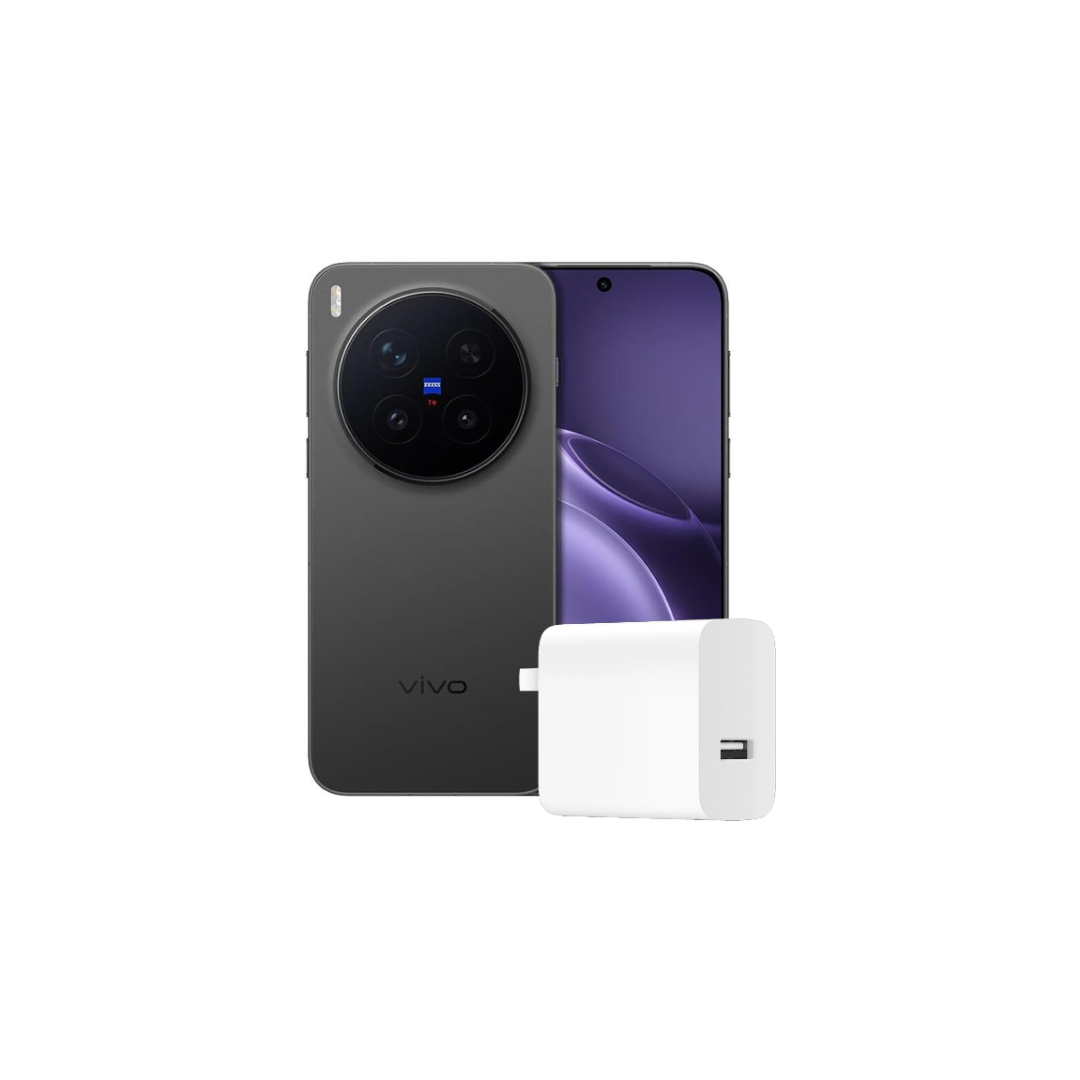
The iPhone has been held as the benchmark for phone video recording for as long as I can remember. And the assumption isn’t baseless. Since the early iPhones, Apple has consistently delivered high video quality, which most Android flagships have failed to match. However, with Chinese brands’ recent push toward premiumization, we’re seeing some impressive camera choices that could potentially dethrone the iPhone. Among these elite choices is the vivo X300 Pro, which carries ZEISS’ pedigree and has repeatedly been hailed for its ability to replace a DSLR or mirrorless camera.
The vivo X300 Pro easily earns a spot among the best phones for photography. While I trust it to meet my expectations with stills, its video chops truly took me by surprise. I feel it can finally surpass Apple, so I decided to put the two phones through an intense competition to determine whether vivo actually beats the iPhone, and the results are quite fascinating.
Is iPhone still the best choice for videos, according to you?
Does vivo X300 Pro really beat the iPhone 17 Pro?

In addition to the features I discuss below, what truly sparked my curiosity to compare the vivo X300 Pro with the iPhone 17 Pro was a comparable camera stack. On paper, both Pro phones have a very similar primary camera sensor: a 1/1.28-inch module that shoots at 24mm. For videos, both phones can shoot 4K at up to 120fps in the standard video mode. But in addition to these similarities, vivo claims an advantage with special Zeiss-designed lenses with an anti-reflection coating and a custom “V3+” co-processor. The latter is also advertised to improve portrait videos, deliver crisper images, and speed up processing.
Since we’ve already put the X300 Pro’s photography skills through paces in a separate piece, I will focus solely on the video features. And what would be better than starting with the video feature that both Apple and vivo claim is their most compelling?
vivo’s clear advantage in daylight

Since the onset of winter, my city, Delhi, has been shrouded in a thick layer of smog. And when I decided to take a short weekend getaway to a fort-turned-resort in Rajasthan, India, I was bound to take the iPhone 17 Pro and the vivo X300 Pro with me. Throughout the short trip, I recorded more than a hundred clips, but carefully curated them to fewer than 10 to make a fair side-by-side comparison. The first set of clips shows Cinematic videos shot on both phones, emphasizing their differences (or similarities) in color, clarity, and smoothness.
Cinematic video is Apple’s term for portrait videos with added software background blur, while the subject remains in focus. This, as you would expect, results in a video that appears to have been shot with a camera designed for professional video, if not necessarily for cinema. In this article, I will use the terms Cinematic and portrait mode interchangeably, even though they mean the same thing.
The iPhone 17 Pro can record Cinematic videos at 24 or 30fps, while the vivo allows recording at 30 and 60fps. So, an acceptable middle ground was to compare 4K portrait videos at 30fps. I also recorded videos without HDR (though both phones support 10-bit Dolby Vision recording) for consistent results across a variety of screens.
Here’s the first comparison in daylight:
While both phones excel at separating me from the background, awash with mustard bushes, the vivo’s video immediately pops with better contrast and sharpness. The iPhone, meanwhile, smooths out the subject contrast, presumably to make the background bokeh look more natural. But in this particular scenario, the video looks dull and unappealing.
iPhone outshines in low light
Interestingly, the results show the opposite in low-light conditions, as in the following scene from dusk.
The scene captured here is slightly brighter and therefore relatively better defined. While neither captures an impressive amount of light — given the lack of it — the iPhone captures a little more detail on my wife’s face. The vivo, on the other hand, captures colors more accurately, even though the clip is devoid of details, especially around darker areas like my wife’s shirt.
The background bokeh is comparable but inadequate in clips from both phones, mainly because they were shot with a short focal-length lens. However, the iPhone does a slightly better job of blurring the background.
…even in extremely low light
To confirm this applies to other low-light scenarios, we shot another clip with indoor lighting inside one of the alleyways. Here are the results:
Once again, the iPhone ekes out a win over the vivo X300 Pro. Both the seemingly antique furniture in the background and my face appear darker on the vivo. One aspect that is consistent in both clips above is that the bokeh intensifies as I approach the cameras. It also looks natural in both cases, which compensates for the otherwise passable video quality.
iPhone uses HDR to its advantage
The inclusion of HDR tips the scales further in favor of the iPhone, as you will notice in the following clip. That’s because, while HDR on the iPhone is tied to the video settings, vivo automatically decides whether to use it or not in portrait video. This, I feel, puts the vivo at a disadvantage, and I hope we could have a manual override in the future.
In this case specifically, the iPhone records with HDR while the vivo records without it, further succumbing to scant indoor lighting.
The vivo X300 Pro could have been an easy winner, if not for its silly HDR flaw.
Thankfully, though, vivo’s losses largely end here. Even though it struggles in low light compared to the iPhone 17 Pro, it offers two unique benefits that Apple has completely overlooked.
vivo takes over the iPhone 17 Pro in frame rates
The first benefit is the vivo X300 Pro’s support for 60fps recording in the Cinematic mode. Even though the clips I’ve shown so far look pretty great at 30fps, the jitter in the following video is immediately apparent due to the direct comparison between the iPhone’s 30fps and vivo’s 60fps.
Movements in the 60fps clip feel way more fluid and natural. It is also more palatable for social media and offers greater flexibility than just 24fps and 30fps for the type of footage you may want to capture.
Apple misses out on organic portrait video
The other way I find vivo’s portrait video superior to the iPhone’s is its support for the telephoto lens. While the X300 Pro allows recording a portrait video using its 3.5x (85mm equivalent) lens, the same is capped at 2x digital zoom on the iPhone.
Apple’s decision, despite its superior R&D and taller claims about video creation, truly baffles me and makes me wonder why it wouldn’t consider using the new 4x telephoto camera for Cinematic videos. After all, better zoom allows for a shallower depth of video, resulting in a more natural bokeh, as you can see in the video below.
Another reason to trust vivo’s telephoto is the 200MP sensor, which not only outresolves the iPhone 17 Pro’s 48MP sensor but is also larger, an important factor in light capture.
With portrait video from a telephoto lens, the vivo X300 Pro seizes an easy win.
I believe this feature alone is enough to convince anyone looking to buy a phone for projects with professional-like video effects with minimal labor. The natural bokeh of the 3.5x, aided by the software-enhanced background bokeh, makes the video look so much more striking.
4K 120fps: Both excel without a clear winner
While the comparison based on the portrait videos is more definitive, both phones also come very close in terms of regular video recording features. Both can record at 4K 120fps, and while 120fps has limited support on online video platforms and social media, it can be used to create smoother slow-motion videos than native Slo-mo. Both phones record slow-motion videos at either Full HD 240fps or 4K 120fps, but the final output is rendered at only 30fps, making it look a bit choppy.
Instead, I prefer to shoot in the standard video mode at 4K 120fps and then slow it down later. Besides appearing smoother, recording at 4K 120fps also eliminates the flickering in low light that slo-mo videos are usually plagued with. Here’s how they compare.
Both clips, originally shot at 120fps, are slowed down to 60fps. I honestly fail to see which one offers better quality. While the iPhone video has a nicer stylistic look, the vivo looks sharper. The colors in the iPhone’s video are warmer, though it does not necessarily offer better exposure or brighter shadows than some of the low-light videos above. I prefer the vivo, though my wife leans more towards the iPhone’s video, so there’s definitely a subjective element to appreciate here.
The gap between vivo X300 Pro and iPhone 17 Pro closes further with regular video modes.
While the daylight results are quite comparable, the iPhone again offers slightly brighter colors in another video shot at dusk.
The iPhone again captures the ambiance with a tad more lighting and more warmth, making the video look more appealing. Again, the vivo’s video looks slightly sharper, though the less illuminated colors nullify that advantage.
Unlike the Portrait video mode, vivo X300 Pro also gets a manual toggle for Dolby Vision. This can thankfully remedy some of the clip’s darker parts and improve visibility, bringing itcloser to the iPhone 17 Pro.
Features that push vivo closer to the finish line

Besides the advantage of more cameras at your disposal, vivo also offers a broader set of features to customize videos both during and after recording. The X300 Pro lets you choose between two ZEISS effects, which change the shapes of the blurred artifacts or any tiny sources of light behind you. These features are in addition to the aperture (for blur intensity) and exposure controls that the iPhone offers.
Don’t want to miss the best from Android Authority?
- Set us as a favorite source in Google Discover to never miss our latest exclusive reports, expert analysis, and much more.
- You can also set us as a preferred source in Google Search by clicking the button below.


What really stands out for me are the various camera LUTs (predefined color filters) inspired by actual ZEISS lenses. There are at least a dozen such options. Not only that, but vivo also appears to have addressed scenarios where you accidentally shoot with a color filter and then notice it later.
These LUTs can be completely removed using the X300 Pro’s dedicated editor for portrait videos, which sits separately from the standard video editor.
The vivo X300 Pro wins not because of its hardware but the features backing it.
Since vivo offers a wide range of options in this editor, I believe they deserve their due recognition. These options are accessible by tapping the Portrait video icon at the top-left of the video preview in vivo’s media gallery, Albums.
This opens up two main options. The first allows choosing the subject of focus for the portrait video, and then increasing or decreasing the bokeh’s intensity. As you’d expect, the focus closely tracks faces, but it also allows me to focus on other objects if I ever want to show the subject out of focus for creative reasons.
The second menu opens up LUTs again. Here, in addition to changing or disabling the LUT used while recording, I can also change the intensity. What truly fascinates me, though, is the ability to set different LUT intensities for the background and the subject. With this, I can either make the subject pop or make it look more subdued.
While the actual hardware capabilities offer substantial grounds for calling the vivo X300 Pro a worthy iPhone 17 Pro rival, these editing features help it firmly grasp the lead.
The iPhone’s video dominance is at stake

The vivo X300 Pro evidently excels at video, especially when there’s sufficient daylight. While the iPhone prioritizes softer textures and artificially warmer tones, the vivo emphasizes vibrant colors and greater sharpness. It admittedly lags in low lighting, especially with relatively inferior HDR controls compared to the iPhone. But it compensates for those shortcomings by letting you shoot cinematic videos at a much smoother frame rate while also supporting all lenses, not just the primary one.
Other shooting modes also offer comparable results, but what truly seals the deal for me are the extensive post-processing and editing features that the vivo offers by default. To unlock these on the iPhone, you would either need to shoot with third-party camera apps, such as Filmic or Blackmagic, or use editing tools like Filmora or LumaFusion, which will require added expenditure on top of the usual Apple Tax.
The only challenge you might face is finding the vivo X300 Pro to buy in your region, as it’s in limited supply — and doesn’t support US carriers. However, if you’re in the APAC or EMAE regions and love shooting video, this is a flagship definitely worth your consideration.

Thank you for being part of our community. Read our Comment Policy before posting.