Affiliate links on Android Authority may earn us a commission. Learn more.
Here's how to unlock your Googlebook's secret light show
Oct 9, 2026 — 4:33 PM ET
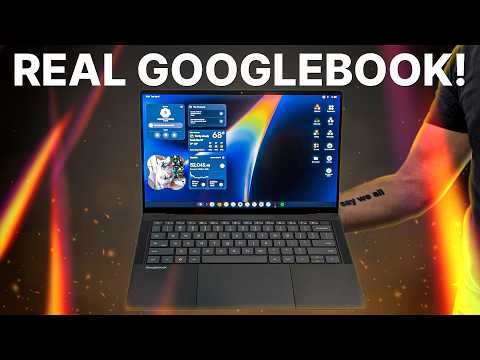


- The steps to find the hidden Glowbar Disco app on Googlebooks have been revealed.
- The app is tucked away in the system settings, but it’s easy enough to find when you know where to look.
- Glowbar Disco lets you customize the laptop’s light strip with colors, animations, and music-sync effects.
The Glowbar is one of the more distinctive features of the new Googlebooks, adding a splash of color to the lid while also serving practical purposes, such as indicating battery status and Gemini activity. But Google has also given it a party trick in the form of a hidden Glowbar Disco app. We learned about the app a couple of weeks ago, but Google didn’t reveal how to access it at the time. However, with the new laptops now out in the wild, the beans have officially been spilled.
What's the biggest selling point for Googlebooks in your opinion?
As revealed by Chrome Unboxed, the app is tucked away in the system settings rather than appearing in the usual app launcher. Fortunately, you don’t need to be tech-savvy to track it down. Here’s how to open Glowbar Disco on your Googlebook:
- Open Settings on the laptop.
- Head to Apps, then select See all apps.
- Hit the three-dot menu in the top corner and choose Show System.
- Use the search bar to find Glowbar Disco.
- Select the app, then click the Open icon in the top-right corner.
Once you’re in, you’ll find quite a few ways to customize the light strip. You can choose between seven colors, switch between solid and gradient lighting, or select one of six preset animations with names like Rainbow, Strobe, and Pong.

There’s also a Music sync section that lets you make the Glowbar respond to the audio playing on your laptop. It offers three modes: VU Meter, Spectrum, and Disco. Google labels this part as experimental, so your results may vary.
If you’re wondering what it looks like, here’s the ‘Fire’ animation in action.
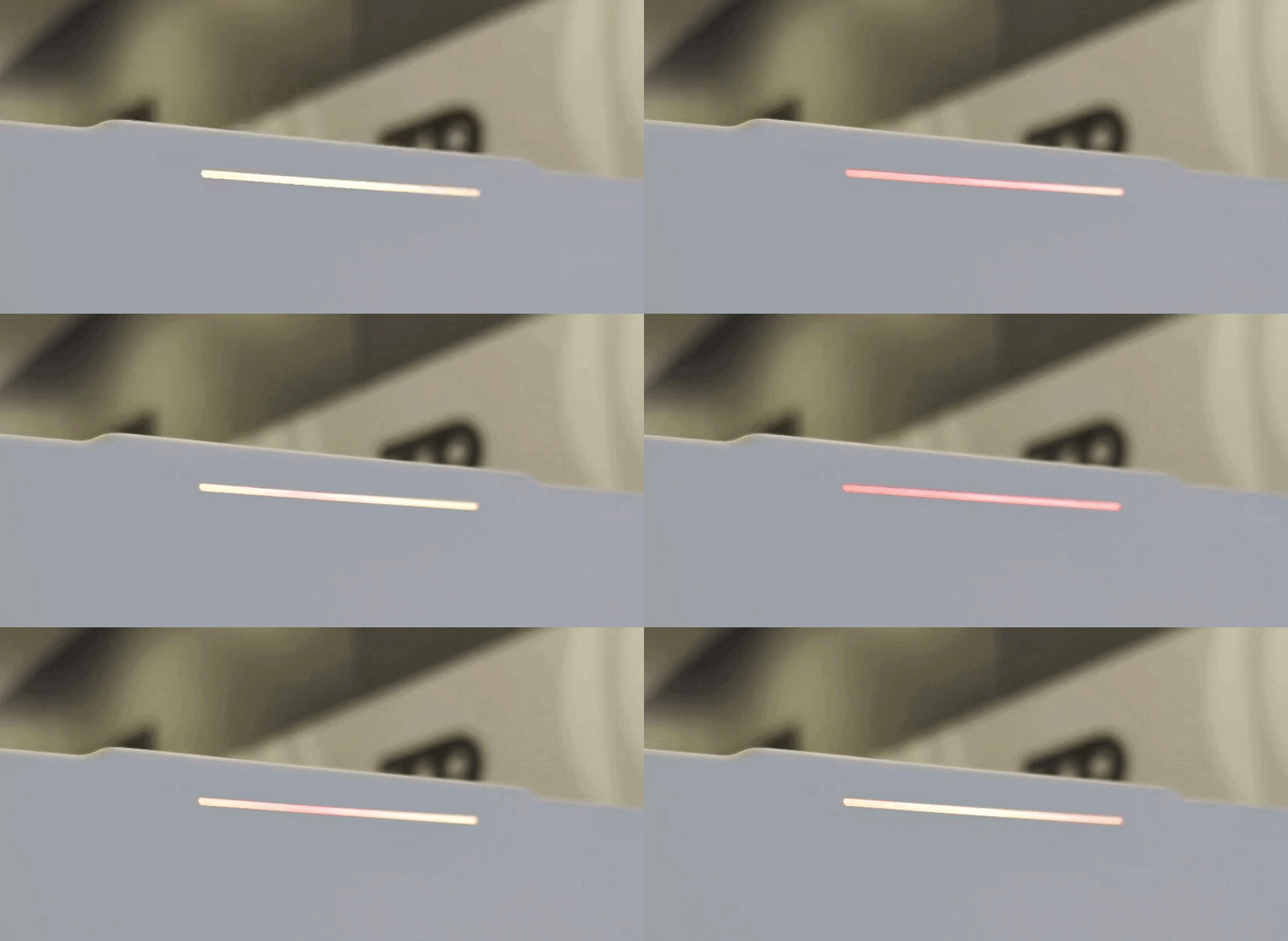
It might not be enough to persuade you to fork out the premium asking price for a Googlebook, but it’s a fun little extra for anyone who’s already picked up one of the new laptops — even if there isn’t much risk from the note in the animations section advising “Careful, you may become too cool.”
Thank you for being part of our community. Read our Comment Policy before posting.