Affiliate links on Android Authority may earn us a commission. Learn more.
Googlebook key features detailed: Here's what you get with Glowbar, Game Controls, and more
Oct 5, 2026 — 3:54 AM ET



- Google has added a host of new support pages for Googlebook laptops in time for their launch.
- Google explains various lighting states of the Glowbar, the RGB LED strip on the back.
- It also explains Game Controls, which is used to map keys to touchscreen controls for gaming.
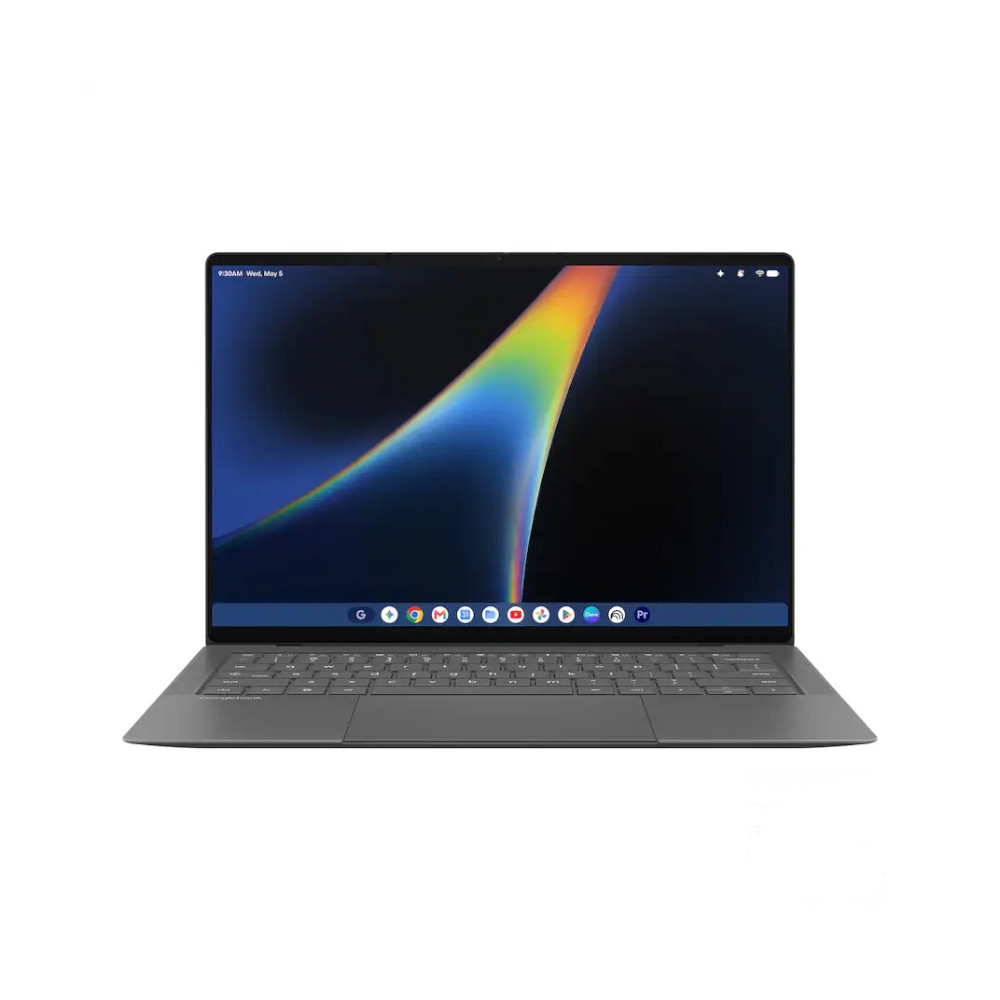
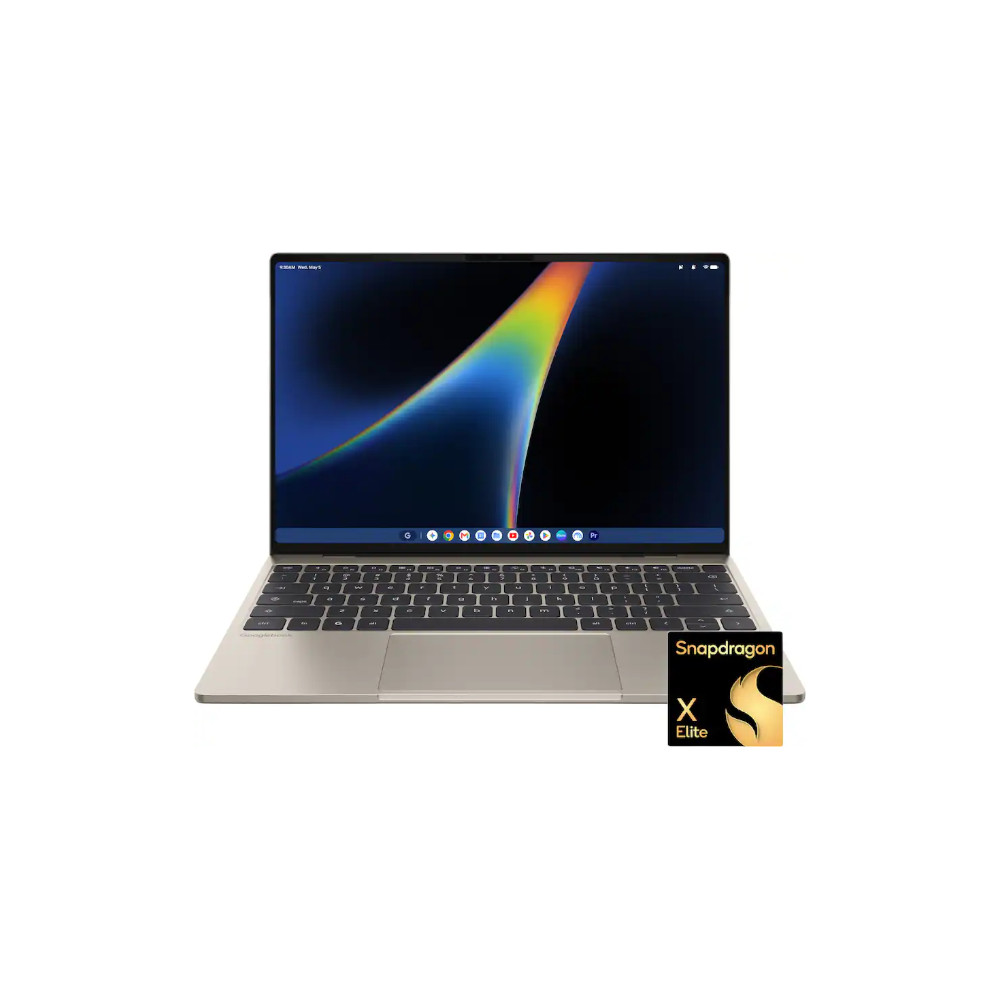
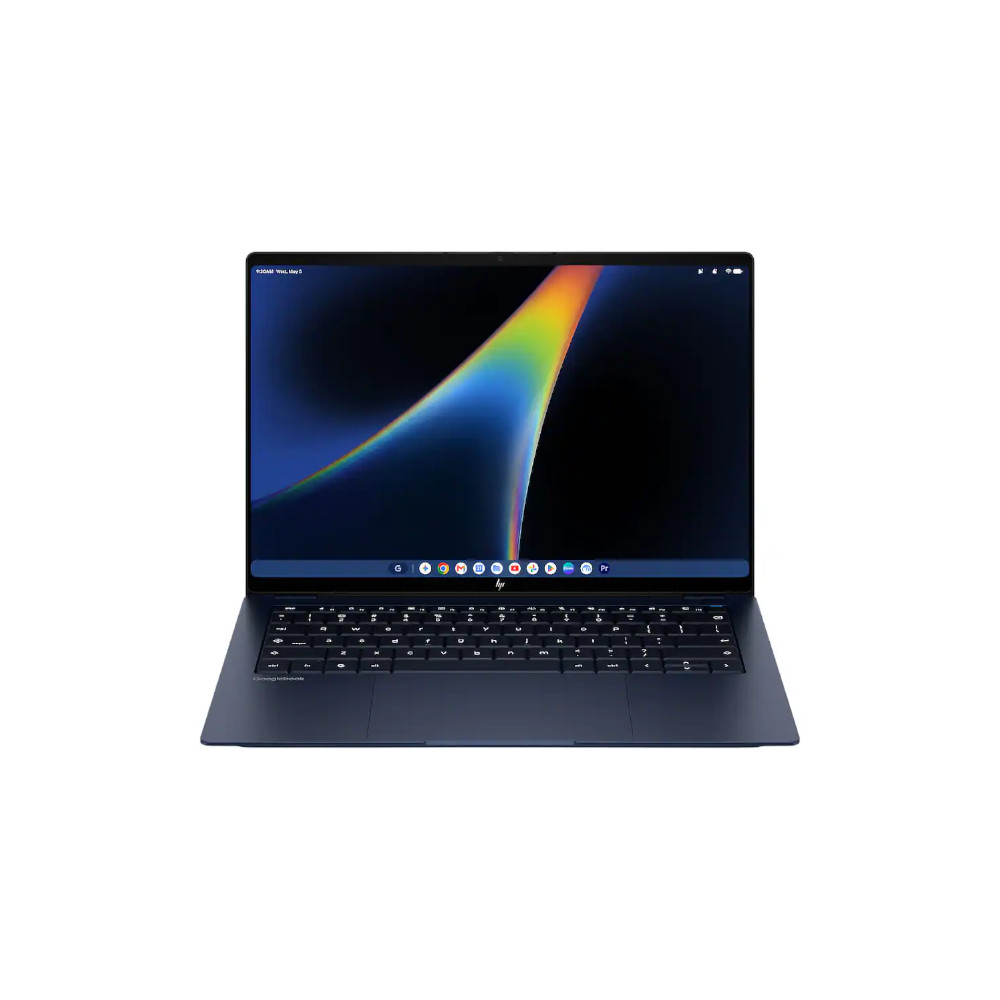
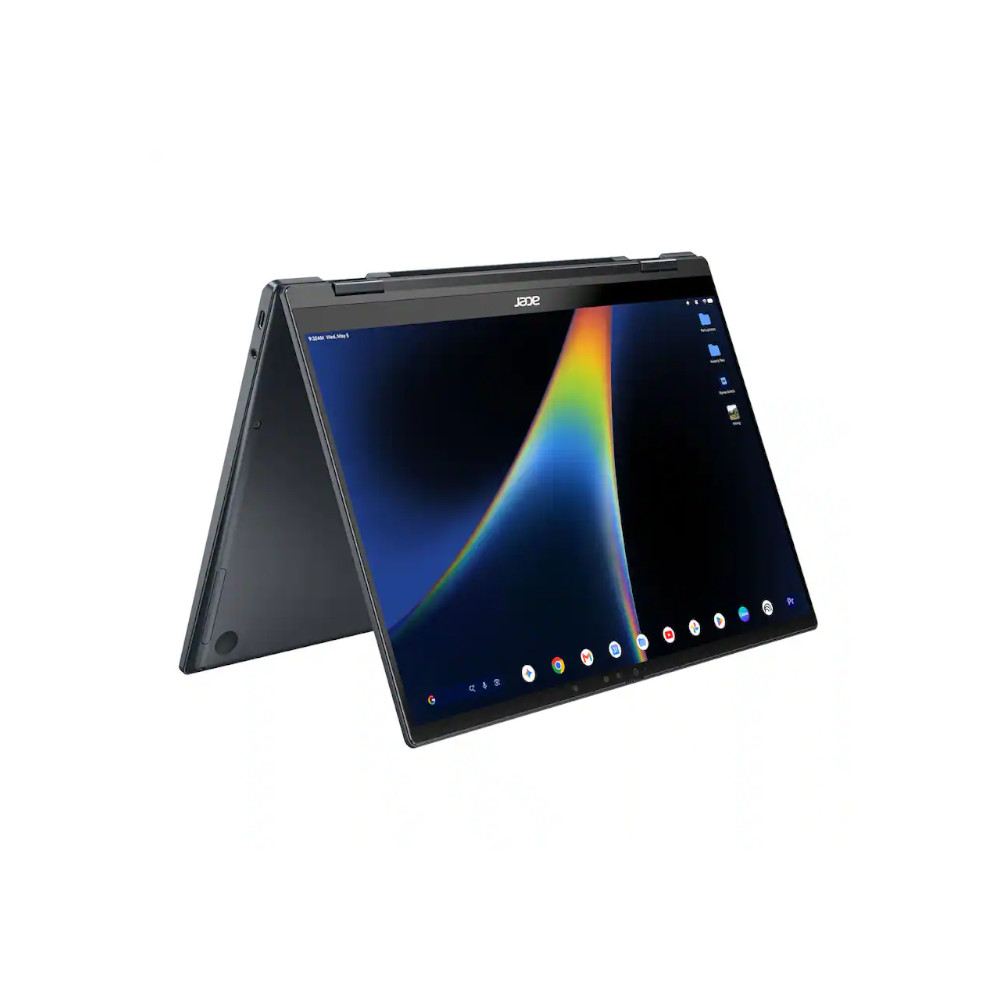
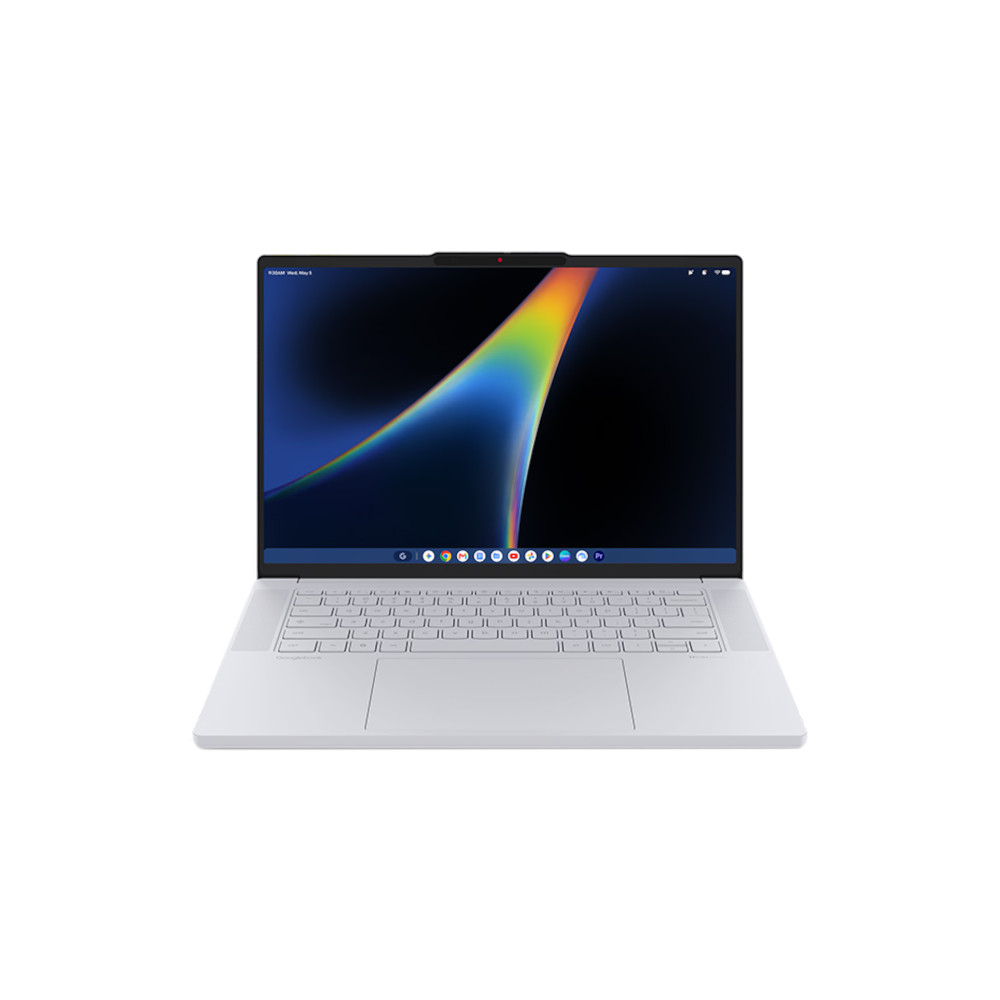
Google announced its re-entry into the premium laptop space recently and opened pre-orders the same day. Two weeks later, as the Googlebook devices go on sale, Google added new support pages to help new buyers prepare for their Android-based laptops.
In the support pages, Google highlights key features, covering topics such as how to set up and customize the Googlebook to your liking. Along with the basics, Google also details how to make the best of unique features, such as the Glowbar — the RGB color strip on the back — and set up on-screen key-mapping to use the keyboard with Android games.
Google, for starters, has a page dedicated to understanding the different states of the Glowbar, elaborating on the different lighting conditions for the strip. For instance, the Glowbar stays dimly lit in white when the Googlebook is in use and glows brighter when the laptop is charging. The VIBGYOR (or seven-color spectrum from violet to red) only shows when the device has just been woken up or put into a state of sleep. The light also indicates battery status, glowing or flashing red when the battery is low, amber when the battery reaches a usable level between 20–59%, and green after it hits 60%. The level of completeness increases as the battery level increases. Similarly, the Glowbar cycles through blue and purple colors when you’re talking to Gemini.

If you don’t find the feature usable, Google also gives you the option to turn it off completely — or just turn it off while speaking with Gemini.
Another nifty feature Google explains is called Game Controls, and it lets you assign keys to on-screen controls for Android games running on Googlebooks. Per-game controls can be defined by clicking on the application’s name on the title bar, then Settings, and then toggling on Game Controls. Besides regular taps, Googlebook users can also assign joystick controls, which can be triggered using regular keys while gaming.
Google also explains how to use Googlebook’s built-in PDF and document editor, which we dug up last week. Additionally, Google elaborates on various AI features such as Gboard’s Writing Tools, Circle to Search, Rambler, Antigravity, and more. And beyond these, we also see a host of troubleshooting resources.
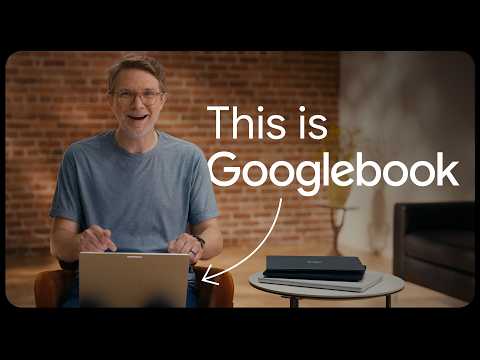
Googlebooks are already garnering sufficient interest, as indicated by them selling out during the pre-order phase. So, releasing explanatory documents is worth noting, especially as the laptops went on sale this weekend. Along with written documents, Google has also released a video walking users through the thought process behind Googlebook OS, and we can see the heavy macOS influence, as was also visible in previous demonstrations.
Thank you for being part of our community. Read our Comment Policy before posting.